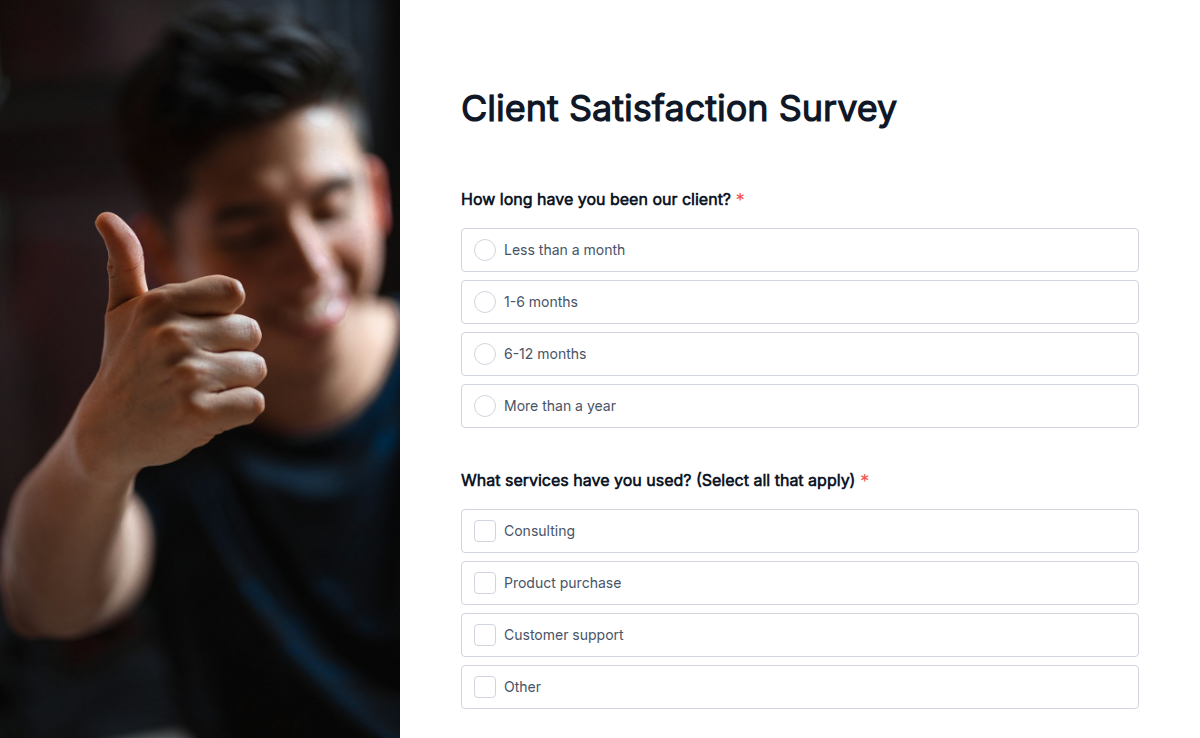
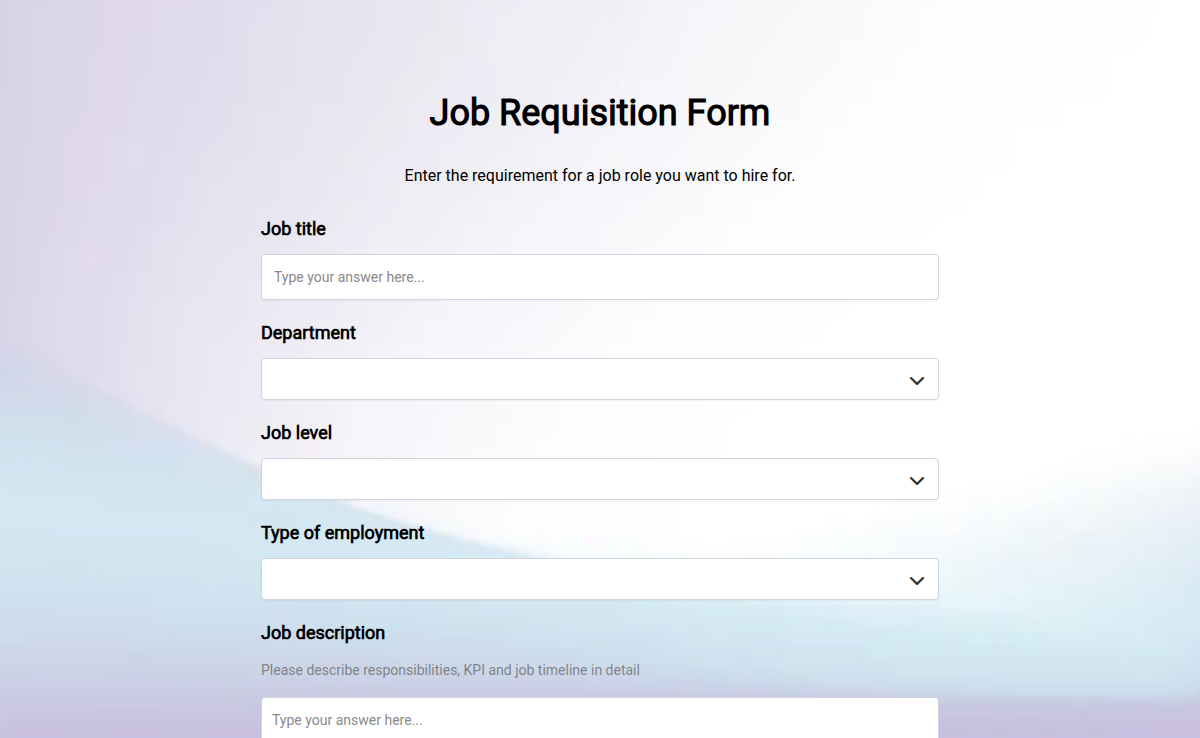
No native payments, e-signatures, or conversational layouts.
Google Forms does not collect payments, capture e-signatures, or render forms one-question-at-a-time. Each requires a separate add-on or a different tool.
Dossier: Google Forms weaknesses.

Google Forms is free, fast, and good enough for an internal poll. The moment you need offline collection, payments, branded forms, or a real free-plan AI generator, you outgrow it.
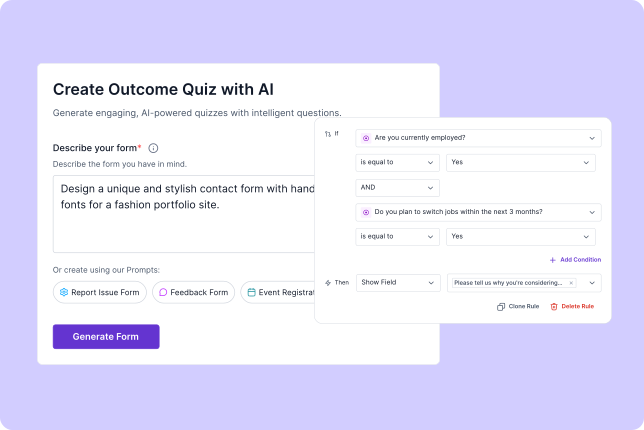
Get Started - it’s free! Use AI to create and edit forms instantly without manual effort. Access 100 percent customizable templates for any use case. Save time with ready-to-use free templates designed for every need.
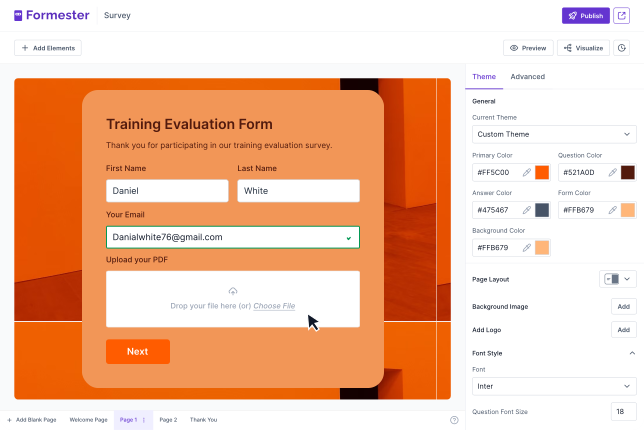
 Enjoy a minimal yet powerful dashboard built for speed. Design forms that look great and perform better. Give users a smooth experience that drives more responses.
 Rely on enterprise-grade protection for your data. Prevent breaches with advanced security protocols. Stay compliant with global data standards and policies.
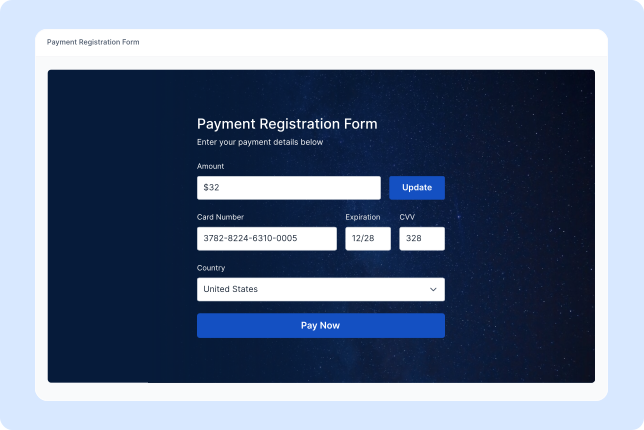 Invite your team to build and manage forms in real time. Assign roles and control permissions with ease. Stay aligned with shared dashboards and instant updates.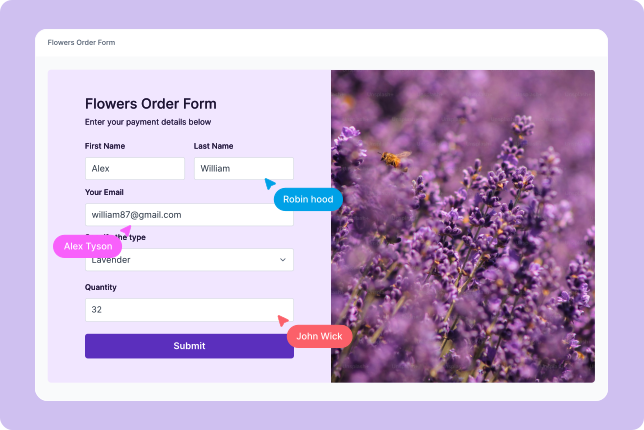
















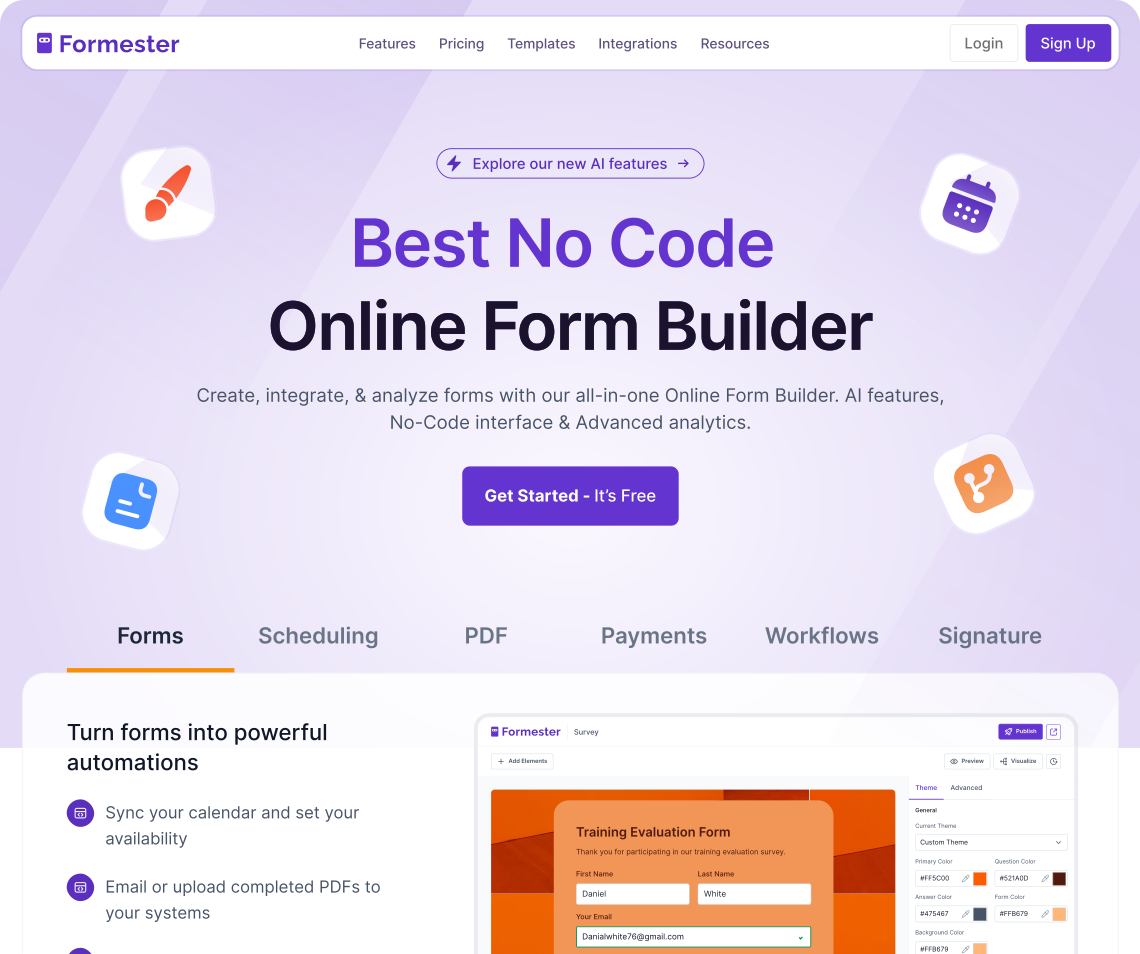
Formester is the AI powered free alternative to Google Forms. It performs all Google Forms' functions and offers additional features, such as advanced logic, real time calculations, built in payments, more templates, and powerful integrations to automate workflows!
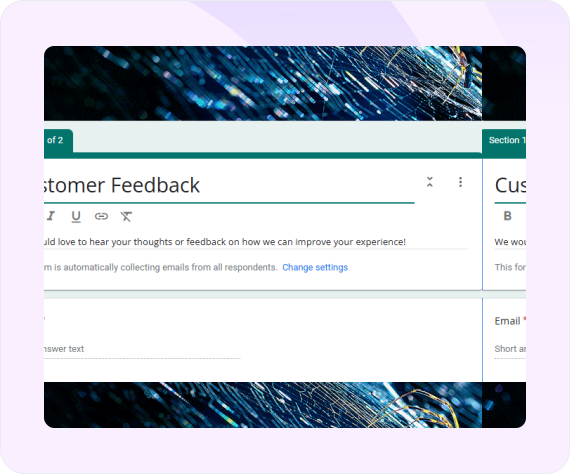
Google Forms is a free tool for creating surveys and quizzes. It’s simple and widely used, but has limits. Weak design, basic logic branching, no payments, no AI, and minimal submission control make it less powerful for advanced needs.
Get started with our free templates!
Improve your workflows with zero coding.
 Airtable
 Notion
 Google Sheets
 Gmail
Gmail Outlook
 Mailchimp
 Trello
 Asana
Asana ClickUp
 HubSpot
 Salesforce
 Zoho CRMAirtableNotionGoogle SheetsGmailOutlookMailchimpTrelloAsanaClickUpHubSpotSalesforceZoho CRM
 Google Calendar
 Calendly
 Google Docs
 PDF.co
 Google Drive
 Dropbox
 OneDrive
 DocuSign
 Adobe Sign
 ConvertKit
 ActiveCampaignGoogle CalendarCalendlyGoogle DocsPDF.coGoogle DriveDropboxOneDriveDocuSignAdobe SignConvertKitActiveCampaignGoogle CalendarCalendlyGoogle DocsPDF.coGoogle DriveDropboxOneDriveDocuSignAdobe SignConvertKitActiveCampaignGoogle CalendarCalendlyGoogle DocsPDF.coGoogle DriveDropboxOneDriveDocuSignAdobe SignConvertKitActiveCampaign
"Tried like 4 quiz tools for our lead gen funnel before this and honestly this is the only one I didn't end up hating. AI did most of the work and the …"
"Very intuitive and the surveys look genuinely professional out of the box. Most importantly, I requested a custom rating scale and they shipped it wit…"
"Formester is simple enough for non-developers and sophisticated enough for developers. I'd say being able to choose between simplicity and complexity …"
"I'm migrating my forms from Paperform, where I've been a user for over 4 years. Loving the software so far! I've already replaced Paperform form embed…"
"Formester AI form builder has lots of customisation options. It's very easy to generate online forms. Forms generated are also very user friendly it s…"

Create better lead forms with features like conditional logic, file upload, and Google Sheets integration for easy data collection.
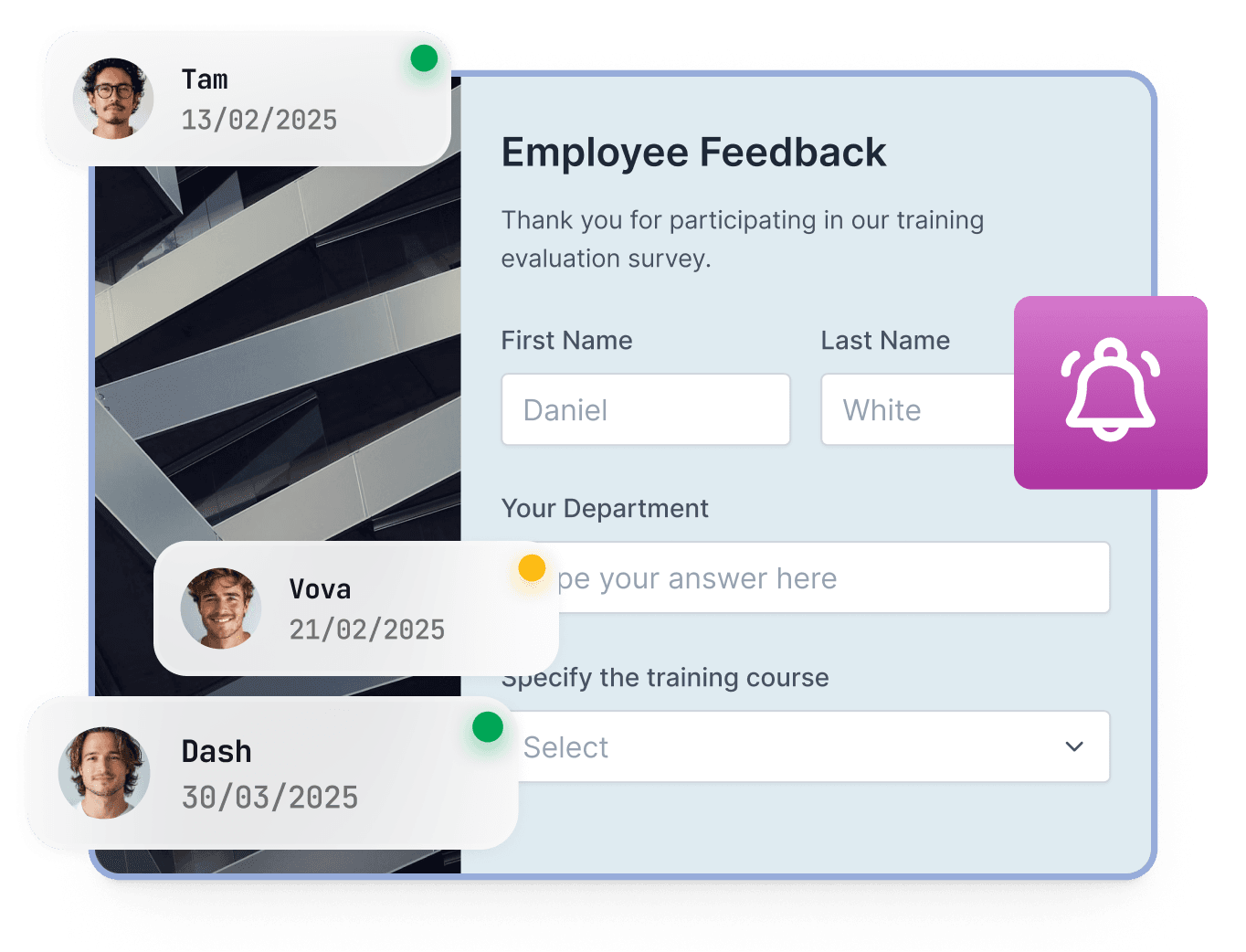
Create branded forms with logic and notifications. Handle everything from onboarding to reviews using one tool.
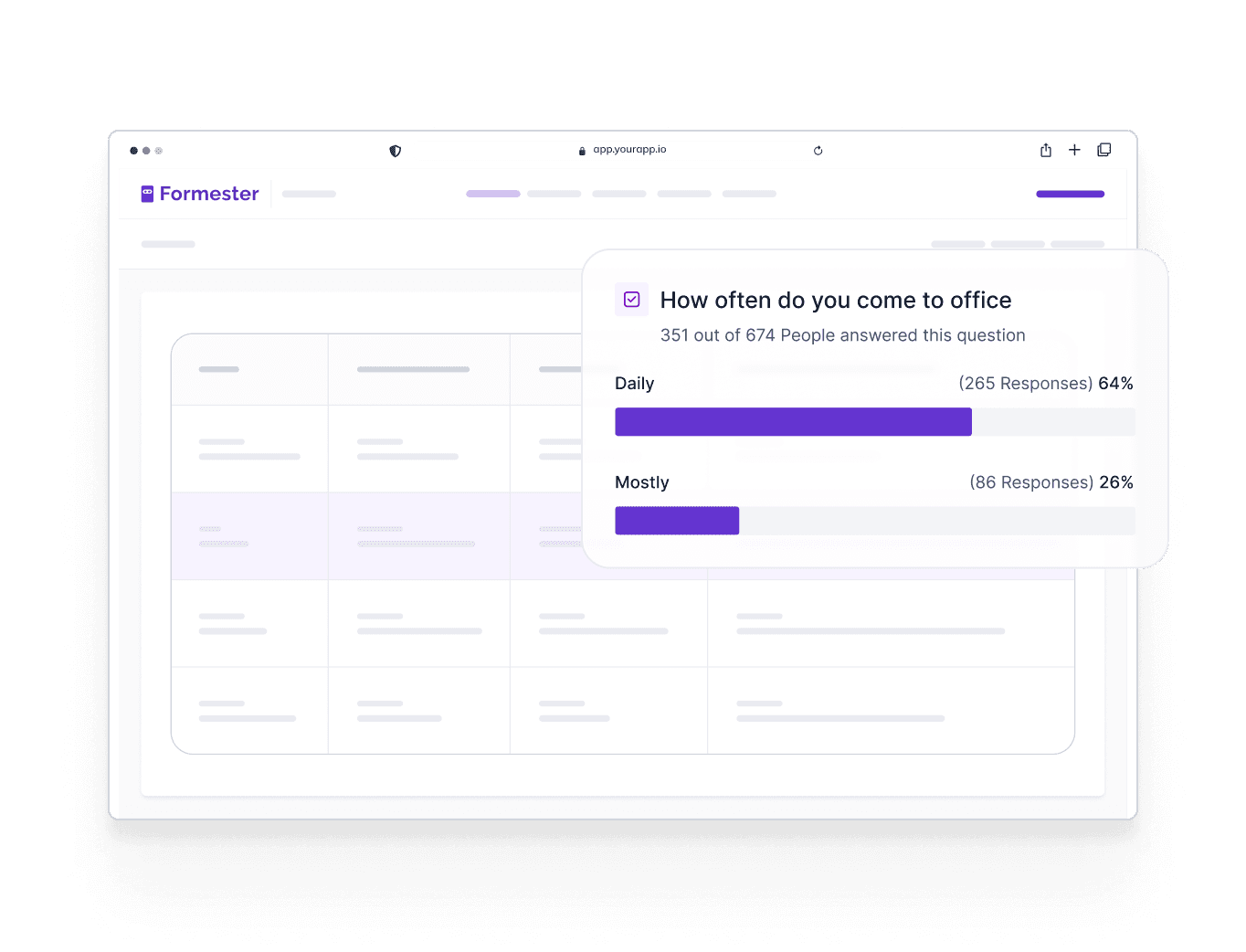
Go beyond basic forms. Use feedback forms your customers will love to engage and provide valuable feedback.
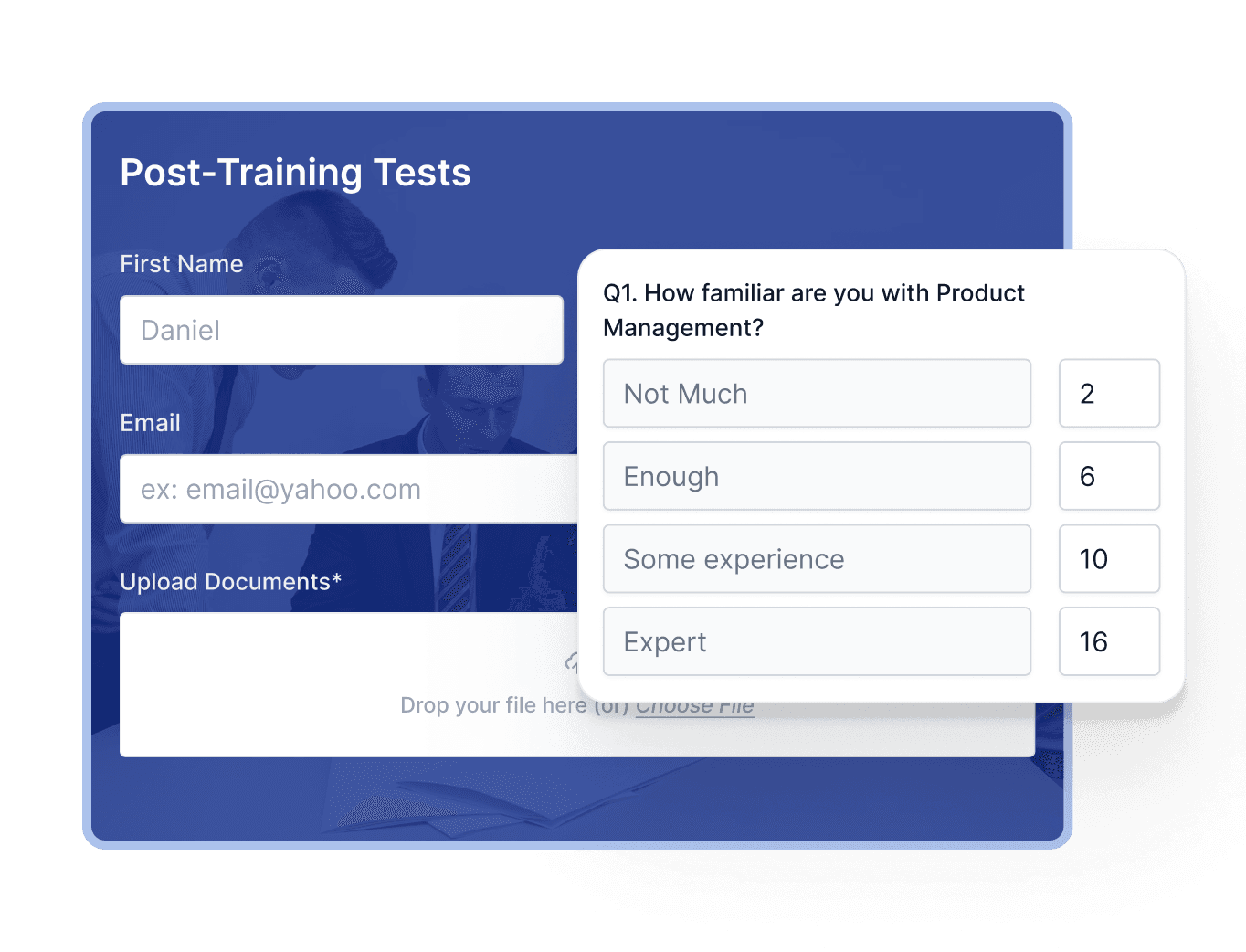
Build interactive quizzes using smart paths, scoring, and tracking. A great use for teams switching from Google Forms.
Find answers to common questions below, or reach out to our team for more help.