Order forms that price themselves.
Customers pick options and the form does the math. Tax, shipping, line totals, and conditional fields like "PO number" all resolve as they fill it in.
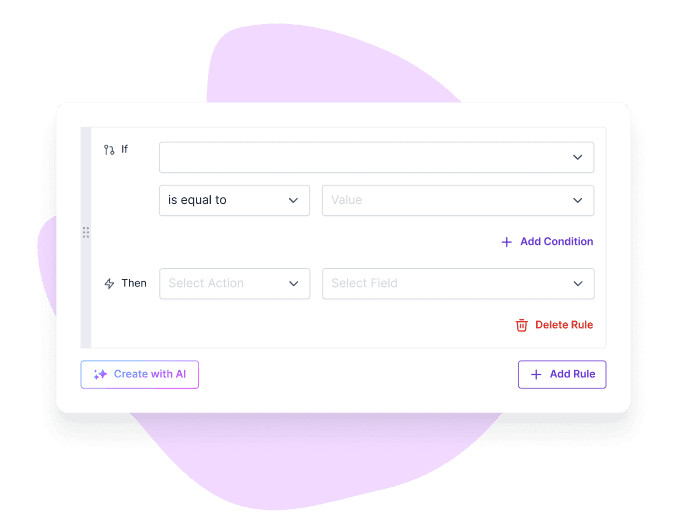
Tell Formester the rule in one sentence. It writes the show, hide, skip, calculate, and route logic into your form. You preview, edit, publish.
Businesses and creators trust Formester to build conditional logic forms, automate workflows, and improve conversions with ease.
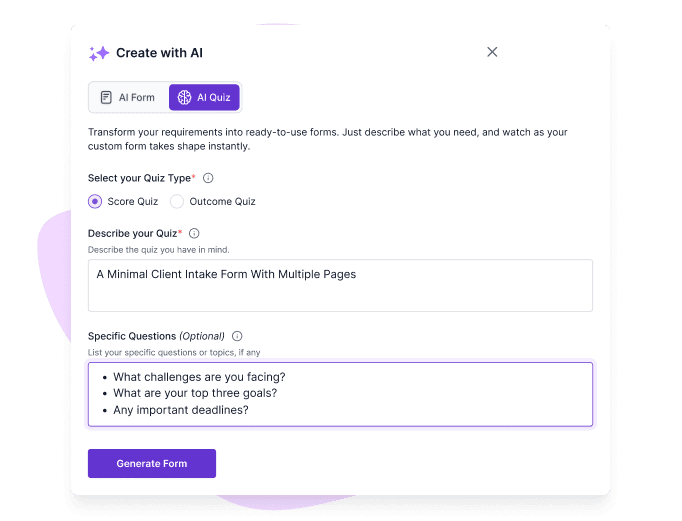
Create conditional logic forms using simple prompts. No need to manually set complex rules.
AI gets fast wrong sometimes. Every rule the AI writes lands in the standard rule editor first. Read it, change a condition, change the action, save. Nothing publishes until you say so.
Paste any existing form into Formester (or import from Google Forms, Typeform, Microsoft Forms). The AI reads the fields and lets you describe rules against them, no rebuild.
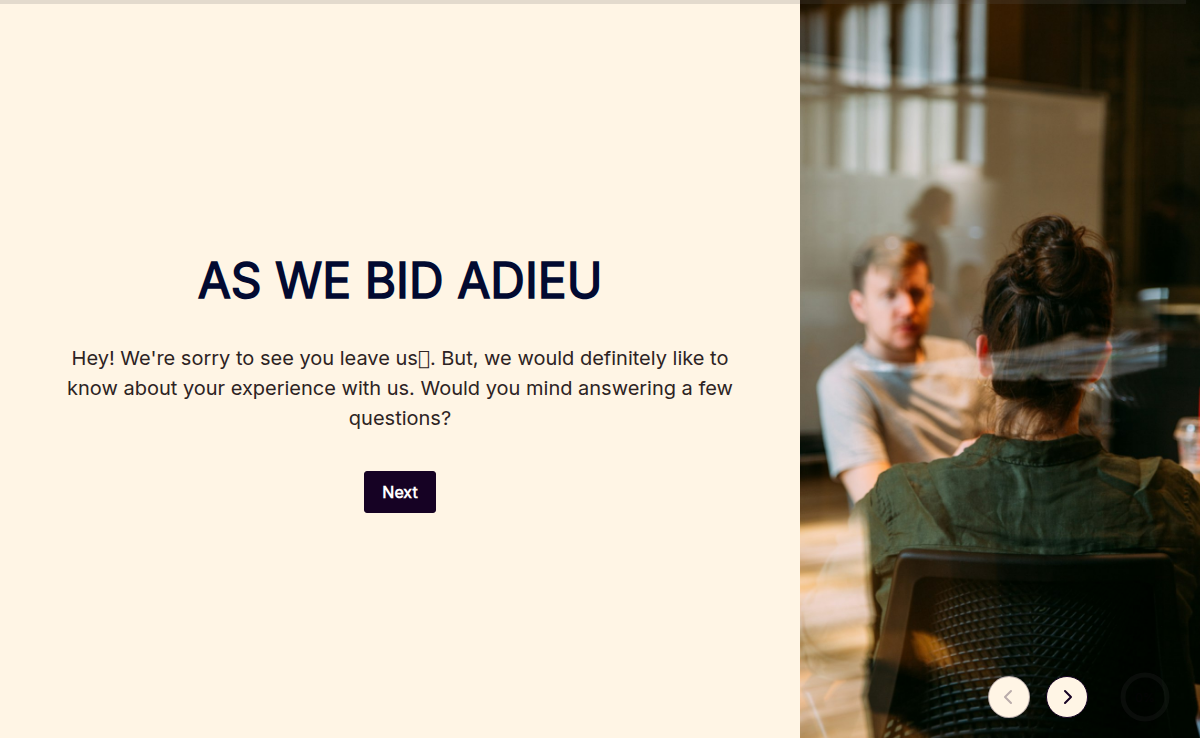
Gather only the most relevant information with branching questions. Say goodbye to irrelevant fields!
Reduce errors by displaying fields only when conditions are met. Improve data quality automatically.
Let AI handle rule creation while you focus on growing your business. Build smart forms in minutes, not hours.
Create conditional logic forms in minutes with Formester. Use AI to set rules, automate workflows, and build forms that adapt based on user responses.
STEP 1
Start with a blank canvas or a template to set up your form.

STEP 2
Add fields like text boxes, dropdowns, or checkboxes to fit your specific needs.

STEP 3
Use a simple prompt to let AI generate your conditional rules. Just tell it how you want your conditional fields to behave.
Example: If the T-shirt type equals "Men" or if it’s empty, then Hide the fields "women size" and "kid’s size".

STEP 4
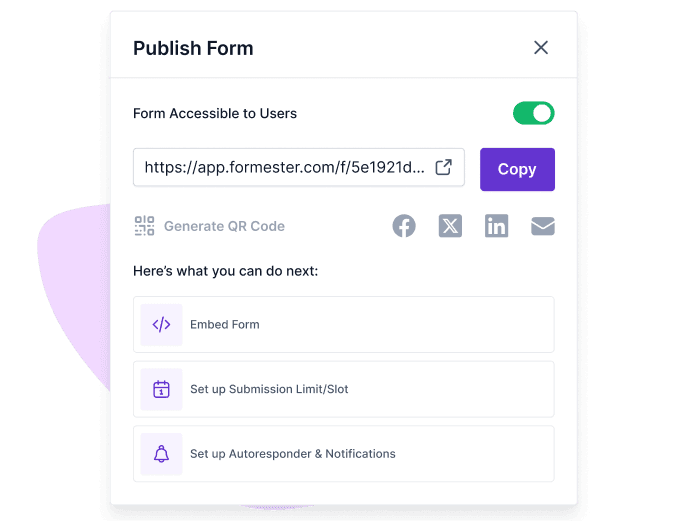
Preview your form, make adjustments, and publish it to start collecting responses!

Explore advanced features that help you build smarter conditional logic forms, improve user experience, and collect accurate responses with ease.
Build multilingual forms that cater to a global audience by translating the form into their native language. Perfect for surveys and applications!

Collaborate with your team in real time. Share your forms, get feedback, and make changes on the go!

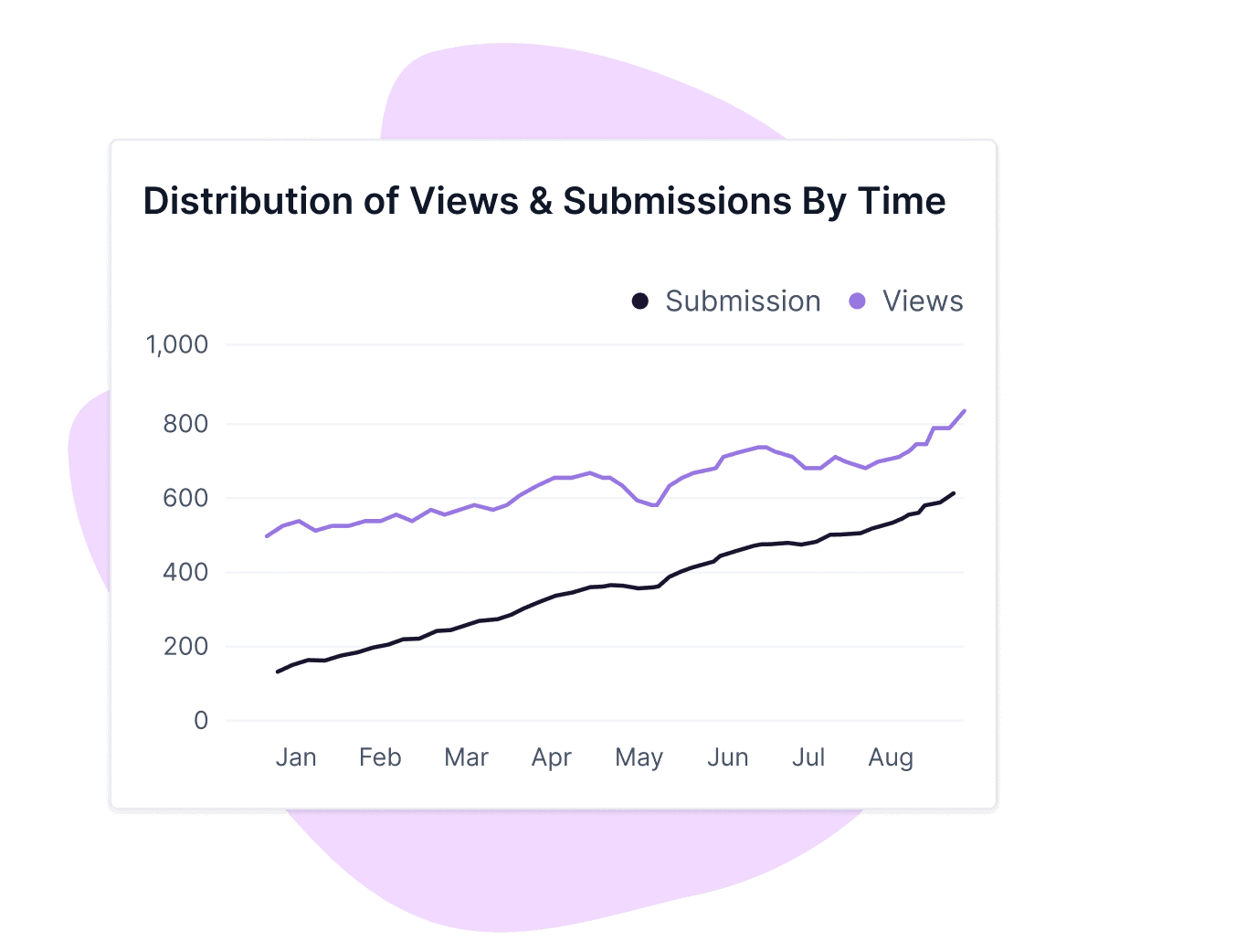
Use the form analytics to track responses and analyze data easily. Know which conditional questions are working and how users engage with your forms.

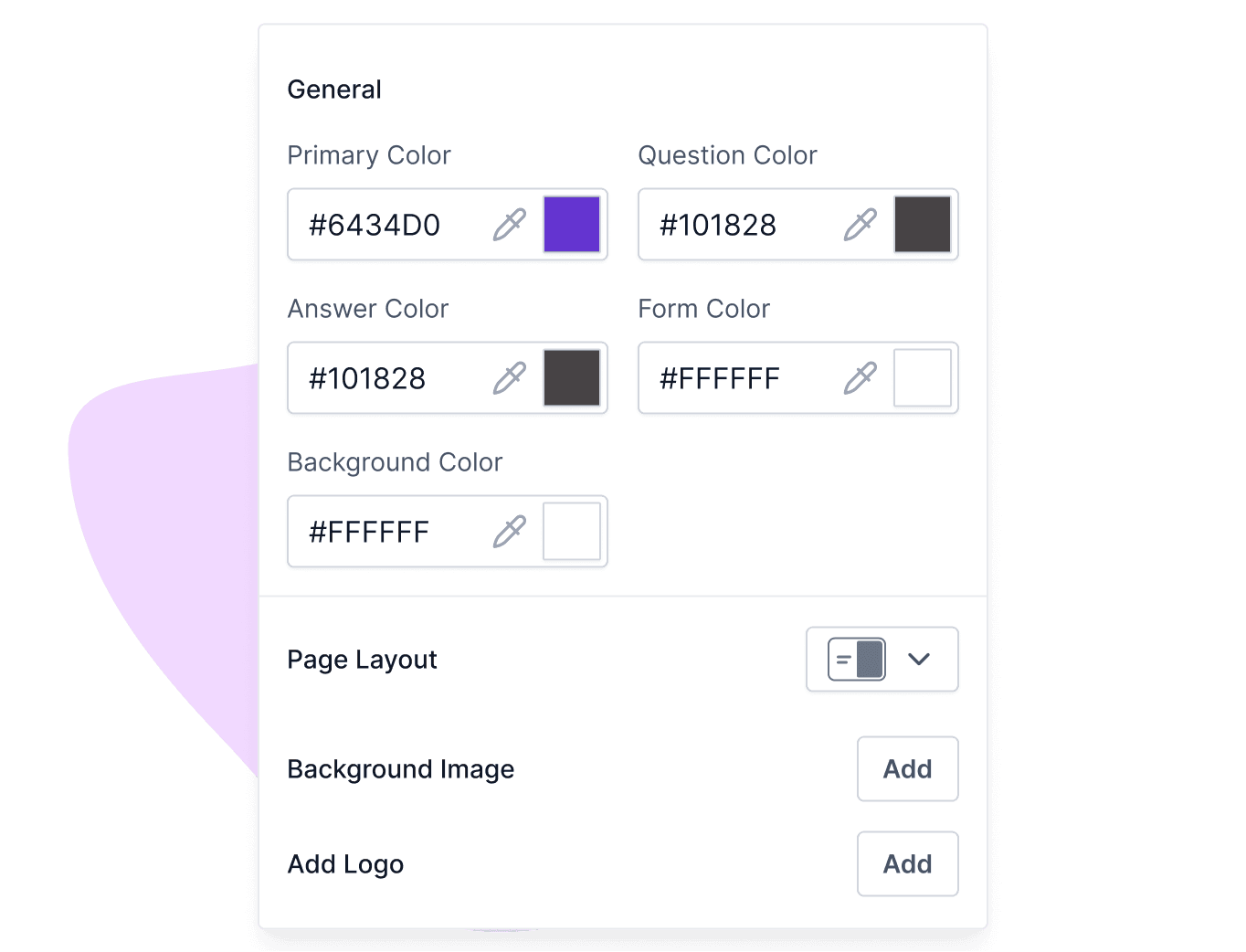
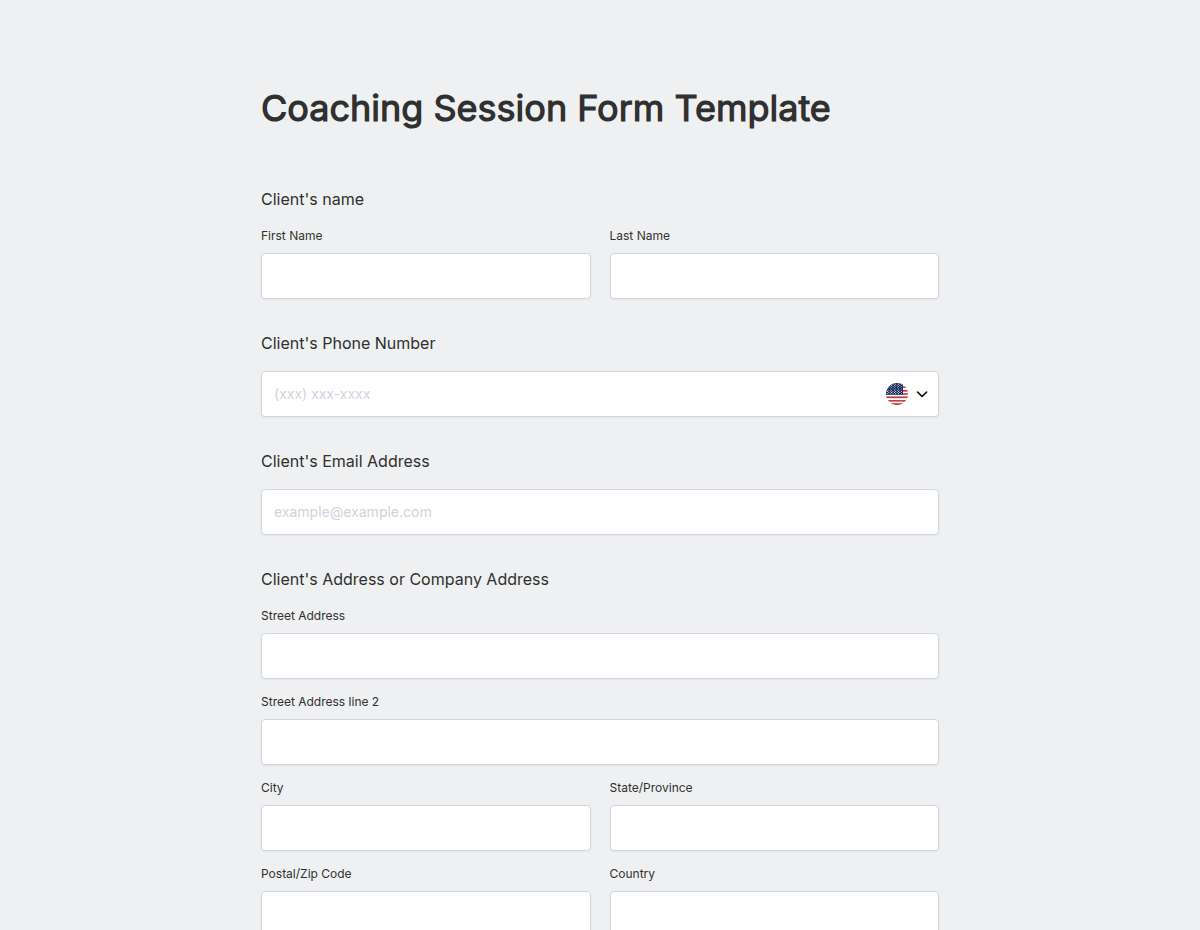
Get started quickly with ready-to-use form templates for different use cases. Customize each template to match your needs and create professional forms in minutes.
USER TESTIMONIALS
I really enjoy Formester. It’s clean and straight-forward and it does well, what it is supposed to do.

Formester is simple enough for non-developers and sophisticated enough for developers. I'd say being able to choose between simplicity and complexity is one of this product's strengths. In addition, the founder is available to answer questions and doubts, which does not happen every day.

Formester AI form builder has lots of customisation options. It's very easy to generate online forms. Forms generated are also very user friendly it supports both mobile and desktop version. It also allows us to build our own custom themes. File upload is also possible in surveys. I love the simplicity with which I can create forms within couple of minutes without any coding knowledge. The UI is very attractive and easy to use. No prior experience is required to use it.
Very intuitive and the surveys look genuinely professional out of the box. Most importantly, I requested a custom rating scale and they shipped it within hours. Stellar support that is hands-down better than the Jotform.
I'm migrating my forms from Paperform, where I've been a user for over 4 years. Loving the software so far! I've already replaced Paperform form embeds & popups on my sites & my husband's websites with Formester forms

Tried like 4 quiz tools for our lead gen funnel before this and honestly this is the only one I didn't end up hating. AI did most of the work and the customization actually works.
Get access to advanced AI, unlimited forms & more. See pricing for more details.
Logic that lets a form react to what's already been answered. The form decides which fields to show, which pages to skip, when to require something, what to calculate, and where to send the response, based on rules you define.
Create your form, choose fields, and set rules based on user responses. With Formester, you can use AI to automatically generate conditional logic and build smart forms quickly.
Yes, you can add branching questions that guide users through different paths based on their answers. This helps you collect accurate and structured responses.
Yes, Formester provides ready-to-use templates for different use cases. You can customize them and add conditional logic to get started faster.
Show or hide a field, skip a page, make a field required, filter the choices in a dropdown, calculate a value, and route the email or redirect on submit. You can stack them with AND / OR
No. Describe the rule in one sentence. Formester's AI translates it into the rule editor. You can also build rules manually in the same editor.
Yes. Every rule the AI generates appears in the standard rule editor. Open it, change the condition, change the action, save.
Yes. Skip-page rules jump past sections that don't apply, based on previous answers.
Yes. Multiply, add, percent, conditional totals. Common cases are quantity × price, score-based outcomes, and tier-based discounts.
Yes. Route submissions to different inboxes, change the email body, or redirect to a different thank-you page based on the response.
Yes. Import from Google Forms, Microsoft Forms, or Typeform; paste a list of questions; or upload a PDF. Then describe the rules.
Conditional logic is on the Personal plan and above. The Free plan covers form building and AI form generation; rules ship from $12/month
No. Customer data isn't used for training, advertising, marketing, or analytics, per Formester's DPA.
No hard limit. We've seen forms with 80+ rules running cleanly. We'd recommend stress-testing anything past 50 rules in preview before publish.
Yes. Conditional logic runs the same on desktop, tablet, and mobile. Forms reflow responsively.