Freelance contract
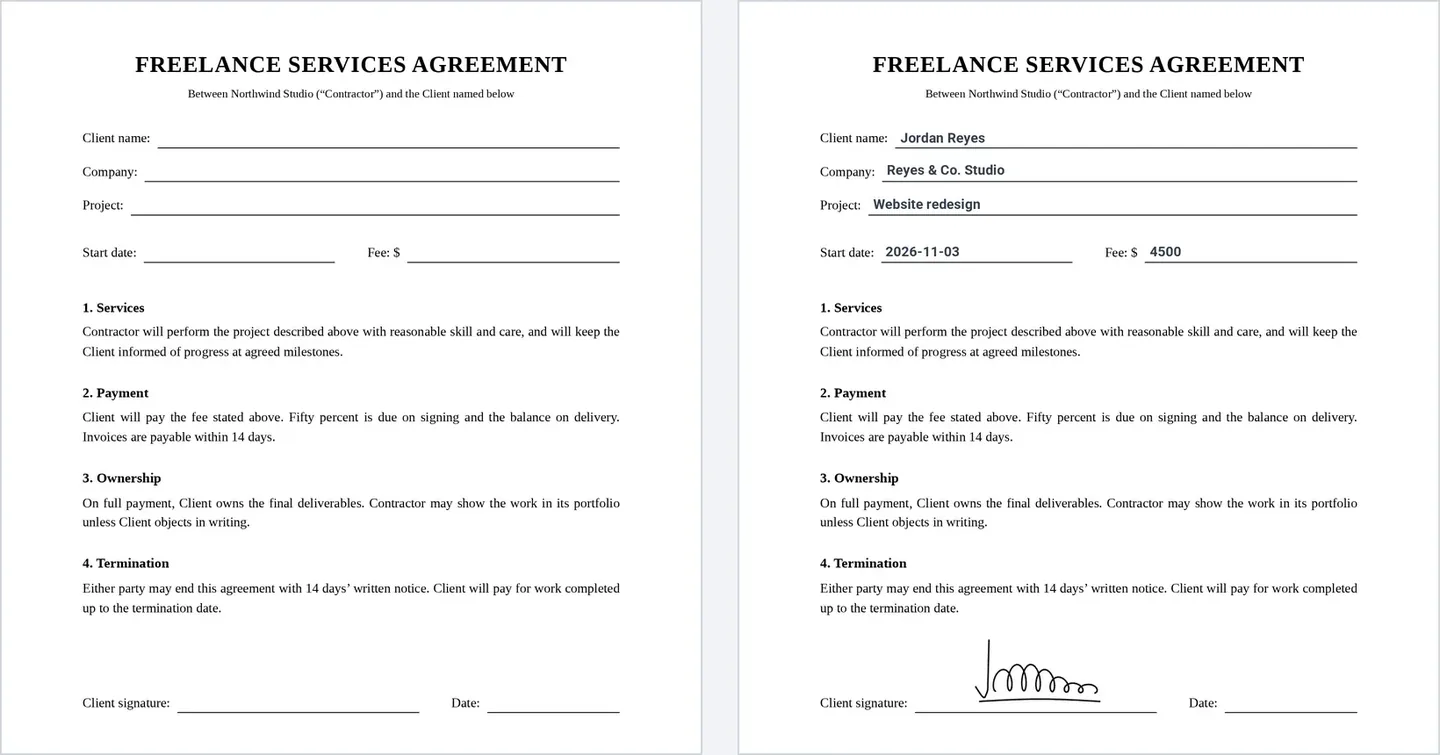
Client, project, fee, and start date go into a freelance agreement with the client’s signature.
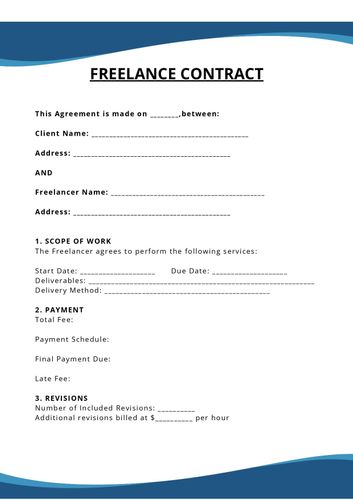
Describe your contract and AI builds the form your client fills in and signs. Connect your contract PDF, and each signed response becomes a filled contract that goes to you and your client.
















Your client fills in a form and signs it. Formester puts their answers and signature into your contract and creates the PDF.
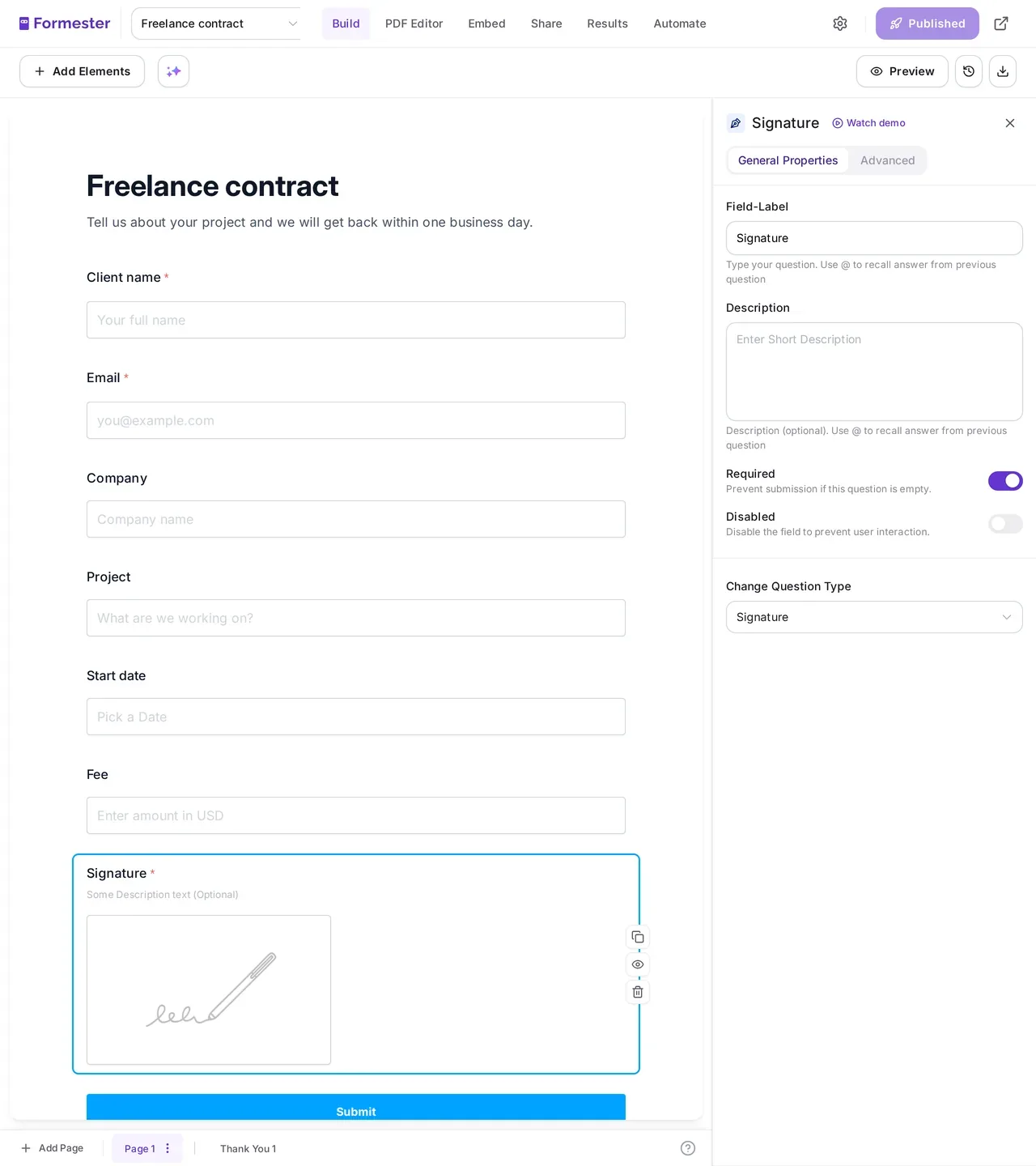
Generate it with AI above, start from a contract template, or add the fields yourself: client name, project, fee, start date, and a Signature field.
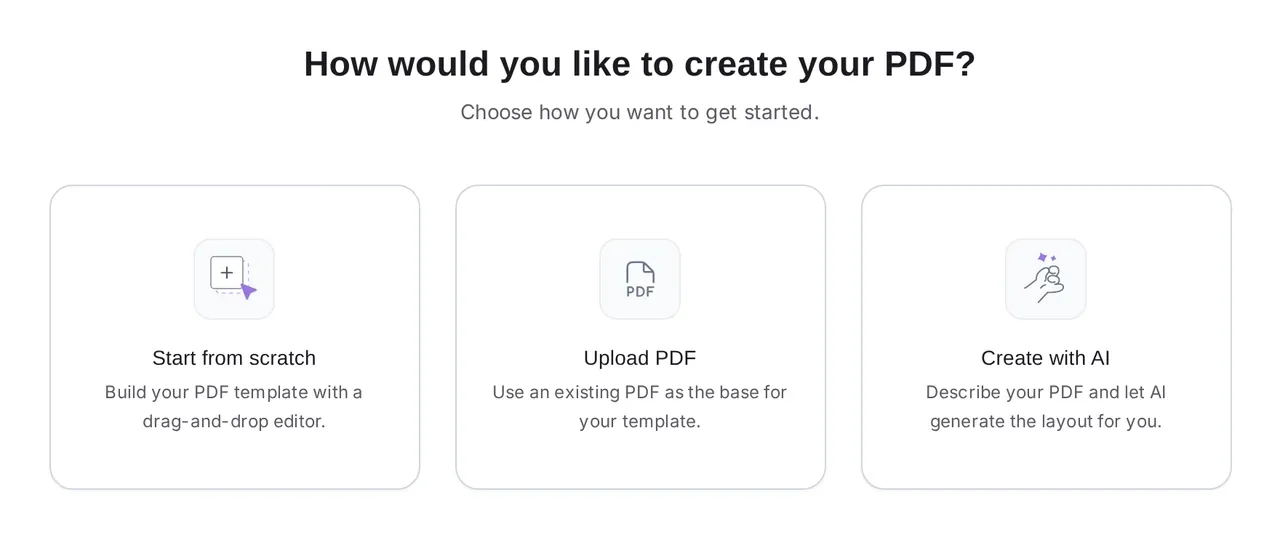
Open the PDF Editor on the form. Upload the contract you already use, design one from scratch, or describe it and let AI lay out a first draft. The PDF Editor is part of the Business plan.
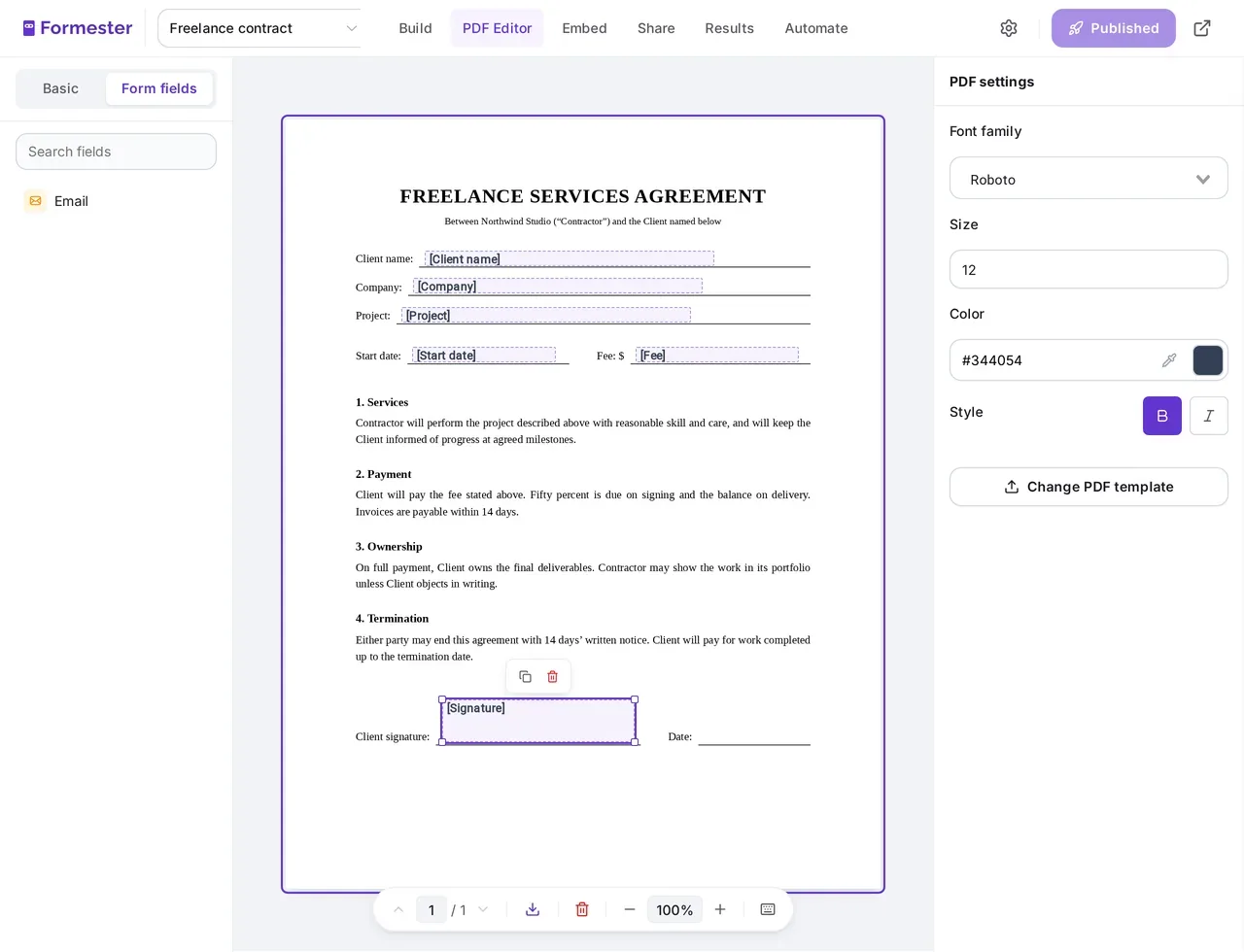
Drag each form field onto the line where its answer belongs, and put the Signature field on the signature line.
Send the form link to your client. When they sign and submit, Formester creates the filled contract PDF and sends it where you chose.
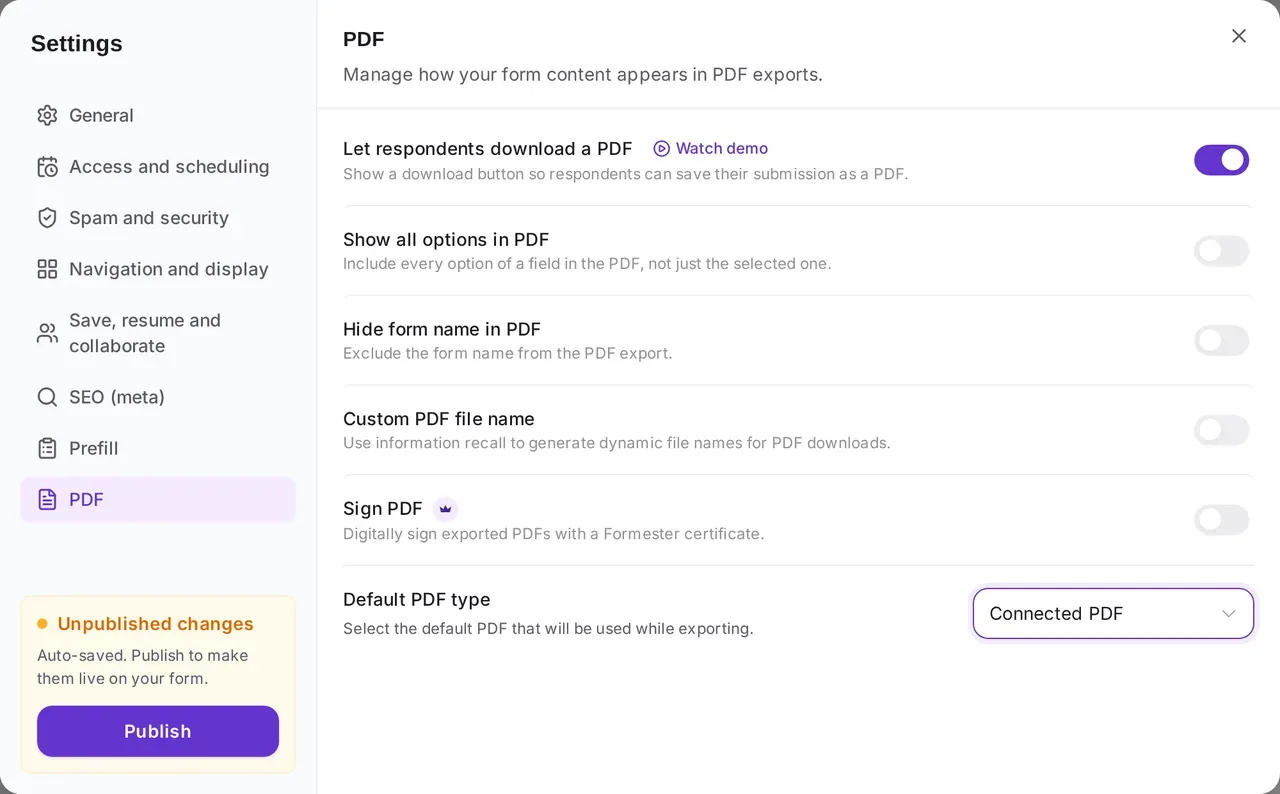
You set up the contract once. Each client who fills in the form gets the same contract with their own details and signature in place.
Comparing tools? See how Formester compares with other document generation tools.
Each template comes with the form and its contract PDF already connected. Open one, change the wording and branding, and share the link.
Client, project, fee, and start date go into a freelance agreement with the client’s signature.
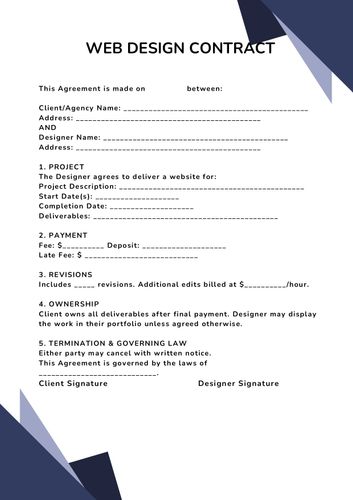
Scope, timeline, and payment terms for a website project, signed by your client.
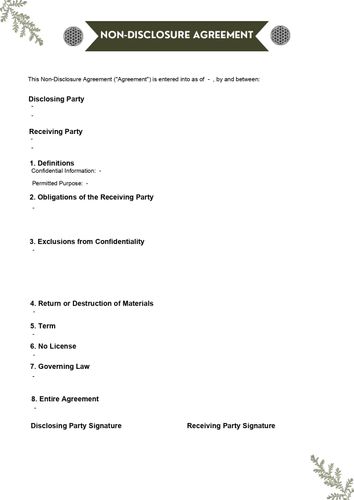
The other party adds their details and signs, and each submission produces a finished NDA.
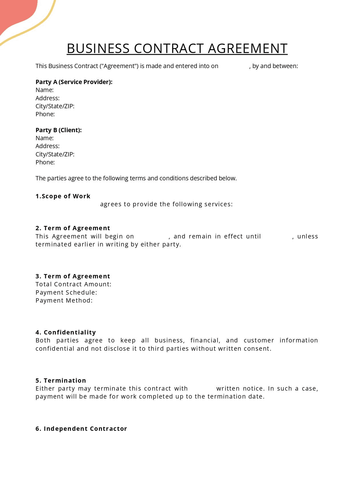
A general agreement between your business and a client, with both sides named and the client’s signature.
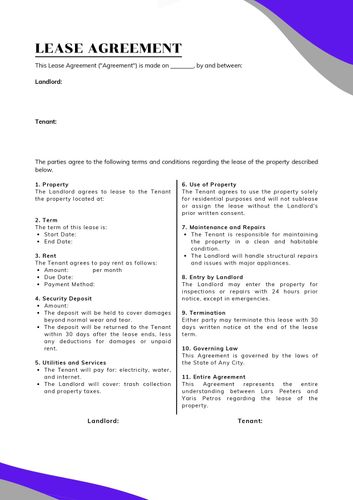
Tenant details, rent, and lease dates in a lease PDF the tenant signs.
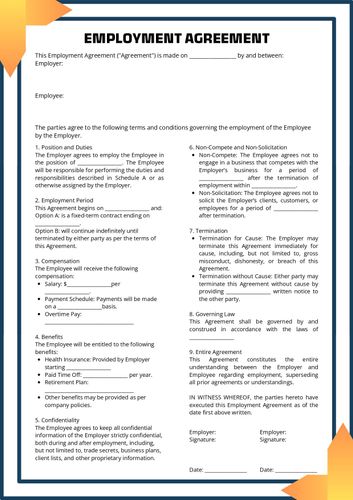
Role, pay, and start date for a new hire, signed before their first day.
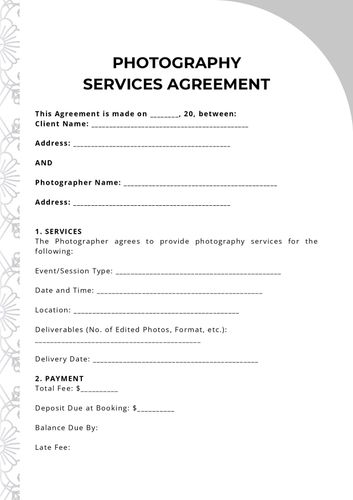
A contract your photography clients fill in and sign before you book the shoot.
Services and prices your customer reviews, accepts, and signs in one step.
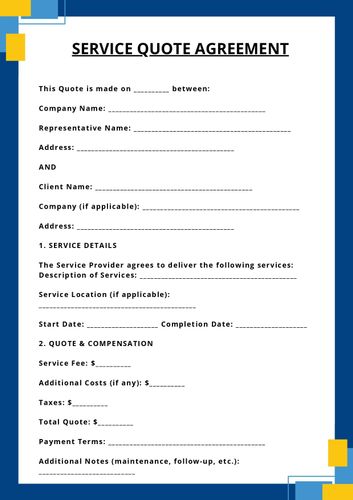
The contract PDF is created when the client submits. Send it to the people who need it, or file it where your team works.
Attach the contract PDF to the autoresponder, so your client gets their signed copy as soon as they submit.
Your notification email carries the same PDF, named from the answers, so you can file it with the client’s records.
Show a download button on the thank-you page, so your client can save the signed contract right after submitting.
Save every signed contract to a Drive folder, with a subfolder per client if you like.
Add an approval step so someone on your team checks the signed contract, then a Send email step attaches the PDF.
Every signed submission stays in your form’s Results. Download one contract PDF, or select several and get them together.
AI saves you the setup. The contract wording stays yours to write and check.
Write one sentence about the agreement. AI adds the questions it needs, such as names, scope, fee, dates, a terms checkbox, and a signature field. Edit anything before you share it.
In the PDF Editor, AI lays out headings, text blocks, and a signature box, already linked to your form’s fields. Add or check the contract wording yourself.
The form fields you already use cover the parts of a contract that change from client to client.
Already agreed on the fee and dates? Pre-fill those answers and share the link, so your client only adds their details and signs.
A calculation field works out the total, like an hourly rate times hours, and the result prints on the contract.
The Sign PDF setting adds a Formester digital certificate to each contract PDF, so recipients can see where the file came from.
"PDF and emailing options are solid and easy to use. Support is second to none!"
"Their support is top notch. They reply quickly for any query and also help in technical queries and troubleshooting."
"Having one place to create different types of forms and collect responses makes this part of my work easier."
Find answers to common questions below, or reach out to our team for more help.
Build the contract form for free, connect your contract PDF on the Business plan, and share one link.