The 60-second verdict
What Gravity Forms is: A premium WordPress form plugin, $59 to $259 per year, with 30+ official add-ons and a mature conditional-logic engine. WordPress-only. Self-hosted, no cloud version.
What it gets right: The most powerful conditional logic and calculation engine of any WordPress form plugin, first-party add-ons for every major workflow (Stripe, PayPal, MailChimp, Salesforce, Zapier), and lifetime feature parity within your license tier.
What it gets wrong: WordPress-only (no cloud, no hosted version), add-on complexity (Elite license needed for the useful ones), editor UX has not modernized in years, and if you're not on WordPress it's not a choice.
Bottom line: If your site is WordPress and you want the most powerful form plugin in the ecosystem, Gravity Forms is the pick, especially at the Elite tier. If your site is not WordPress, or you want a hosted form-builder without maintaining the plugin, look at Formester or Fillout.
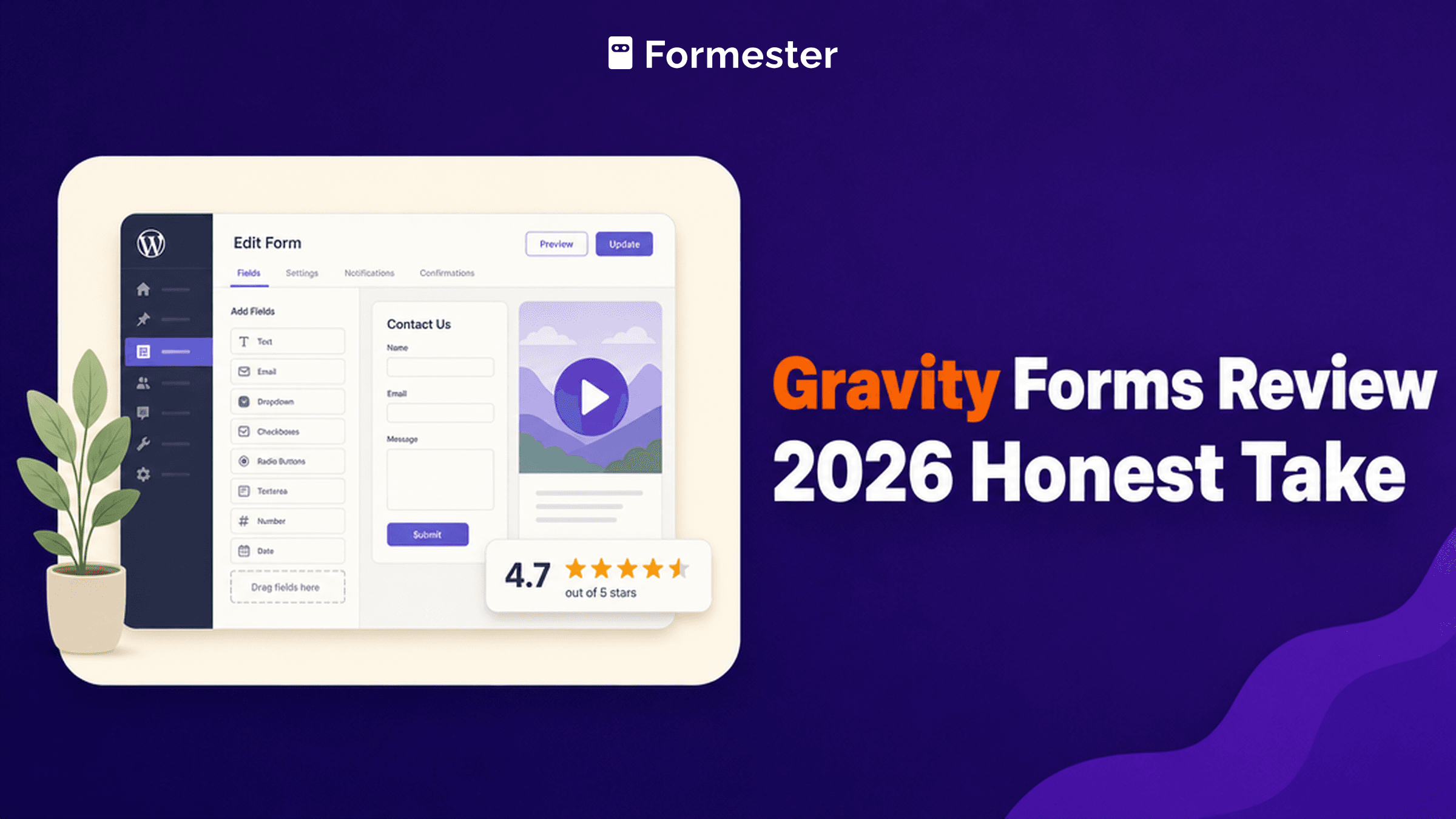
G2 rating: 4.7/5 (248 reviews)
What Gravity Forms is (and isn't)
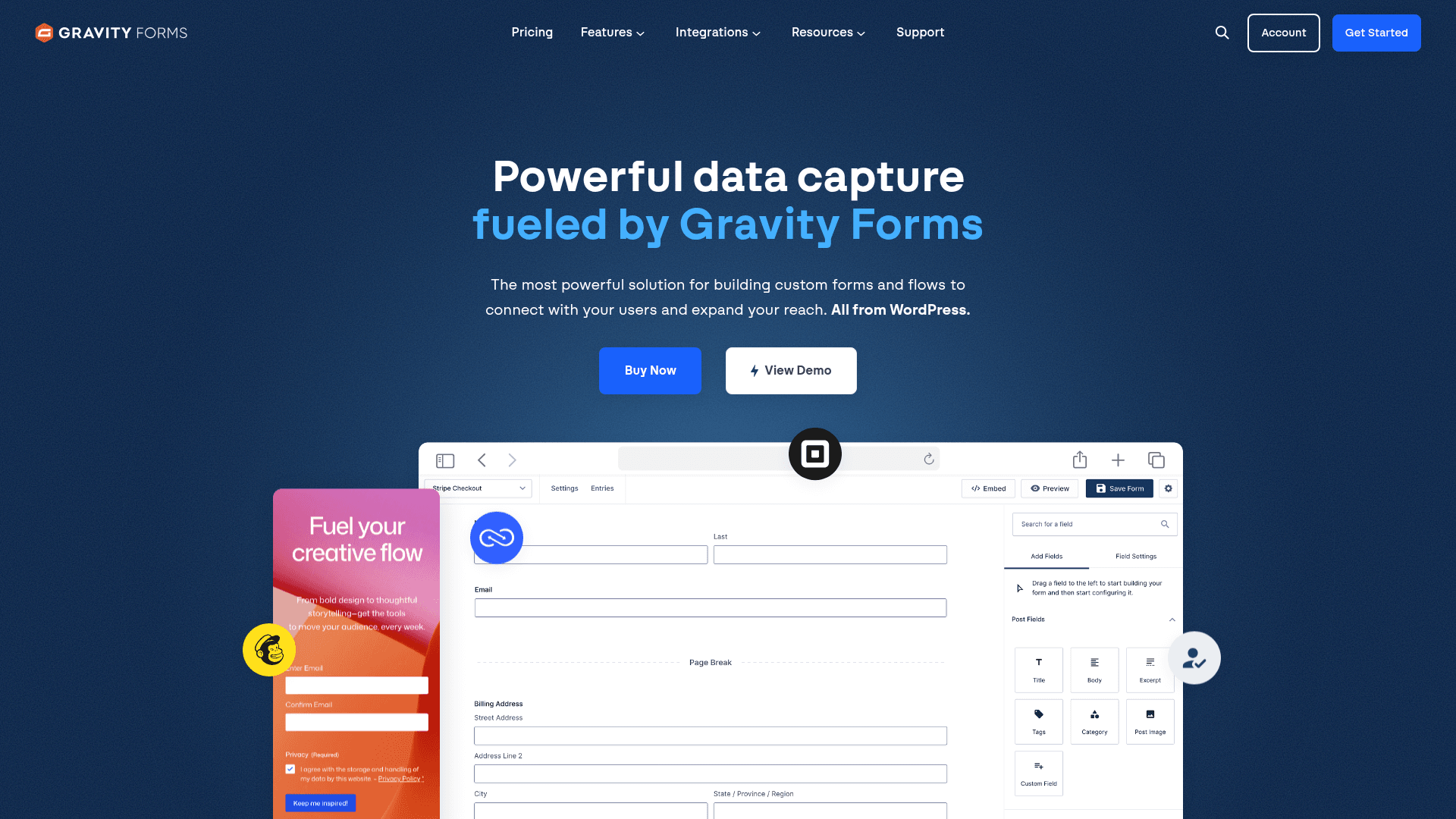
Gravity Forms is a WordPress plugin. Not a SaaS. Not a hosted form service. You install it on your own WordPress site, you host the forms, you own the data.
That distinction matters more than any feature comparison. If you're on Webflow, Framer, Wix, Squarespace, Shopify, or any non-WordPress CMS, this review is not for you. Gravity Forms will not install on those platforms. Move on to Formester, Fillout, or a native form for your CMS.
If you are on WordPress, keep reading. Gravity Forms has been in the market since 2008 and it's still the most powerful form plugin the WordPress ecosystem has produced.
Pricing: three tiers, all annual
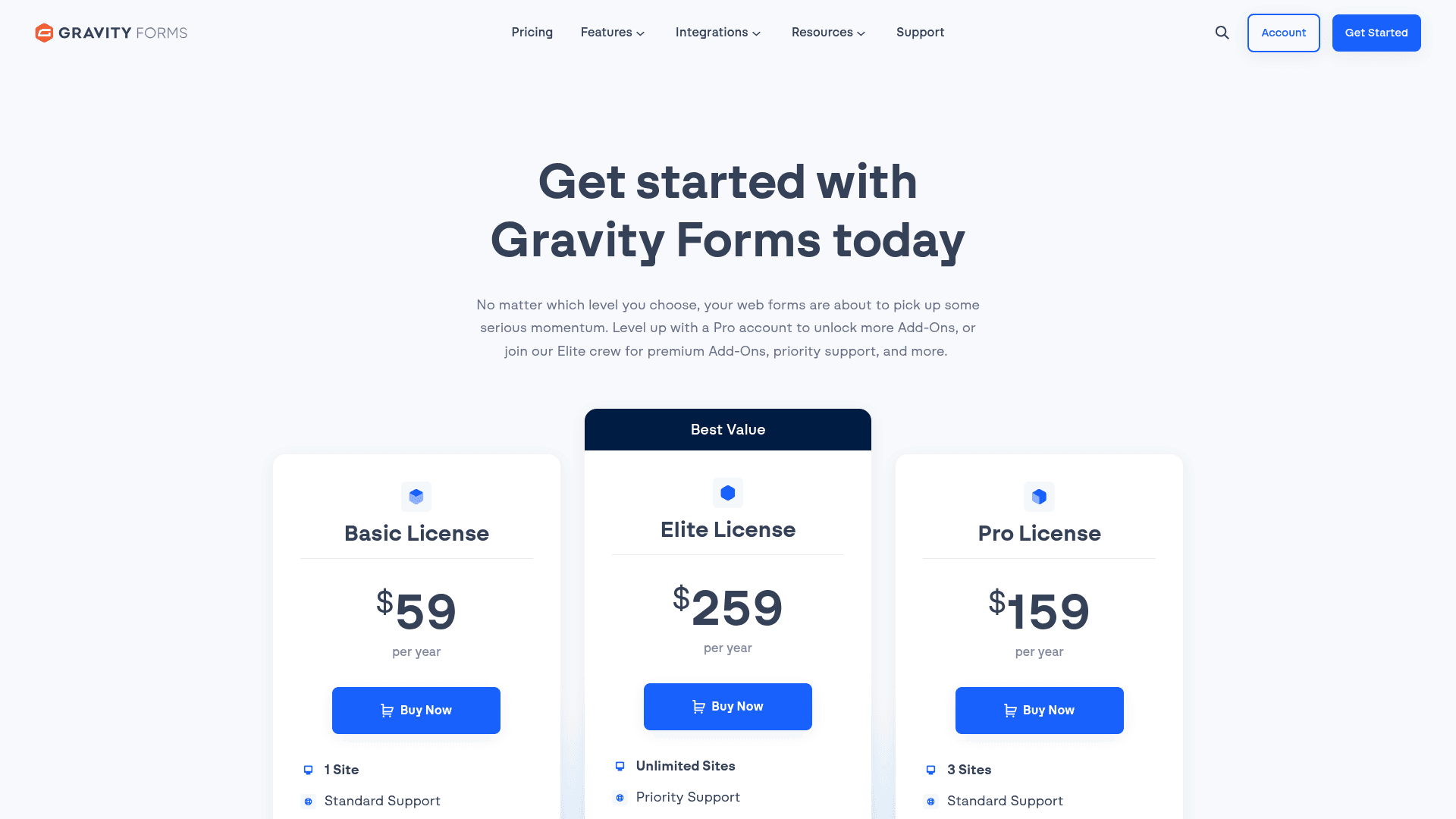
Gravity Forms is priced per year, not per month. You buy a license, install the plugin on your WordPress site, and use it for a year. Renewals are typically 30% off the first-year price.
| License | Yearly cost | Sites | Add-ons included |
|---|---|---|---|
| Basic | $59 | 1 site | Core plugin plus HubSpot, Mailchimp, ActiveCampaign, Campaign Monitor, AWeber, Constant Contact, MailerLite, SendGrid, reCAPTCHA, and other email, marketing, and anti-spam add-ons |
| Pro | $159 | Up to 3 sites | All Basic add-ons plus Stripe, PayPal Checkout, Square, Zapier, Slack, Trello, Dropbox, Zoho CRM, Twilio, Mollie |
| Elite | $259 | Unlimited sites | All Pro add-ons plus Salesforce, User Registration, Conversational Forms, Signature, Survey, Polls, Quiz, Partial Entries, Webhooks, Advanced Post Creation, Chained Selects, Coupons, Geolocation, 2Checkout, plus WordPress Multisite and priority support |
The Basic license is a real fit for a marketing site. Conditional logic, Mailchimp, HubSpot, ActiveCampaign, and Campaign Monitor are all included, so newsletter capture and CRM sync work on day one. Where Basic runs out of room is payments: Stripe, PayPal Checkout, and Square all sit behind Pro.
Pro at $159/year is the pick the moment you take payments, use Zapier for wider integrations, or sync to Zoho CRM. Three sites cover most small agencies.
Elite at $259/year is the value tier for agencies and anyone building serious workflows. Unlimited sites, priority support, WordPress Multisite, and the deep add-ons (User Registration, Salesforce, Signature, Survey, Polls, Conversational Forms, Partial Entries, Webhooks, Quiz, Advanced Post Creation). Cheaper than a $39/month Jotform Silver seat for a mid-sized team.
Editor and builder experience

The form editor is a three-panel layout: field library on the left, form canvas in the middle, field settings on the right. Drag a field type from the left onto the canvas, click it to edit settings on the right.
What it does well:
- Field library covers 30+ types out of the box (name, email, phone, address, file upload, signature via add-on, price, product, quantity, HTML, section break, page break)
- Conditional logic is the deepest in the WordPress form plugin space: any field can conditionally show, hide, require, or auto-populate based on any other field
- Calculations engine handles multi-step math (subtotal + tax + shipping, tiered pricing, quantity discounts) with a formula field
- Multi-page forms with progress bar built in, no add-on needed
- Save-and-continue-later ships as a free add-on
What feels dated:
- UI has not changed meaningfully in five years; feels 2019-era compared to Fillout or Formester
- No drag-to-reorder between form pages (you have to move fields via up/down arrows)
- No live-preview split; you toggle to Preview to see how it renders
- Mobile preview is inside a modal, not a live side-by-side
Add-ons: 30+ first-party integrations
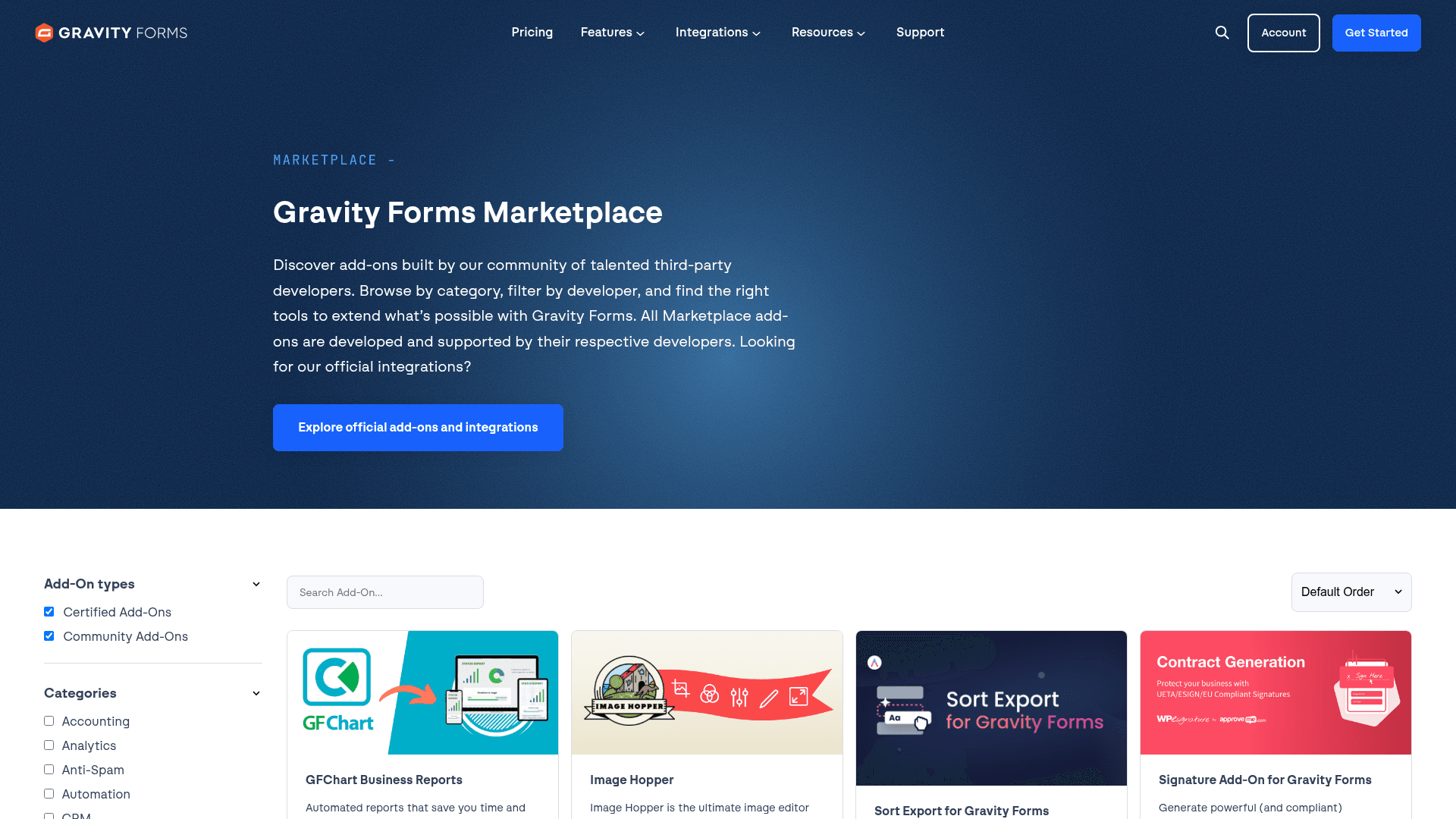
The add-ons library is where Gravity Forms genuinely leads. Every major workflow has a first-party add-on maintained by the Gravity Forms team.
Payment gateways (Pro and Elite unless noted):
- Stripe (subscriptions + one-time)
- PayPal Checkout
- Square
- Mollie
- 2Checkout (Elite only)
CRM and marketing:
- HubSpot (Basic and up)
- Mailchimp (Basic and up)
- ActiveCampaign (Basic and up)
- Campaign Monitor, Constant Contact, AWeber, MailerLite, Brevo, GetResponse, Kit (Basic and up)
- Zoho CRM (Pro and Elite)
- Agile CRM, Capsule CRM (Pro and Elite)
- Salesforce (Elite only)
Utility and workflow:
- Zapier (Pro and Elite): connect to 5,000+ non-native tools
- Slack, Trello, Dropbox, Twilio (Pro and Elite)
- User Registration (Elite only): create a WP user from a form submission
- Advanced Post Creation (Elite only): create WP posts and CPTs from form submissions
- Webhooks (Elite only): send POST payloads to any URL
- Conversational Forms (Elite only): Typeform-style one-question-per-screen mode
- Partial Entries (Elite only): capture drop-offs before submit
- Polls (Elite only): built-in polling functionality
- Survey (Elite only): NPS, Likert, and rating scales
- Quiz (Elite only): auto-graded quizzes
- Signature (Elite only): draw-to-sign field
- Chained Selects, Coupons, Geolocation (Elite only)
The catch: the deepest add-ons (User Registration, Salesforce, Webhooks, Signature, Survey, Polls, Quiz, Conversational Forms, Partial Entries, Advanced Post Creation) are Elite-only at $259/year. Any workflow that touches user accounts, Salesforce, or one-question-per-screen forms lands on Elite.
Prefer a hosted, non-WordPress form builder?
Formester ships forms that embed on any CMS. Unlimited responses on the free plan, no plugin to maintain, no PHP compatibility to worry about.
Free forever plan • No credit card • Setup in 2 minutes
Real-world use cases where it wins
1. WordPress-based membership sites. Elite's User Registration add-on plus Stripe subscription plus conditional profile fields, all inside WordPress. Gravity Forms Elite plus WooMemberships is the reference stack for a self-hosted membership site.
2. Multi-step application forms with conditional logic. Job applications, insurance intake, mortgage pre-qualification, university admissions. The conditional-logic engine plus multi-page form plus save-and-continue is the tightest DIY solution for a 20-field intake form.
3. Quote calculators with variable pricing. Custom pricing forms (freelance quotes, contractor bids, subscription tiers) benefit from the calculations engine. Multi-variable pricing (quantity + tier + region + discount code) works without a plugin.
4. WooCommerce order flows with custom fields. Gravity Forms + WooCommerce Gravity Forms Product Add-Ons pairs cleanly for product-configurator flows (custom cake orders, engraving requests, made-to-measure clothing).
5. Salesforce lead capture on a WordPress marketing site. The Salesforce add-on is first-party and Elite-only, so field mapping and update-vs-create logic are built in, not stitched together via Zapier. HubSpot sync ships on Basic and up if you don't need Salesforce.
Where Gravity Forms falls short
It's WordPress-only. If your site isn't WordPress, this whole review is moot. There is no cloud version, no Shopify plugin, no Webflow embed. Forms live on your WordPress install or nowhere.
It's self-hosted. You're responsible for keeping the plugin updated, keeping WordPress core updated, keeping PHP updated, and dealing with security patches. A cloud form service like Formester or Fillout takes all of that off your plate.
No hosted version. Even if you'd pay for one, it doesn't exist. Every submission lives in your WordPress database.
Add-on management is fragmented. Each add-on has its own settings page, its own version, its own update flow. On a large site with 15 add-ons active, keeping them all in sync is real ops overhead.
Editor UX has not modernized. Compared to Fillout, Typeform, or Formester (built in the last five years), the Gravity Forms editor feels like 2019. Functional, not delightful.
Response management is basic. Entries dashboard shows a WordPress admin table. No card view, no drag-to-status. Export to CSV works, but the analytics view is minimal.
Front-end styling requires CSS. Gravity Forms 2.5+ has better default styling than the pre-2.5 versions, but matching your theme still requires custom CSS in most cases.
Pros and cons summary
Pros
- Most powerful conditional logic in the WordPress form plugin space
- First-party add-ons for every major CRM and payment gateway
- Elite license is $259/year for unlimited sites (great value for agencies)
- Calculations engine handles multi-step math
- Deep WordPress integration (user registration, post creation)
- Self-hosted means you own the data
- 4.7/5 on G2 with 248 reviews (strong sentiment)
Cons
- WordPress-only (no cloud, no hosted version)
- Editor UX feels dated
- Most useful add-ons require Elite ($259/year)
- Self-hosted means ongoing plugin maintenance
- Front-end styling needs custom CSS in most themes
- No free tier (annual license required)
- Response analytics are basic
When Formester is the better pick
If your site isn't WordPress. Formester ships forms that embed on any CMS (WordPress, Webflow, Framer, Wix, Squarespace, Shopify, Ghost, hand-coded HTML) with one line of embed code. Gravity Forms simply cannot install anywhere except WordPress.
If you don't want to maintain a plugin. Formester is a hosted SaaS. No plugin updates, no PHP compatibility issues, no security patch races. Sign up, build, embed, done.
If your team wants unlimited responses on a free plan. Formester's free plan ships unlimited forms and unlimited responses, plus AI form generation from prompt / question list / PDF. Gravity Forms has no free tier at all.
If you need offline mode for field data collection. Formester ships native offline mode across every plan. Gravity Forms requires live internet.
If your workflow is form-to-PDF. Formester exports every submission as a PDF on the free plan. Gravity Forms requires the PDF Extended add-on (third-party, not first-party) at $69 to $199/year on top of the license.
Full comparison and switching guide: Formester vs Gravity Forms.
When Gravity Forms is the better pick
If your site is WordPress and staying WordPress. Gravity Forms + Elite license + first-party add-ons is a mature, well-supported, powerful stack. Nothing in the SaaS form-builder space beats it for tight WordPress integration.
If you're running a WordPress membership site. User Registration add-on + Stripe subscription + conditional profile fields is a workflow only Gravity Forms handles cleanly.
If you're an agency building for many WordPress clients. Elite at $259/year for unlimited sites is genuinely cheap for an agency running 20+ client sites. No per-site licensing, no per-user seats.
If you already have the WordPress ops muscle. If your team already keeps 20 plugins updated and patched, adding one more isn't the deal-breaker it would be for a marketing team without a dev in the loop.
Verdict
Rating: 4.7/5 (matching G2 sentiment)
Gravity Forms remains the most powerful WordPress form plugin in 2026. Its conditional logic, calculations engine, and first-party add-on library are unmatched inside the WordPress ecosystem.
If your site is WordPress and staying WordPress, buy Elite. It's the right pick.
If your site isn't WordPress, or you want to skip the plugin maintenance treadmill, use Formester or Fillout instead.