The 60-second verdict
What Jotform is: The largest general-purpose SaaS form builder by review count (5,321 on G2). $34 to $99 per month across tiers, plus Enterprise. HIPAA available on Gold plan and above with a signed BAA add-on. 20,000+ pre-built templates, 40+ payment gateways, native mobile app for offline capture.
What it gets right: Deepest template library on the market, widest payment gateway support, HIPAA available on Gold ($99/month) with a signed BAA add-on, native offline mobile app for online / offline capture.
What it gets wrong: Dense UI with a steeper learning curve than newer builders, free plan cuts off at 100 submissions/month (fills fast), template search relevance is thin (20,000 sounds great but hard to find the right one), and AI form generation only supports prompt input (not PDF or question list).
Bottom line: If you need feature depth + HIPAA at the cheapest price point + widest payment gateway support, Jotform is the right pick. If you want a modern editor, unlimited responses on free, or AI generation from more than a prompt, look at Formester or Fillout.
G2 rating: 4.7/5 (5,321 reviews)
What Jotform is (and isn't)
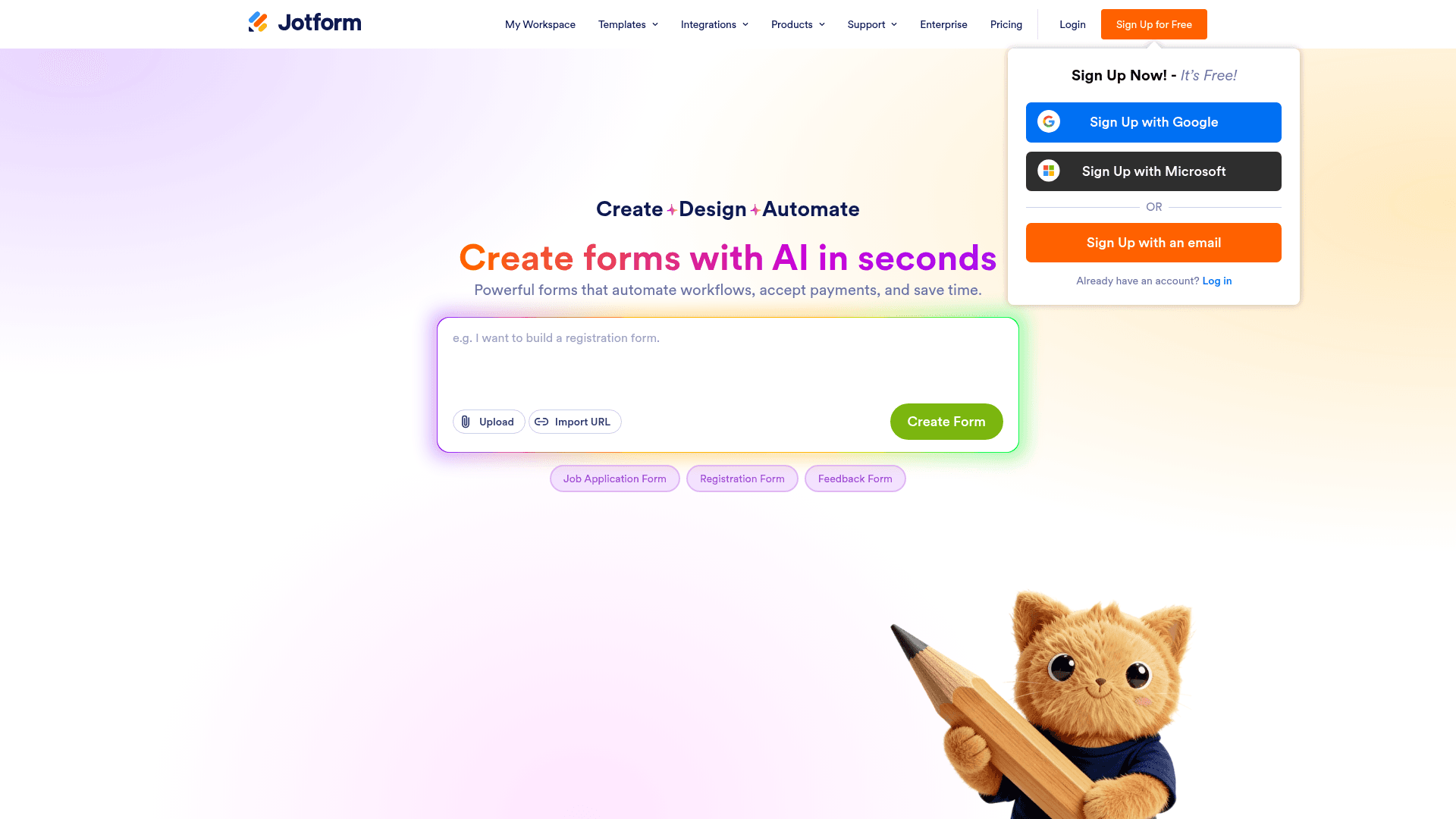
Jotform is a SaaS form builder, hosted, with a browser-based editor and mobile apps for iOS and Android. Founded in 2006, it's one of the most mature products in the category.
Distinctions:
- Not a WordPress plugin (that's Gravity Forms or WPForms).
- Not a research tool (that's SurveyMonkey Enterprise or Alchemer).
- Not a form endpoint for developers (that's Formspree).
- Not a document workflow tool (that's PandaDoc or Formstack).
It's a general-purpose form builder with depth in templates, integrations, and compliance.
Pricing: 4 tiers, all monthly (with annual discounts)
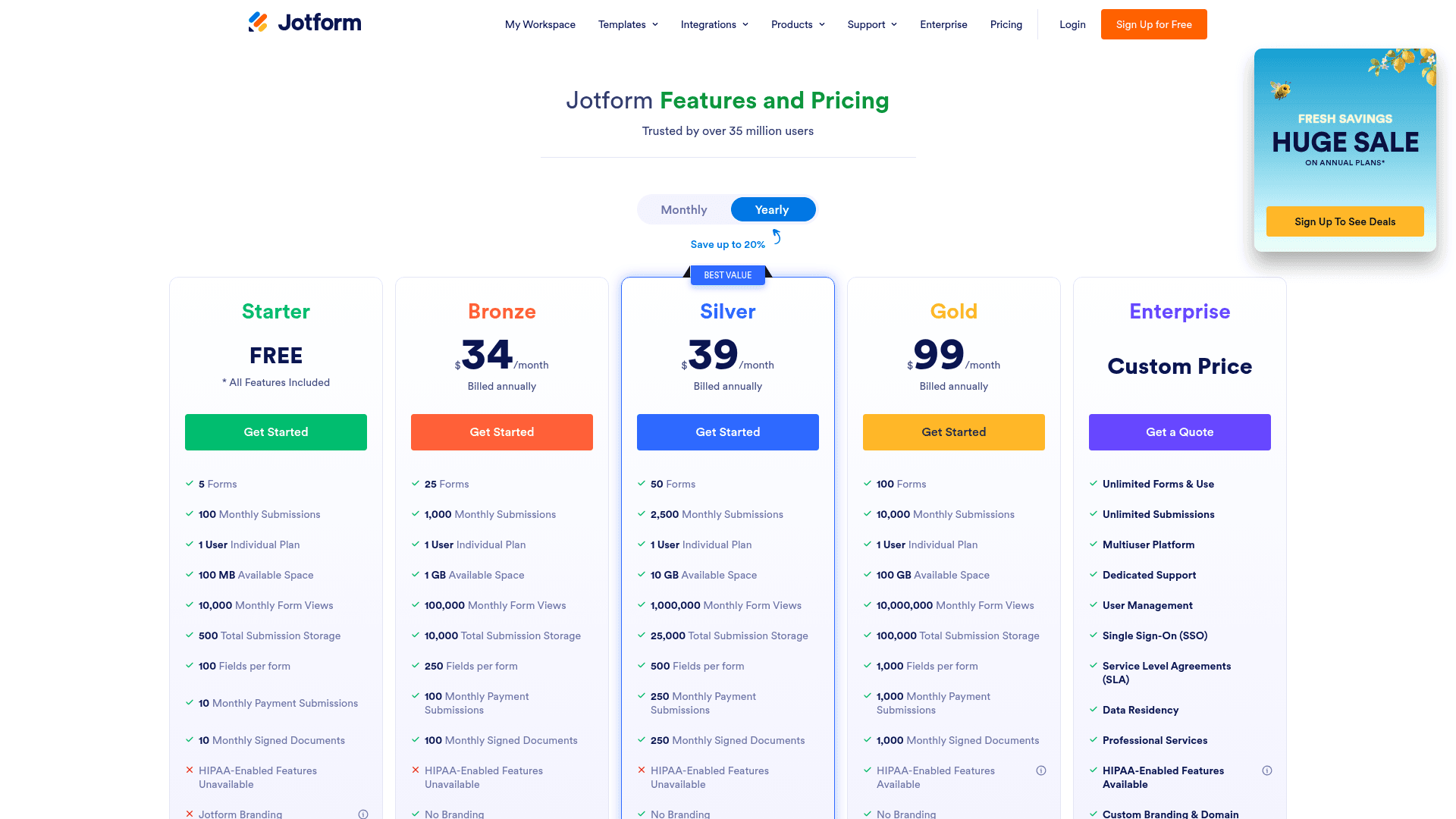
Prices below are the per-month rate on annual billing (Jotform's default view). Month-to-month billing runs roughly 20 to 30 percent higher on every tier.
| Plan | Price (billed annually) | Forms | Submissions/mo | Storage | Users | HIPAA |
|---|---|---|---|---|---|---|
| Free (Starter) | $0 | 5 | 100 | 100 MB | 1 | No |
| Bronze | $34/mo | 25 | 1,000 | 1 GB | 1 | No |
| Silver | $39/mo | 50 | 2,500 | 10 GB | 1 | No |
| Gold | $99/mo | 100 | 10,000 | 100 GB | 1 | Yes (BAA add-on) |
| Enterprise | Custom | Custom | Custom | Custom | Multi-user | Yes |
Bronze and Silver do not include HIPAA. If you need HIPAA compliance for healthcare workflows, Gold at $99/month is the entry tier where the BAA add-on unlocks. Enterprise also carries HIPAA plus multi-user access.
Gold is the real value tier for growing teams. 10,000 submissions/month covers most use cases and the price gap between Silver and Gold ($60) is smaller than the gap between Gold and Enterprise (custom).
Editor and builder experience
The Jotform form editor is a three-panel layout: field library on the left, form canvas in the middle, field properties on the right. Drag a field from the library onto the canvas, click to configure, done.
What it does well:
- 30+ field types out of the box (name, email, phone, address, file upload, signature, matrix, star rating, product picker)
- Conditional logic engine handles multi-field dependencies with a rules builder
- Multi-page forms with progress bar built in
- PDF Editor auto-generates a formatted PDF from the form structure
- Preview mode shows desktop + mobile + tablet renderings
What feels dated:
- UI is dense; the right-panel field settings can feel overwhelming for new users
- Templates gallery has a browsing problem: 20,000+ templates but the search doesn't rank well by relevance
- Mobile preview is inside a modal, not live side-by-side
- Some interaction patterns feel 2019-era (right-click menus with 15+ options)
Integrations catalog: 200+ across every category
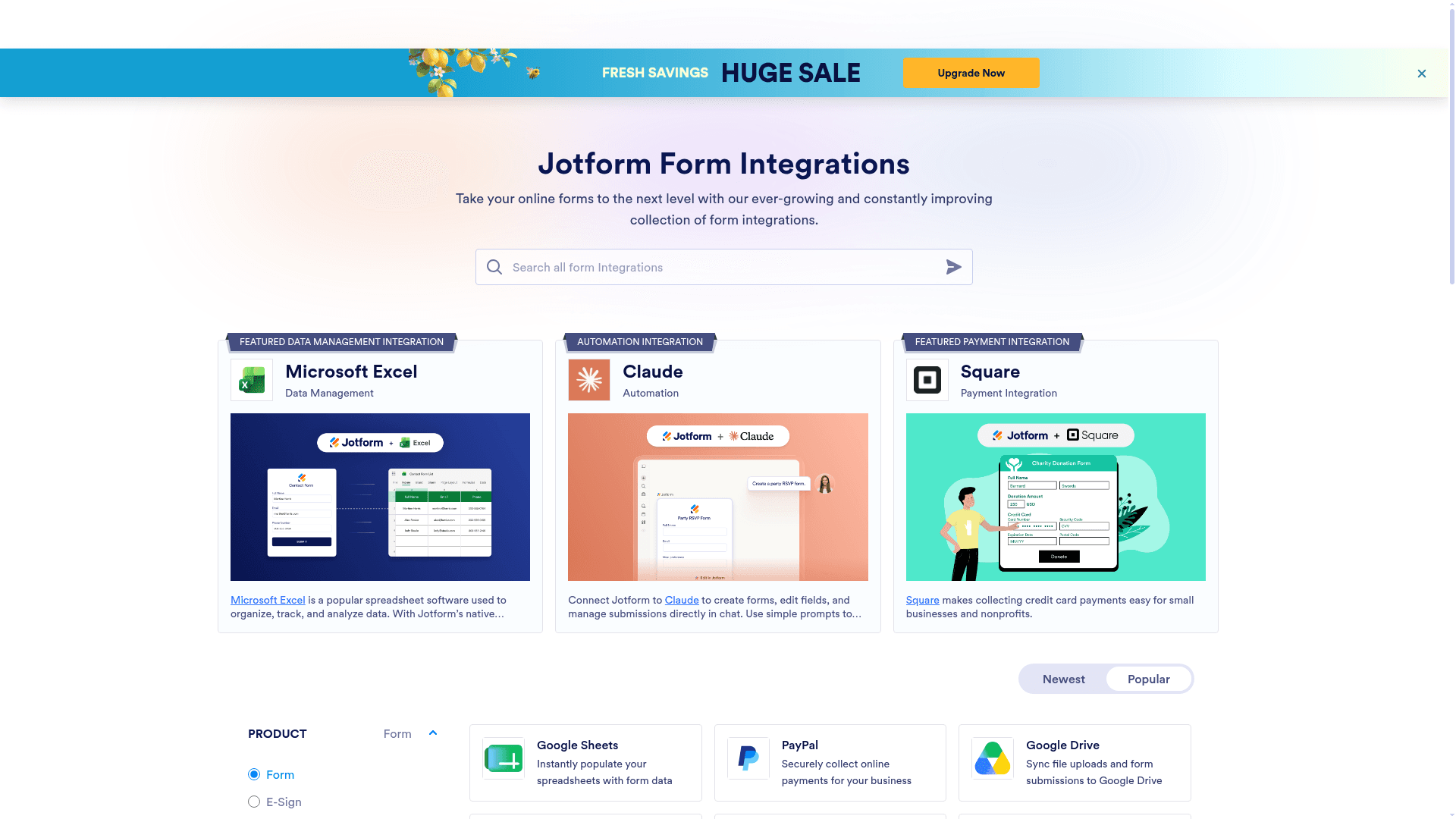
Jotform's integrations library is one of the deepest in the category. First-party integrations are maintained by the Jotform team; there are also Zapier and Make (formerly Integromat) integrations for anything not natively supported.
Payment gateways (40+ on Bronze and above):
- Stripe, PayPal, Square, Authorize.Net, Braintree, 2Checkout, Cybersource, Chargify, Worldpay, Payflow, Skrill, PicPay, and 25+ more
CRM + marketing (Bronze + Silver):
- Salesforce (Enterprise), HubSpot, Zoho CRM, Pipedrive, Copper, Insightly, ActiveCampaign, Mailchimp, Constant Contact, ConvertKit
Utility (across tiers):
- Google Sheets, Google Drive, Google Calendar, Airtable, Notion (via Zapier), Slack, Microsoft Teams, Trello, Asana, ClickUp, Dropbox, Box, OneDrive
Developer tools:
- Zapier (5,000+ downstream apps), Make, REST API, webhooks
Modern hosted alternative to Jotform
Formester ships unlimited responses on free (Jotform caps at 100/month), AI generation from prompt / PDF / list (Jotform only accepts prompt), and a 2024 editor rebuild. No per-user pricing.
Free forever plan • No credit card • Setup in 2 minutes
Real-world use cases where Jotform wins
1. Healthcare intake forms with HIPAA compliance. Gold plan at $99/month plus a signed BAA add-on gives you a HIPAA-eligible workflow with 10,000 submissions and 100 GB of storage. Enterprise is the multi-user upgrade path for larger practices.
2. E-commerce order forms with variant selection. Product picker field + 40+ payment gateways covers cross-border commerce that native shop platforms often miss.
3. Job application forms with resume upload. File upload field + conditional logic (screen out unqualified applicants before they reach the resume step) + native ATS integrations.
4. Event registration with multiple ticket tiers. Product picker for tier selection + Stripe / PayPal / Square for payment + confirmation email with QR code for check-in.
5. HR onboarding form packages. Multi-page forms + save-and-continue + PDF Editor for signed onboarding documents.
Where Jotform falls short
1. Free plan is punishing. 100 submissions/month fills fast. Even a small contact form on a busy site outgrows free in weeks.
2. Template flood without curation. 20,000+ templates sound great, but finding the right one via search is unreliable. Categories help but many templates are near-duplicates.
3. Dense UI with steeper learning curve than newer builders. New users take longer to feel productive vs Formester, Fillout, or Typeform.
4. Branding removal costs $34/month. Free plan shows Jotform branding on every form. Bronze plan removes it.
5. AI form generation is basic. Shipped 2024 but only supports prompt input. Formester (prompt / PDF / question list) and Fillout (prompt + workflow) have deeper AI generation.
6. Native mobile app is functional but not category-leading. Jotform Mobile Forms works for offline capture but the UX has not modernized as fast as native survey apps.
7. Salesforce integration requires Enterprise. For teams on lower tiers who use Salesforce, this is a workflow break.
Pros and cons summary
Pros
- Largest template library on the market (20,000+)
- Widest payment gateway support (40+)
- HIPAA available on Gold ($99/mo) with a signed BAA add-on
- Native mobile app for offline capture
- 200+ native integrations
- 4.7/5 on G2 with 5,321 reviews (highest volume + strong sentiment in category)
- Conditional logic + calculations on every paid tier
- PDF Editor auto-generates formatted PDFs
Cons
- Dense UI, steeper learning curve
- Free plan is punishing (100 subs/mo)
- Template search relevance is thin
- Branding removal costs $34/mo
- AI form generation supports prompt only
- Salesforce integration requires Enterprise
- Editor UX feels 2019-era
When Formester is the better pick
Your team wants unlimited responses on the free plan. Formester ships unlimited forms and unlimited responses on free. Jotform's free plan caps at 100 submissions/month.
You need AI form generation from more than a prompt. Formester accepts prompt / PDF / question list. Draft a paper form as PDF, upload it, get a working form back. Jotform's AI only accepts prompt.
Modern editor UX matters. Formester's editor was rebuilt in 2024. Jotform's editor is functional but feels 2019-era.
You want to skip the per-user pricing on team collaboration. Formester Business at $49/month covers your whole team. Jotform Enterprise is per-user.
You want payment collection on the free plan. Formester ships Stripe / PayPal on free. Jotform gates payment behind Bronze ($34/month).
Full comparison and switching guide: Formester vs Jotform.
When Jotform is the better pick
HIPAA is required, and Formester will not do. Formester is GDPR, UK GDPR, and CCPA compliant, but not HIPAA certified. If your workflow needs a BAA, Jotform Gold at $99/month with the signed BAA add-on is the direct path. Enterprise adds multi-user access on top.
You need the widest possible payment gateway support. 40+ native payment gateways vs Formester's 2. If you're in a region where Stripe / PayPal don't cover it, Jotform likely has native support.
You want 20,000+ templates. For niche use cases where a specific template starts you 80% of the way there, template depth matters.
Your team is already deeply invested in Jotform's ecosystem. Existing forms, integrations, and workflows have real switching cost. Migrations from mature Jotform accounts are a real project.
Verdict
Rating: 4.7/5 (matches G2 sentiment)
Jotform remains the most feature-complete general-purpose form builder in 2026. Its depth in templates, payment gateways, and HIPAA compliance at a small-business price point is unmatched.
If you need feature depth + HIPAA at the cheapest price point + widest payment gateway support, buy Silver or Gold. It's the right pick.
If you want modern editor UX, unlimited responses on free, or AI generation from more than a prompt, use Formester or Fillout instead.