Click Use Template and open the form in the builder
Clones the form into your Formester account with every field, page break, and validation rule preserved.
This admission form template gives schools, colleges, universities, training institutes, and daycare programs a single place to receive applications. Every field a registrar actually needs is already wired in: applicant name, date of birth, parent or guardian contact, prior school details, program applied for, supporting documents, and a signed declaration. Browse other free form templates if you need a registration, consent, or enrollment variant.
The Admission Form Template by Formester simplifies the admission process for schools, colleges, and training institutes. It’s pre-designed with all the necessary fields to collect student details like name, contact information, course preferences, and more. With its easy-to-use format, you can save time and focus on enrolling students seamlessly. You can explore this and other Free Form Templates to streamline your processes.
Open it in the drag-and-drop form builder, add a field, drop one, change the order, or rename the section labels. Drop in your logo and colors so it matches the rest of your admissions site. Add an electronic signature field when the declaration needs a parent or guardian sign-off.
Use it for new student enrollment, course registration, workshop onboarding, or training-institute intake. Turn on conditional logic to surface the right questions per program, so a postgraduate applicant does not see the K-12 sections and a daycare parent does not see the college transcript upload.The benefits of this form are clear: it saves time, reduces paperwork, and improves accuracy in data collection. Institutions can also enhance the process further with Autoresponder Emails, ensuring applicants receive instant confirmation of their submission.
Getting started is quick and easy. Visit Formester’s Form Builder to customize and deploy your admission form. You can embed it on your website or share it via a link. Simplify your admission process today with this ready-to-use template!
From clone to live admissions link in seven steps. Most teams finish in under fifteen minutes.
Clones the form into your Formester account with every field, page break, and validation rule preserved.
Match the admissions site so applicants recognize they are still on your domain even when the form is shared as a standalone link.
Common edits: extra document slots, more program options, an essay field for higher ed.
Use conditional logic to show program-specific questions only when an applicant picks that program, so K-12 parents do not see the college transcript upload and vice versa.
Connect Stripe or PayPal through the payment field. Vary the amount per program with the same conditional-logic rules from step four.
Admissions team gets a ping on every new submission, applicant gets a confirmation email with a reference number for follow-up.
Live in three places at once: a standalone admissions URL, an embed on your site, and an outbound email link to enquiry leads.
Use this admission form template anywhere a person needs to apply, enroll, or register with an institution.
New admissions, transfer admissions, and kindergarten intake for primary and secondary schools.
Undergraduate, postgraduate, diploma, and certificate applications with program-specific document slots.
Short courses, certifications, vocational programs, and coaching classes with batch selection.
Enrollment for infants, toddlers, and pre-K, with parent and guardian contact captured upfront.
Batch registration and weekend program signups with optional fee collection at submission.
Every field is editable. Drop a field you do not need, drag in one you do, or rename labels to match your institution's wording.
Applicant full name Short text
Legal name as it should appear on records and admission letters.
Date of birth Date
Confirms age eligibility for the program applied for.
Gender Dropdown
Optional, used for institutional reporting requirements.
Applicant email and phone Email / Phone
Primary contact channels for application updates and admission outcomes.
Permanent and current address Address
Required for residency verification and dispatch of physical documents.
Parent or guardian name, relationship, contact number, email Group
Secondary point of contact, mandatory for K-12 and minor applicants.
Prior school or institution name, board, year of completion, grade or percentage Group
Academic history used for shortlisting and merit-based decisions.
Program applied for Multi-select
Single form covers multiple programs; pair with conditional logic to show the right downstream questions.
Preferred start date or batch Date
Lets admissions plan batch sizes and seat allocation ahead of intake.
Document uploads: transcripts, ID proof, photograph, transfer certificate, recommendation letters File upload
Set accepted file types and size limits per field so applicants do not upload the wrong format.
Declaration with electronic signature E-signature
Captures applicant or guardian sign-off on accuracy and acceptance of terms.
Application fee payment Payment
Optional Stripe or PayPal collection; vary the amount per program via conditional logic.
What schools, colleges, training institutes, and daycare programs ask before they swap their PDF or Google Form for this template.

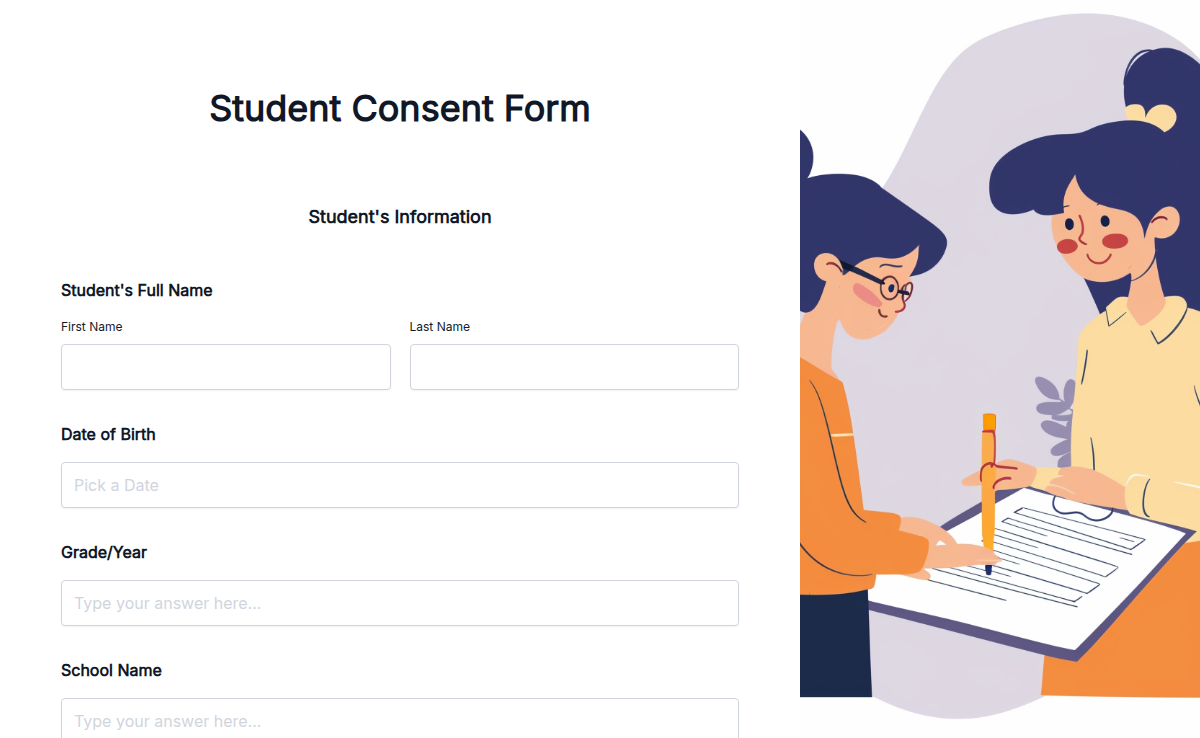
A student consent form lets schools, teachers, athletic directors, and research staff collect parent or guardian approval for off-campus trips, school activities, photo and video release, or research participation. Use this template to capture the student's name, the activity, the dates, the risks acknowledged, an emergency contact, and the parent's electronic signature in one mobile-friendly intake. Use this template for field trip permission, athletic team participation release, photo and media consent for school events, IRB-style research participation, or recurring after-school program signup. Pair it with electronic signature, conditional logic (so the form adapts to the activity type), and PDF export so the signed form lands in the student's file.

Simplify your enrollment process with this Free Online Student Enrollment Form Template. This easy-to-use form helps you collect all the essential details about new students quickly and efficiently. The form covers key sections like personal information, contact details, educational background, and course preferences. Ensure you have everything you need to enroll students smoothly without missing important details. You can customize the fields to match your institution's requirements. Use this form to save time, reduce paperwork, and create a seamless enrollment experience for students. Start using this free template today to make student enrollment fast, hassle-free, and organized!

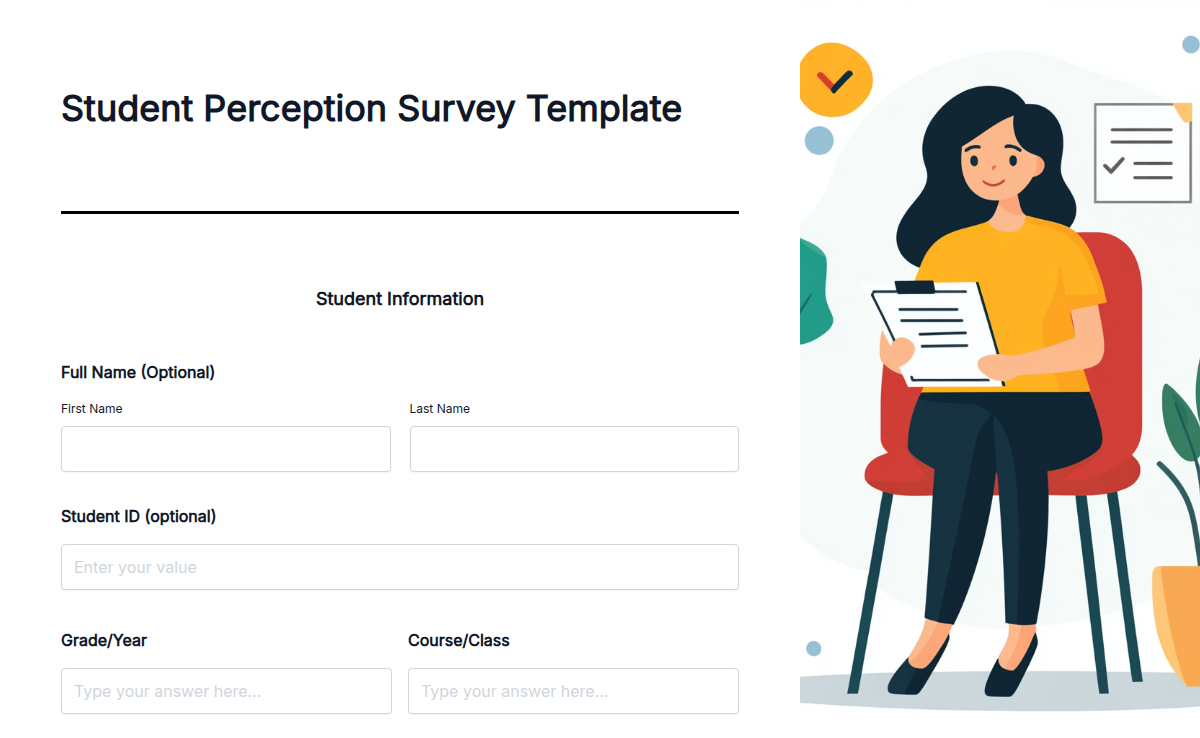
The Student Perception Survey template helps you collect valuable feedback from students about their educational experiences. This template is perfect for teachers, school administrators, and educational researchers who want to understand student perceptions and improve educational programs. With the Student Perception Survey, you can identify strengths and areas for improvement in your educational programs. This survey helps you gather detailed feedback, analyze trends, and make informed decisions to enhance student learning experiences. To get started, sign up for our free online form builder. Customize the survey using our simple drag-and-drop interface. You don't need any coding skills to make it your own. Formester's free plan includes premium features like conditional logic, e-signatures, and information recall. You can also integrate payment options and use calculation fields for detailed analysis. Building and customizing the Student Perception Survey is straightforward with our html form generator. Sign up now and use this template to gather valuable feedback and improve educational experiences for your students.

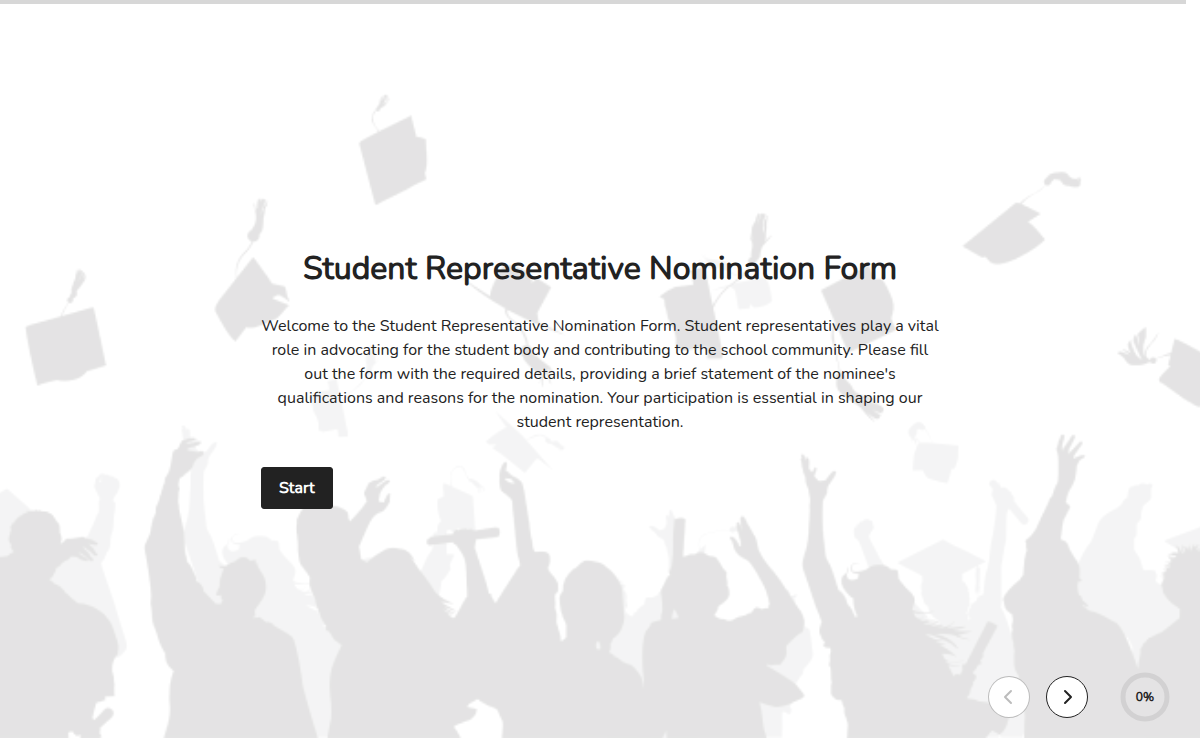
The Student Representative Nomination Form is designed to gather nominations for student representatives in various roles within the school or educational institution. By completing this form, students can nominate themselves or others who they believe would effectively represent their interests and contribute positively to the student body. This form is an opportunity for students to have a voice in the decision-making process and shape the direction of their school community.

Collect student opinions on campus life, teaching quality, and facilities to improve your school’s academic environment and overall satisfaction.

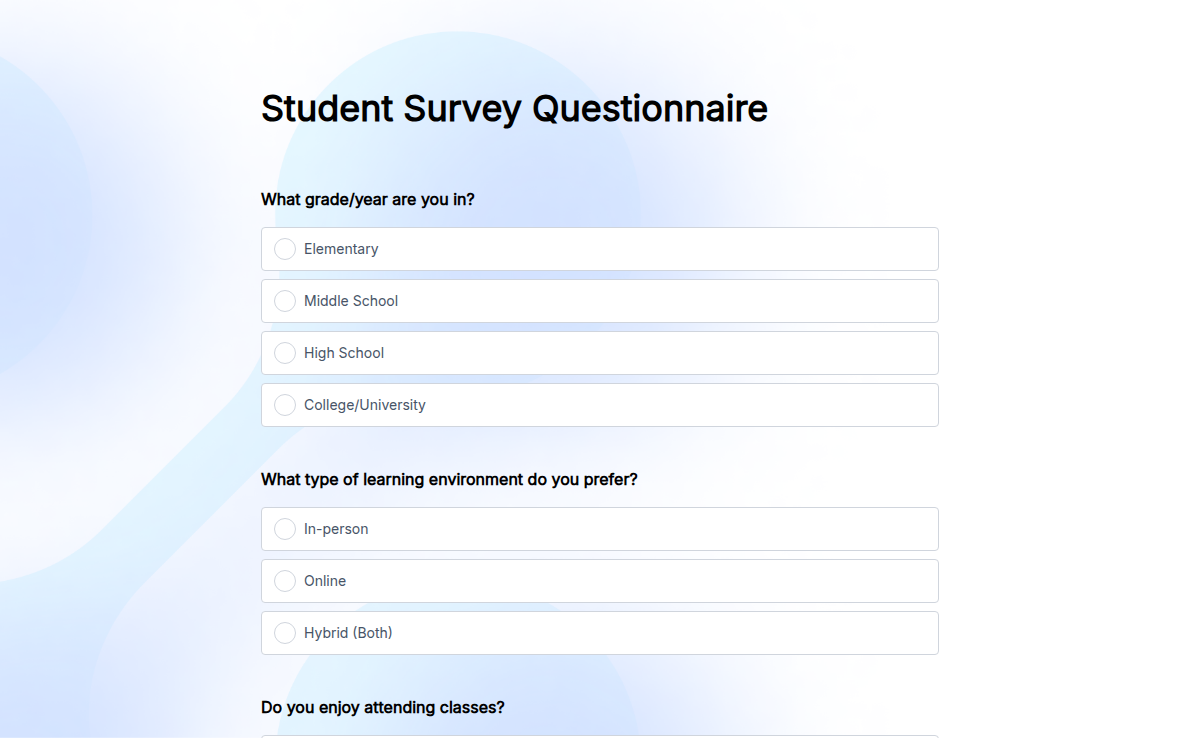
Want to understand student experiences better? Our Student Survey Template helps you gather insights on academics, extracurricular activities, learning environment, and overall satisfaction. Whether you're a school, college, or university, this form makes it easy to collect honest student feedback. With Formester’s Form Builder, you can fully customize the form, add Conditional Logic for personalized questions, and even collect E-Signatures when needed. The form is mobile-friendly and easy to share via email or embed on your website. Improve student engagement with Multi-Language Support and analyze feedback using Form Analytics. Start collecting student opinions now with this free survey template!

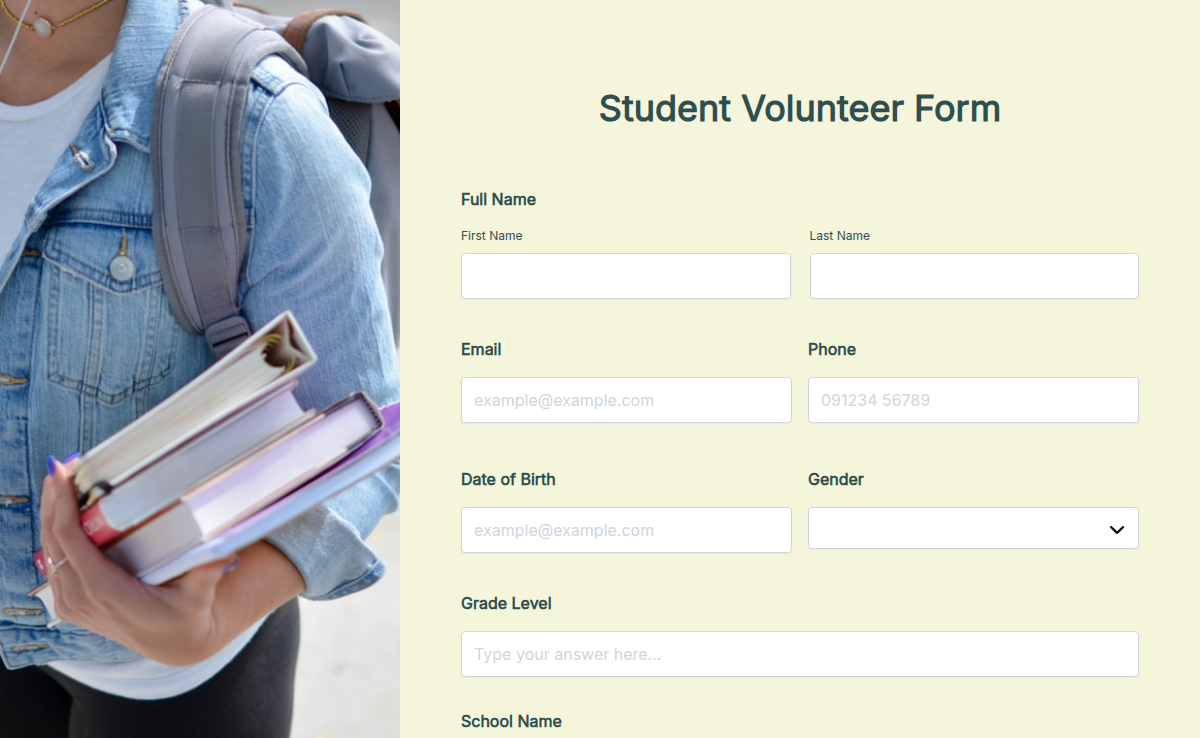
This Volunteer Form for Students helps schools and organizations engage young volunteers. Perfect for educational programs and student initiatives, it simplifies sign-ups and tracking. Why is this important? Volunteering boosts students’ personal growth while building a strong sense of responsibility. The template includes fields for student name, grade, activity interests, and parental consent. Features like automated confirmations and progress tracking make it easy to manage. Use Formester to inspire students and foster impactful volunteer programs.