Open the template
Click Use Template. The full form, conditional rules, and any e-signature flow load in the Formester drag-and-drop builder ready to edit.
A new hire paperwork template covering I-9, W-4, direct deposit, emergency contact, and standard policy acknowledgements. Exported as a signed PDF packet for the HR file.
This new-hire paperwork template runs on Formester's drag-and-drop builder, sized for HR teams that want a single-link paperwork flow instead of the usual PDF-download-print-scan cycle.
Skip the paper packet. New hires fill I-9, W-4, direct deposit, and emergency contact in one browser session, sign with e-signature, and the completed packet lands in the HR file as a signed PDF.
Use conditional logic to skip fields that do not apply: no equity block for hourly hires, no relocation section for local hires, no dependents block for hires without dependents on Day 1.
Every state-specific tax form (Alabama A-4, California DE-4, etc.) can be added as a conditional page that surfaces based on the new hire's home state, so you send one link regardless of location.
Six steps to a paperwork flow your new hires can complete before Day 1.
Click Use Template. The full form, conditional rules, and any e-signature flow load in the Formester drag-and-drop builder ready to edit.
Replace the placeholder company name, logo, and job title. Set primary colors so the form matches your careers page or hiring portal.
Add the acceptable-documents dropdown (List A / List B + C). Trigger file-upload fields for the specific documents the new hire selects.
Set up conditional pages per state. When home-state field is set, the matching state W-4 equivalent surfaces. Skip if federal W-4 is enough.
Employee handbook acknowledgement, code of conduct sign-off, IT acceptable-use policy. Each as an e-signature confirmation.
Push each submission to your ATS or HRIS via a webhook, or use Zapier to fan out to Slack notifications and calendar invites. Turn on Autoresponder Email so the applicant gets acknowledged.
Embed on your careers page, share the direct URL on job boards, or drop a QR code on in-store hiring posters. Every submission lands in the dashboard with a clean PDF for the hiring file.
Six scenarios this paperwork template handles.
Standard I-9 + W-4 + benefits enrollment + direct deposit + policy acknowledgements.
Conditional state W-4 based on home state. Remote I-9 verification via authorized agent.
Skips I-9, W-4. Replaces with W-9. Adds independent-contractor agreement e-sign.
Adds visa-status block. Captures work authorization documents and expiration.
I-9 renewal check (still valid or new I-9 required based on time-since-departure).
Simpler packet: W-4 optional (if unpaid), emergency contact, project scope, non-disclosure.
Standard new-hire paperwork fields. Adjust per state and role.
Full legal name Short text
Matches Social Security card for W-4.
Home address Address
For payroll and state tax withholding.
Social Security number Short text, encrypted
For W-4. Stored encrypted, masked in the dashboard.
Date of birth Date
For payroll and benefits eligibility.
Work authorization documents File upload
I-9 List A, or List B + C combination. Configurable acceptable-file types.
W-4 filing status Radio
Single / Married-jointly / Head of household. Drives conditional dependent block.
Number of dependents Number
For W-4 dependent credit calculation.
Direct deposit routing Short text
Bank routing number for payroll.
Direct deposit account Short text, encrypted
Bank account number. Encrypted and masked.
Emergency contact Name + phone
For workplace emergencies.
Policy acknowledgements E-signature per policy
Handbook, code of conduct, IT acceptable-use.
New hire signature E-signature
Attests all information is accurate.
Operator and signer questions about security, integrations, jurisdiction, and configuration.
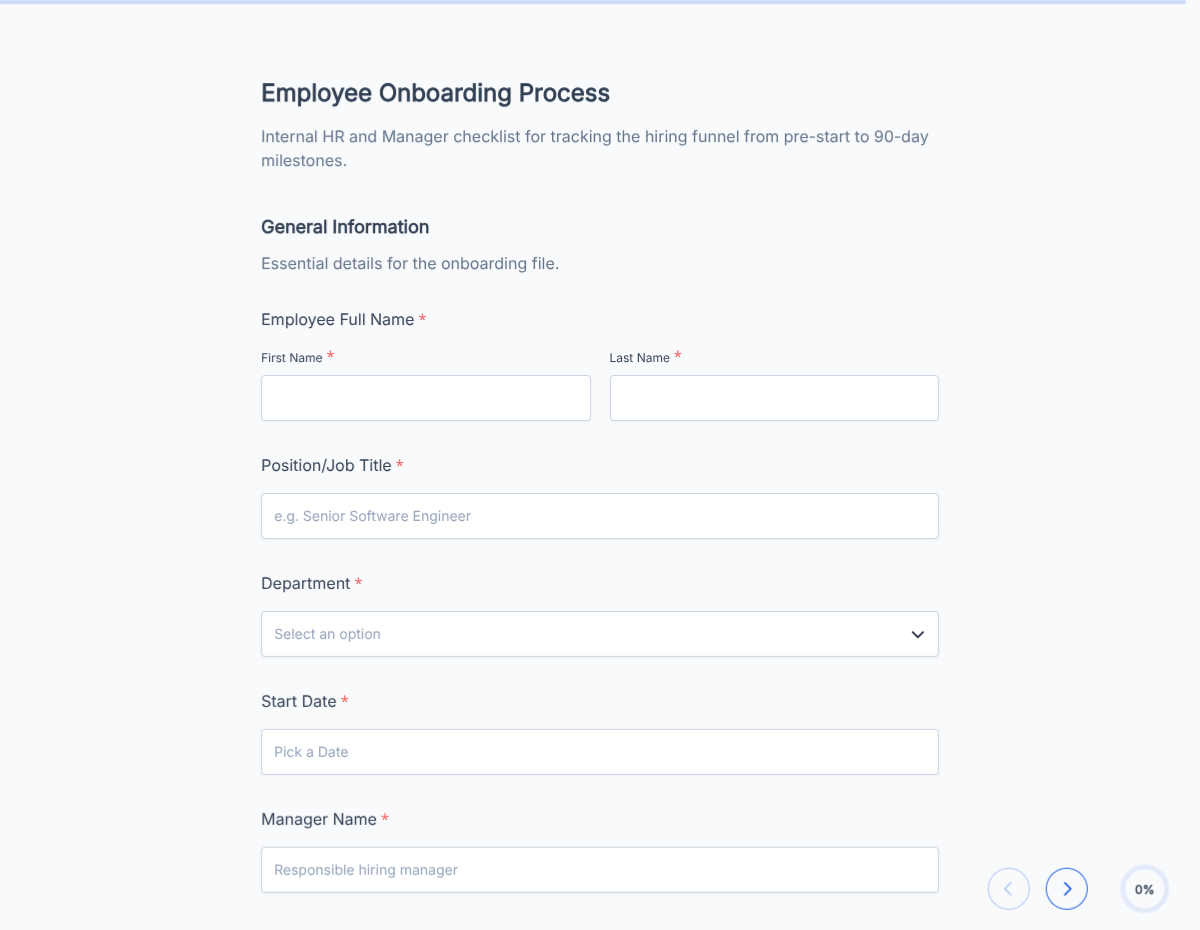
An employee onboarding checklist template covering paperwork, IT provisioning, benefits enrollment, and week-1 training. Exported as a signed completion PDF for the HR file.
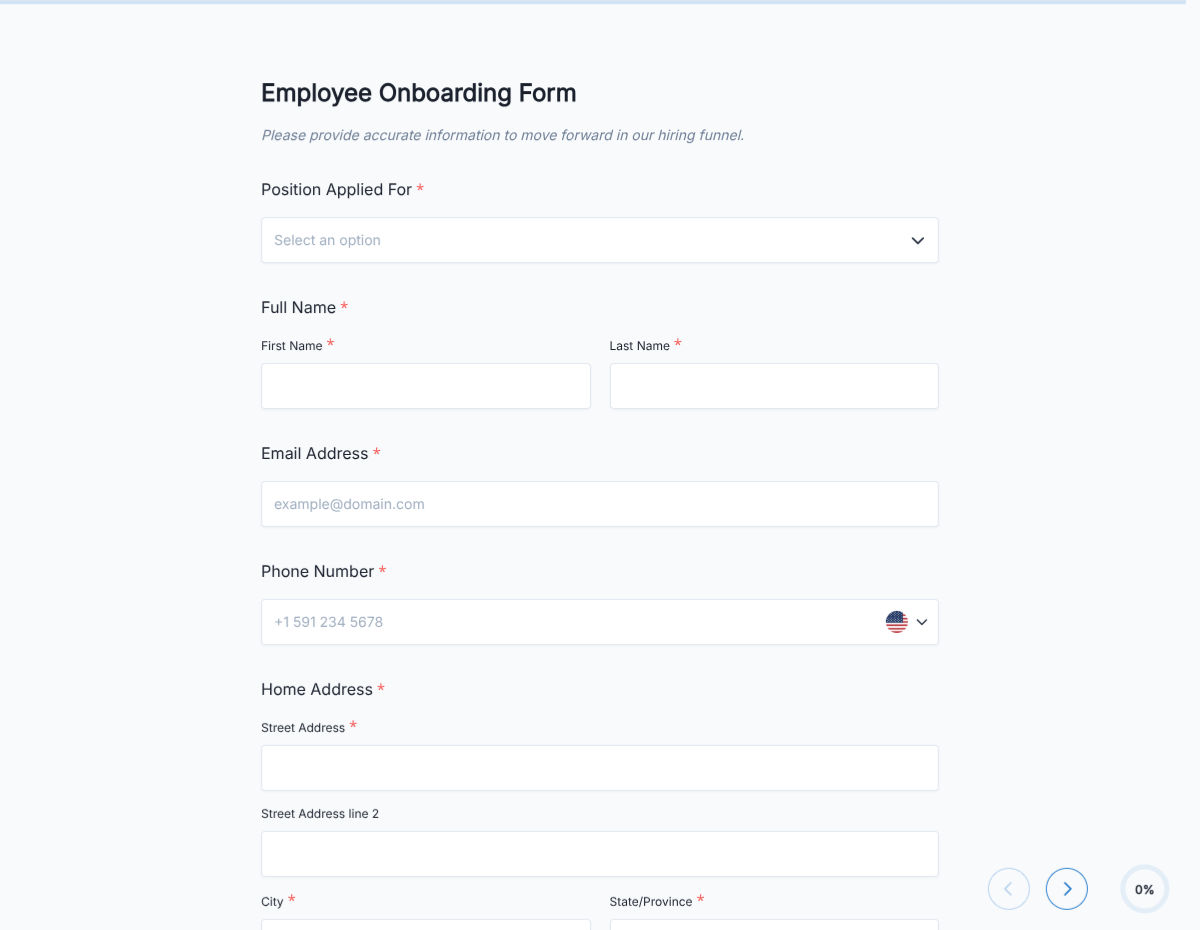
An employee onboarding template that consolidates paperwork, IT provisioning, benefits enrollment, and week-1 training milestones into a single signed PDF for the personnel file.
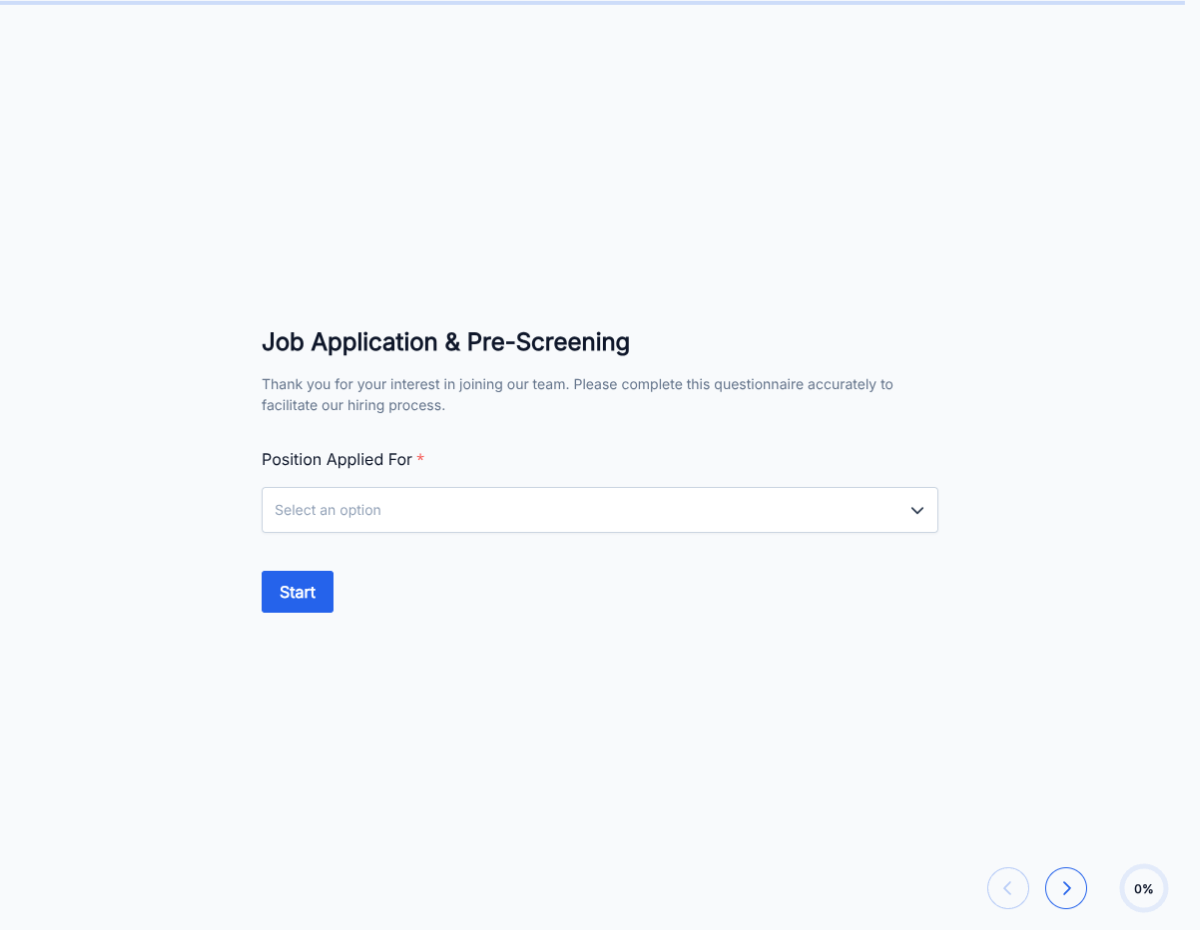
A pre-employment questionnaire covering role fit, work authorization, availability, salary expectations, and background-check consent. Screens candidates before you invest interview time.
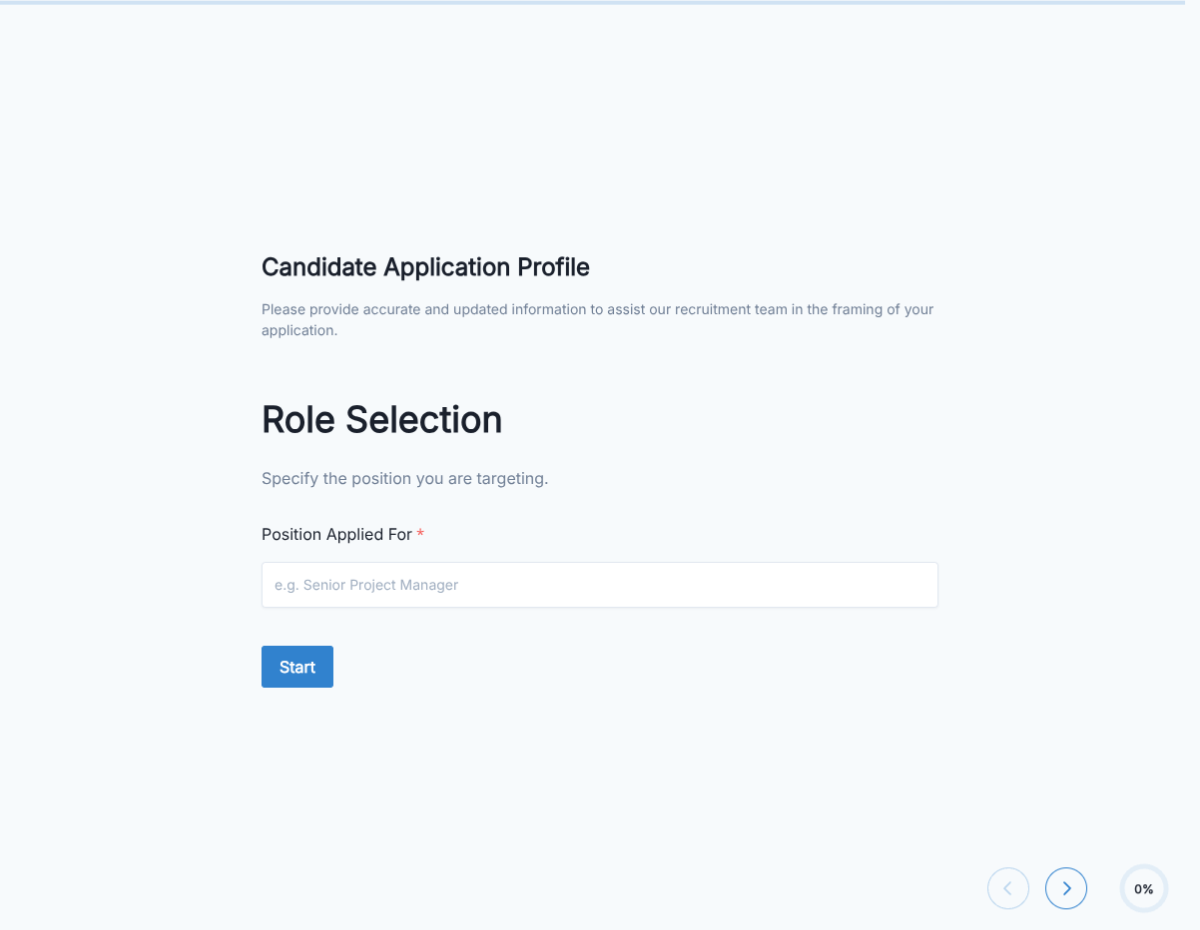
A candidate application form covering contact info, resume upload, role fit, availability, and background-check consent. Exported as a signed PDF for the hiring file.
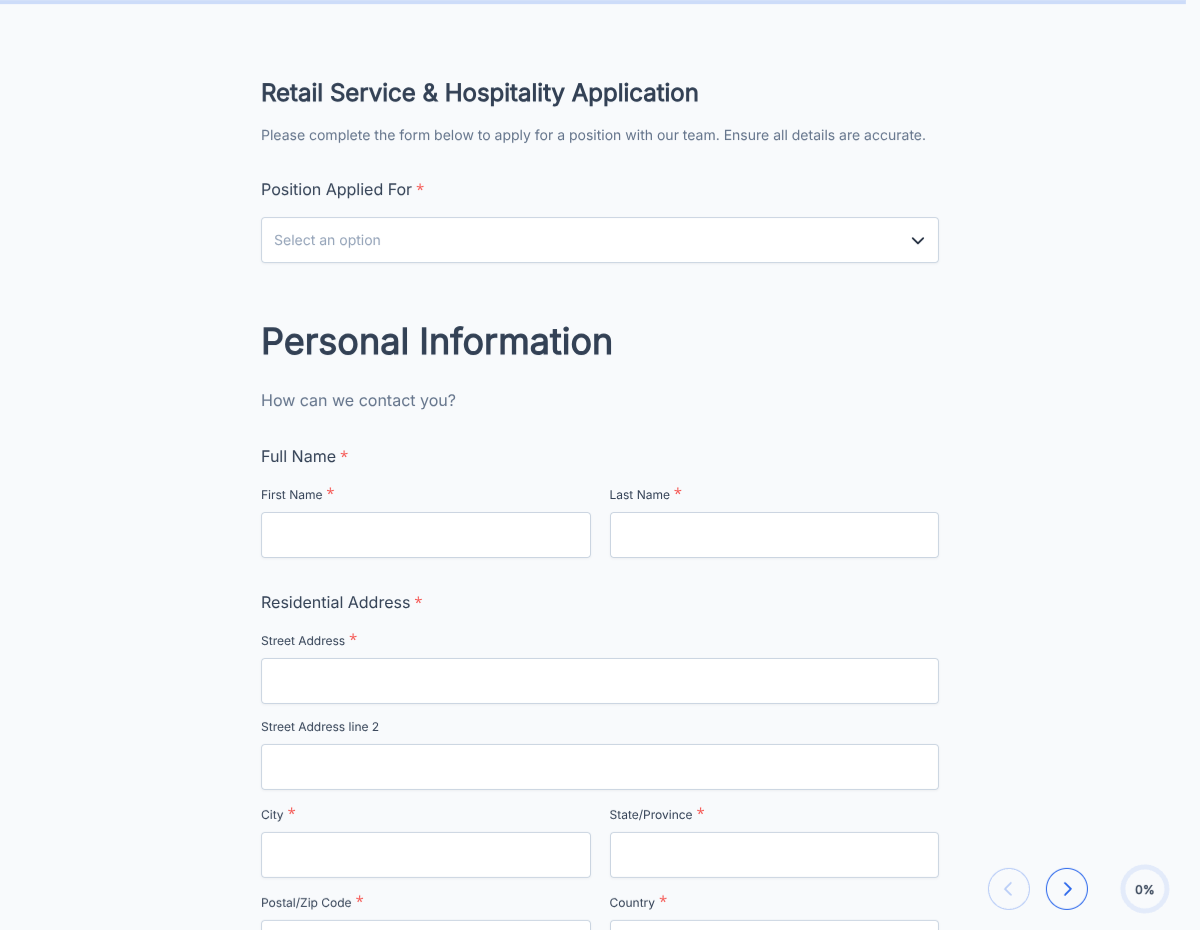
A retail job application form covering availability, POS experience, customer-service background, and standard consents. Exported as a signed PDF for the hiring file.
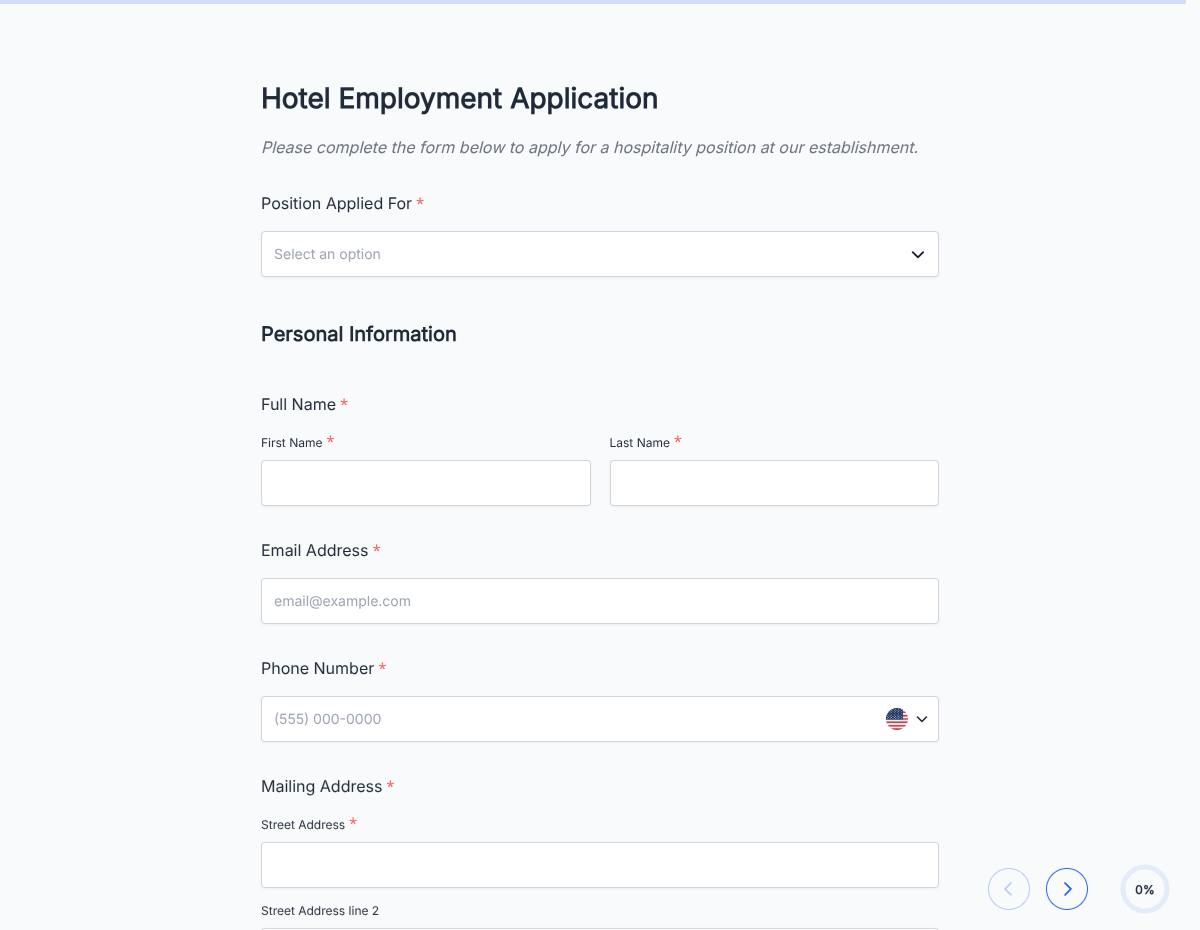
A hotel job application form covering front desk, housekeeping, F&B, and management-track roles. Captures availability, experience, and standard consents.
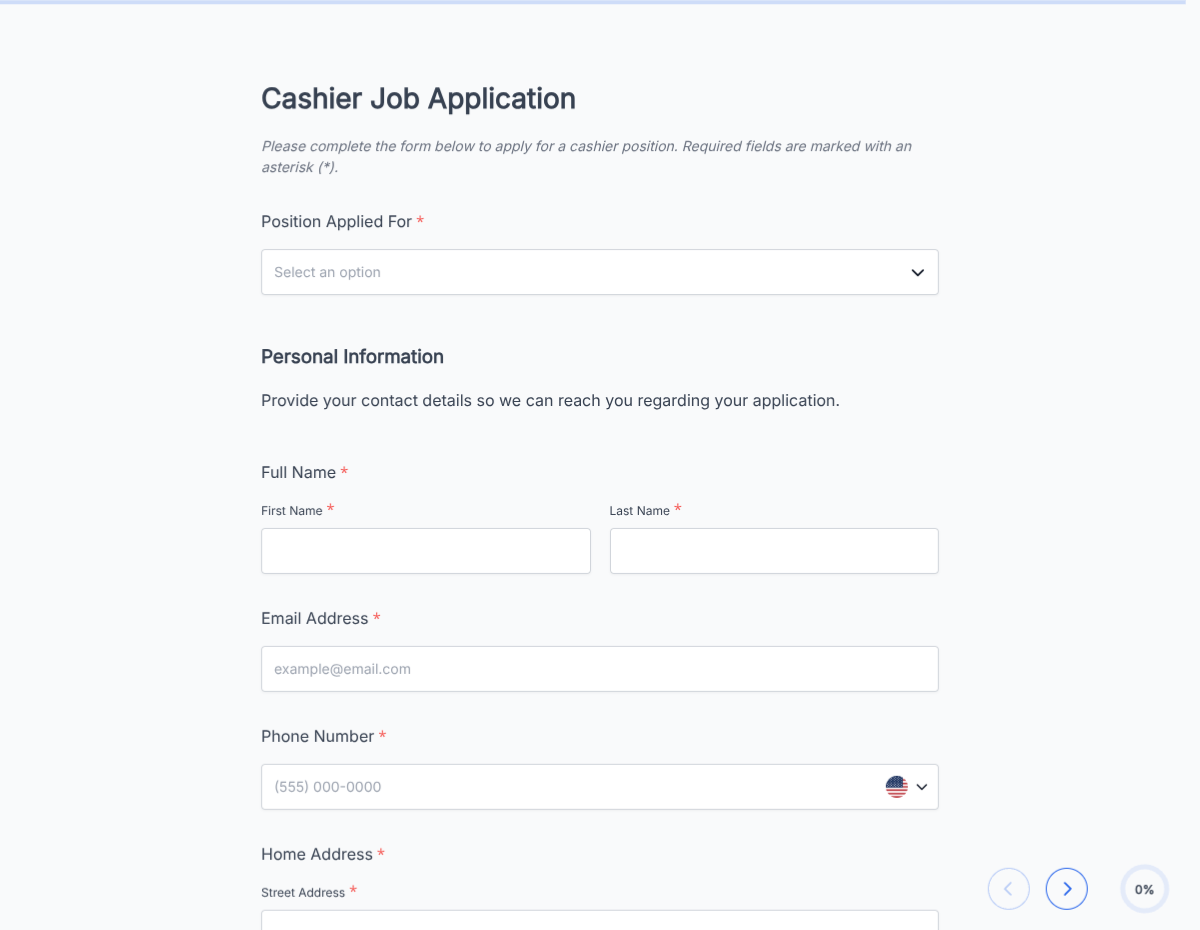
A cashier job application form covering POS experience, cash-handling comfort, customer-service background, and availability. Exported as a signed PDF for the hiring file.