bevdkbdf.formester.com/f/jDfIiOzqZ

Hiring Funnel - Employee Onboarding Checklist

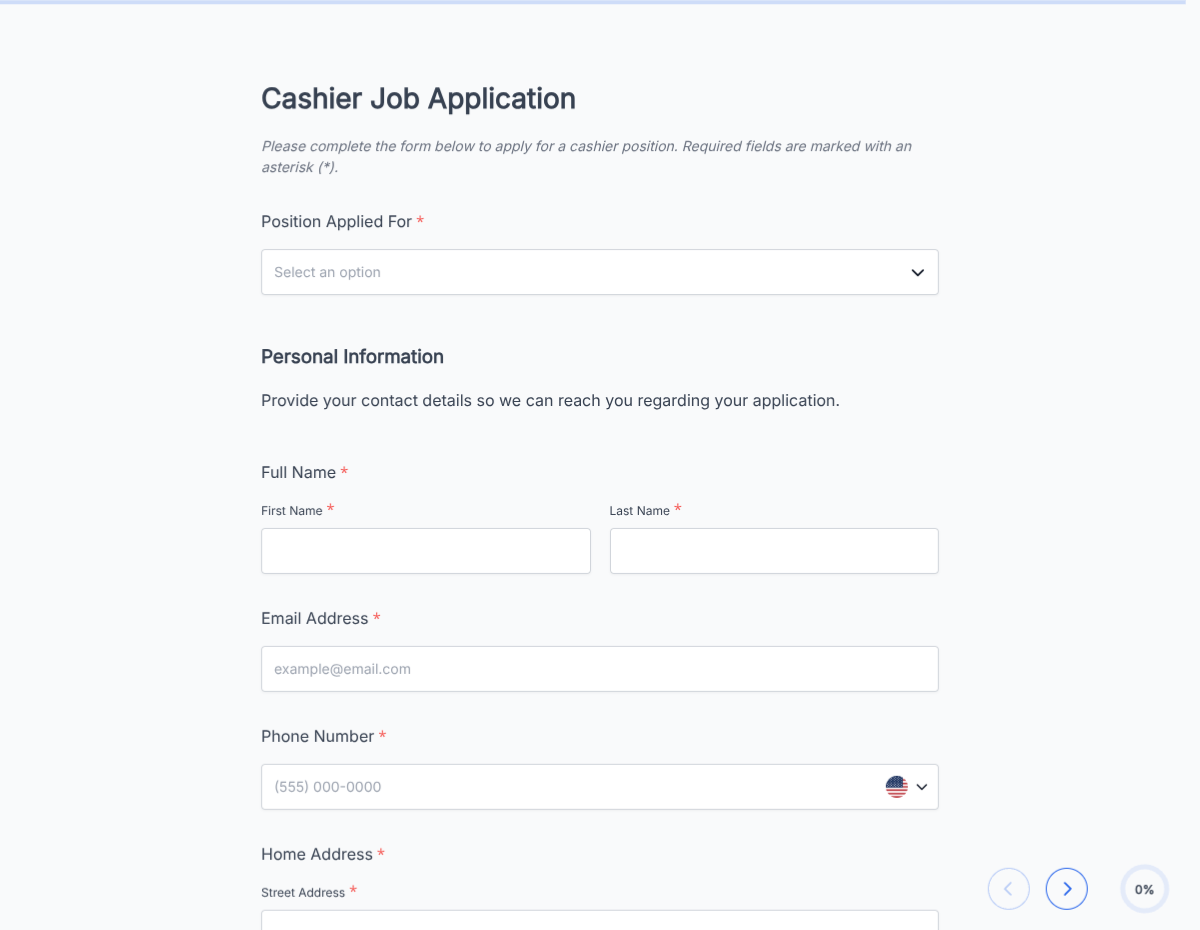
An employee onboarding checklist template covering paperwork, IT provisioning, benefits enrollment, and week-1 training. Exported as a signed completion PDF for the HR file.

HR

About this template

This onboarding checklist template runs on Formester's drag-and-drop builder, sized for HR leads managing a repeatable new-hire flow across paperwork, IT provisioning, benefits, and week-1 training.

Replace the shared Google Doc that everyone forgets to update. Each new hire gets a personal checklist link, ticks off items as they complete, and the completed checklist auto-signs and exports as a PDF for the personnel file.

Use conditional logic to surface remote-only steps (equipment shipping, remote I-9 verification) for distributed hires, and to skip office-only steps (badge photo, parking) when they do not apply.

Auto-route each completed section to the right team via webhooks: IT gets provisioning requests, Finance gets payroll paperwork, and the hiring manager gets week-1 training confirmations without chasing anyone.
How to customize this onboarding checklist

Six steps to a checklist your new hires actually complete.

Open the template

Click Use Template. The full form, conditional rules, and any e-signature flow load in the Formester drag-and-drop builder ready to edit.

Brand the header

Replace the placeholder company name, logo, and job title. Set primary colors so the form matches your careers page or hiring portal.

Set day-1, week-1, and 30-day milestones

Group items into three checklist sections. Day-1: paperwork + IT + workspace. Week-1: benefits + team intros + role training. 30-day: goal-setting + first review.

Add role-specific branches

Conditional-logic branches for engineers (repo, dev environment, on-call training), sales (CRM setup, territory, quota), and support (ticketing system, product training).

Wire up IT and Finance triggers

When the new hire checks 'I have a laptop', trigger a webhook to IT for provisioning. When they submit W-4 and I-9, trigger a webhook to Finance for payroll.

Wire delivery

Push each submission to your ATS or HRIS via a webhook, or use Zapier to fan out to Slack notifications and calendar invites. Turn on Autoresponder Email so the applicant gets acknowledged.

Publish and share

Embed on your careers page, share the direct URL on job boards, or drop a QR code on in-store hiring posters. Every submission lands in the dashboard with a clean PDF for the hiring file.

When to use this onboarding checklist

Six onboarding scenarios this template handles.

In-office new hire

Standard flow with day-1 desk setup, badge photo, and office tour. Includes parking and building-access provisioning.

Fully remote new hire

Skips office-only items. Adds laptop-shipping, remote I-9 verification, and virtual team-intro block.

Batch onboarding (cohort)

Multiple hires starting the same day. Shared timeline, individual checklists, cohort intro block.

Manager transition

New manager for existing team. Focuses on team intros, direct-report 1:1s, and management-tool access.

Rehire or transfer

Skips general orientation, focuses on new-role training and updated paperwork (I-9 renewal, benefits re-enrollment).

Intern or contractor

Simplified paperwork, project-scope confirmation, mentor assignment, defined end date.

Fields included in this template

Standard onboarding checklist fields. Adjust per company.

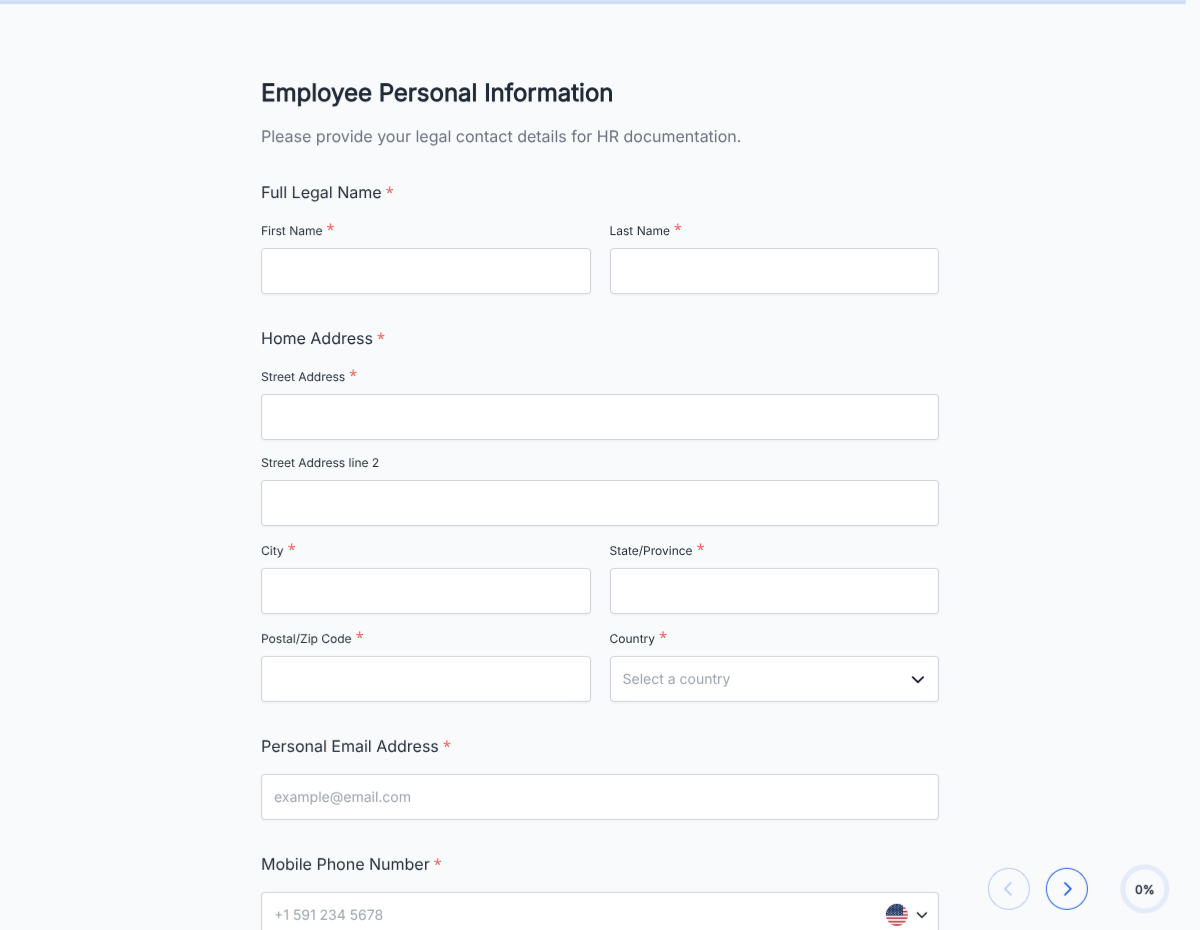
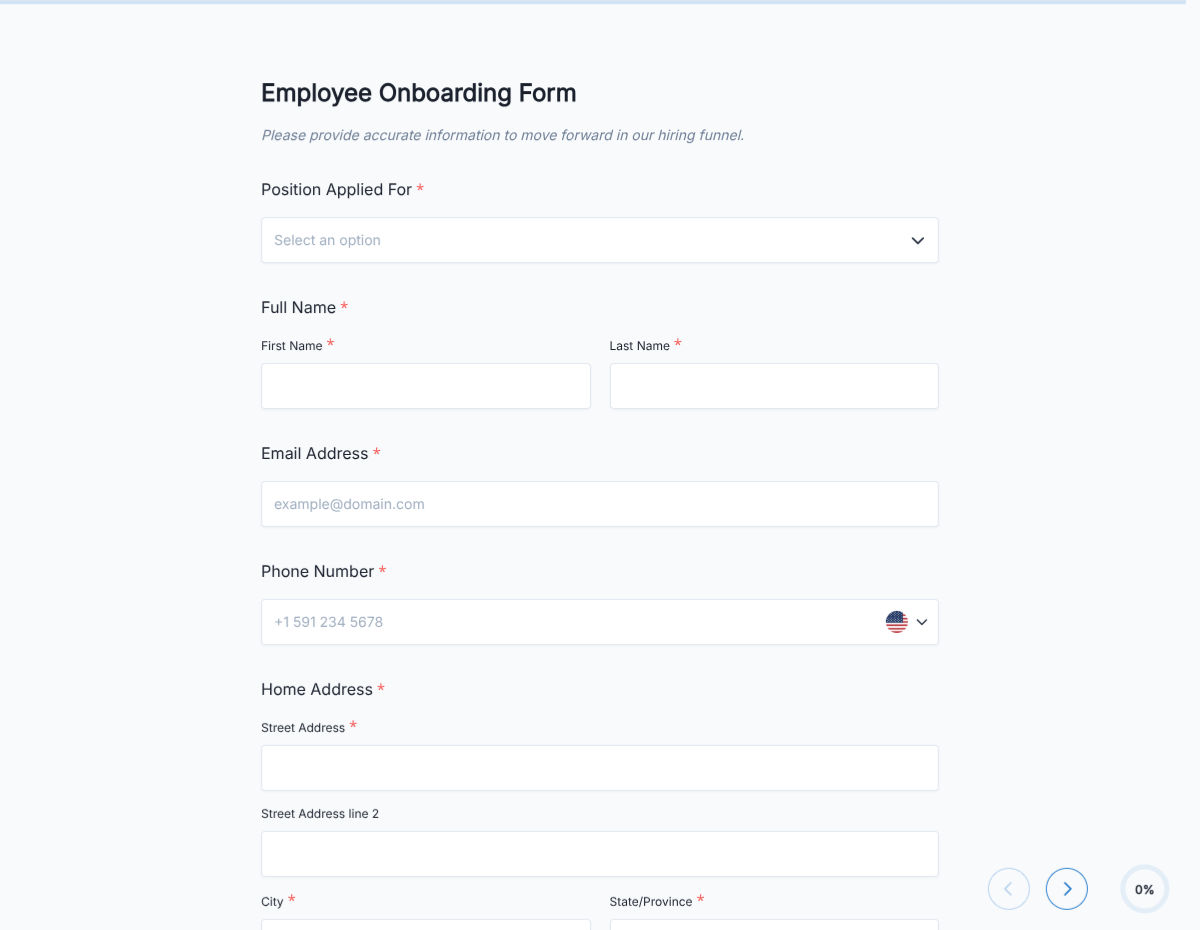
  • New hire name Short text

    For the HR file.

  • Start date Date

    Official first day.

  • Role and department Short text

    Drives role-specific conditional branches.

  • Manager Short text

    Reporting relationship, gets 1:1 and review notifications.

  • Location Radio

    In-office / remote / hybrid. Drives conditional flows for equipment and access.

  • Day-1 checklist Checkbox group

    Paperwork, laptop, workspace, badge, ID verification.

  • Week-1 checklist Checkbox group

    Benefits enrollment, team intros, role training, tool access.

  • 30-day checklist Checkbox group

    Goal-setting, first 1:1, performance-review calibration.

  • I-9 upload File upload

    Work authorization documents. Accepts PDF, PNG, JPG.

  • W-4 upload File upload

    Federal tax withholding form.

  • Direct deposit Short text

    Bank routing + account for payroll.

  • Completion signature E-signature

    Signs off that all sections are complete.

Questions we get a lot

Operator and signer questions about security, integrations, jurisdiction, and configuration.

Are submissions secure?
Yes. Every submission is encrypted in transit and at rest. Add a custom subdomain on paid plans so the form lives on your own URL through the entire flow.
Can I collect a resume or supporting files from the new hire?
Yes. The template ships a file upload field with configurable size and file-type limits. PDF, DOC, DOCX, and PNG/JPG all supported.
Can I auto-acknowledge the new hire after they submit?
Yes. Turn on Autoresponder Email so the applicant gets an acknowledgement the moment they submit. Attach the completed application as a PDF if your workflow needs it.
Can I route each submission to my ATS or CRM?
Yes. Push each submission via a webhook for real-time delivery, or use Zapier to fan out to your ATS, HRIS, and Slack. Google Sheets sync works if you just need a hiring log.
Can I disqualify applicants automatically?
Yes. Use conditional logic to route applicants based on any answer, or set fields as pass/fail to show a thanks page immediately when a hard requirement is not met.
How long does onboarding typically take on this template?
The checklist is designed to complete within the first two weeks, with clear day-1, week-1, and 30-day milestones. Individual items take 5-30 minutes each.
Can I customize the checklist for different roles?
Yes. Use conditional logic to surface role-specific steps: engineers get repo access + laptop setup, sales get CRM training + territory assignment, and everyone gets the shared paperwork block.