Open the template
Click Use Template. The full form, conditional rules, and any e-signature flow load in the Formester drag-and-drop builder ready to edit.
A retail job application form covering availability, POS experience, customer-service background, and standard consents. Exported as a signed PDF for the hiring file.
This retail job application template runs on Formester's drag-and-drop builder, sized for store managers and district recruiters running high-volume retail hiring.
Skip the paper application at the front counter. Applicants scan a QR code, fill on their phone, sign with e-signature, and the completed application goes straight to the hiring manager's dashboard.
Use conditional logic to surface position-specific questions (cashier vs sales associate vs stock lead) and to filter for the availability windows the store actually needs to fill.
Auto-acknowledge every applicant via Autoresponder Email, and push each qualified application to your ATS or Slack via webhook so the store team sees new applicants in real time.
Six steps to a store-ready application flow.
Click Use Template. The full form, conditional rules, and any e-signature flow load in the Formester drag-and-drop builder ready to edit.
Replace the placeholder company name, logo, and job title. Set primary colors so the form matches your careers page or hiring portal.
Dropdown for cashier / sales associate / stock lead / department manager. Each triggers a small conditional block of position-specific questions.
Multi-select for weekday / weekend / evening / holiday / seasonal. Filter applicants by the specific shifts your store needs to fill.
Multi-select for POS systems the applicant has used, plus a short text field for prior retail experience.
Push each submission to your ATS or HRIS via a webhook, or use Zapier to fan out to Slack notifications and calendar invites. Turn on Autoresponder Email so the applicant gets acknowledged.
Embed on your careers page, share the direct URL on job boards, or drop a QR code on in-store hiring posters. Every submission lands in the dashboard with a clean PDF for the hiring file.
Six retail hiring scenarios this template handles.
Serves customers directly. Captures customer-service experience, POS familiarity, availability.
Prep, dish, kitchen support. Captures food-handler certification and physical requirements.
Adds team-size and prior-supervisor experience fields.
Availability calendar for peak periods (holidays, summer, weekends).
Simpler questions, no experience minimum, focuses on availability + interest.
Shorter form for returning employees. Skips general onboarding, focuses on updated availability.
Standard retail application fields.
Full name Short text
For the application record.
Contact Email + Phone
For scheduling.
Age (18+ confirmation) Radio
For roles with legal minimum age.
Work authorization Radio
US citizen / authorized to work / requires sponsorship.
Availability Multi-select
Days + shifts. Weekend, evening, holiday willingness.
Prior experience Multi-select
Similar roles, tools (POS, kitchen equipment), years.
Food-handler certification Checkbox + upload, conditional
For food-service roles.
Position applying for Dropdown
Server / host / cook / cashier / etc.
Preferred start date Date
When they can start.
Transportation to work Radio
Own vehicle / public transit / other.
Emergency contact Name + phone
For workplace safety.
Signature E-signature
Attests information is accurate + consent to background check.
Operator and signer questions about security, integrations, jurisdiction, and configuration.
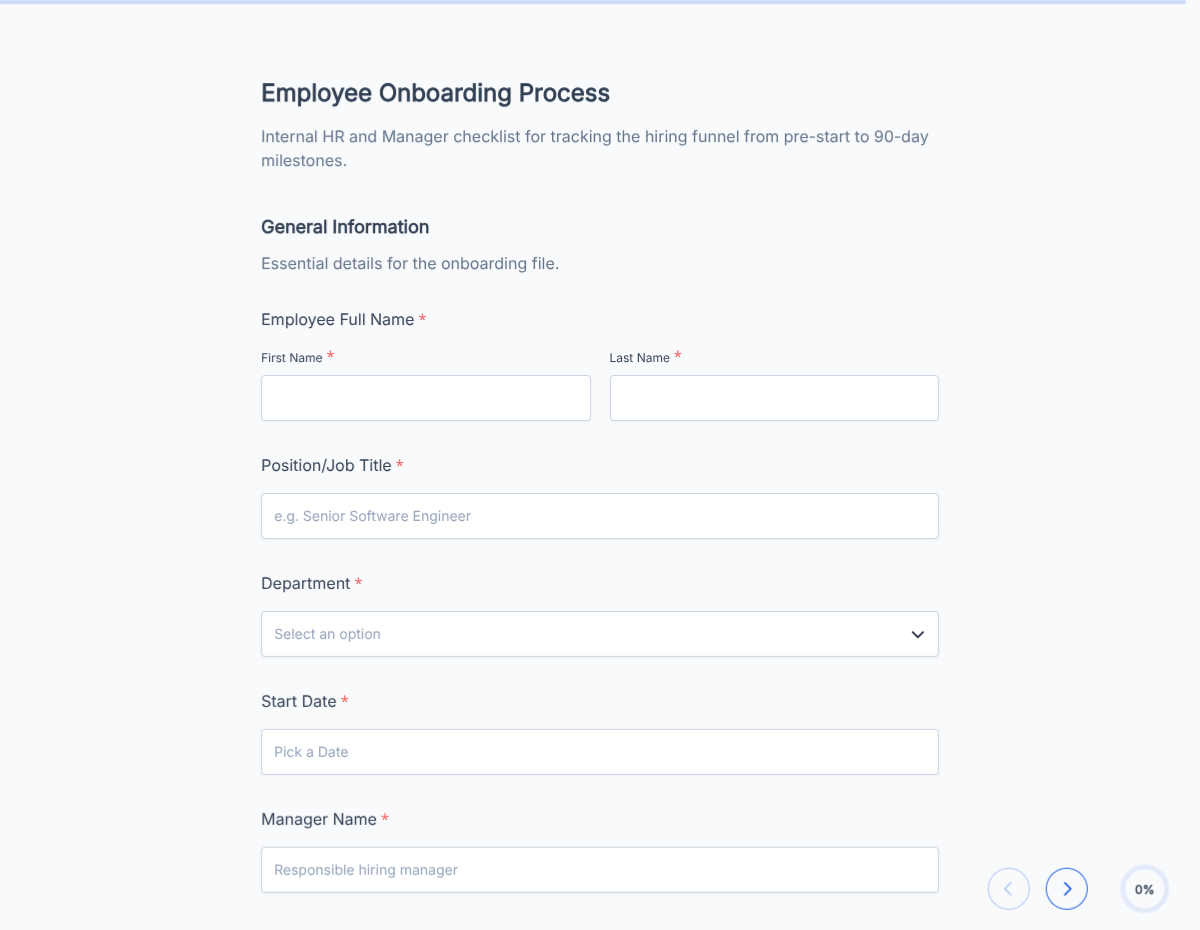
An employee onboarding checklist template covering paperwork, IT provisioning, benefits enrollment, and week-1 training. Exported as a signed completion PDF for the HR file.
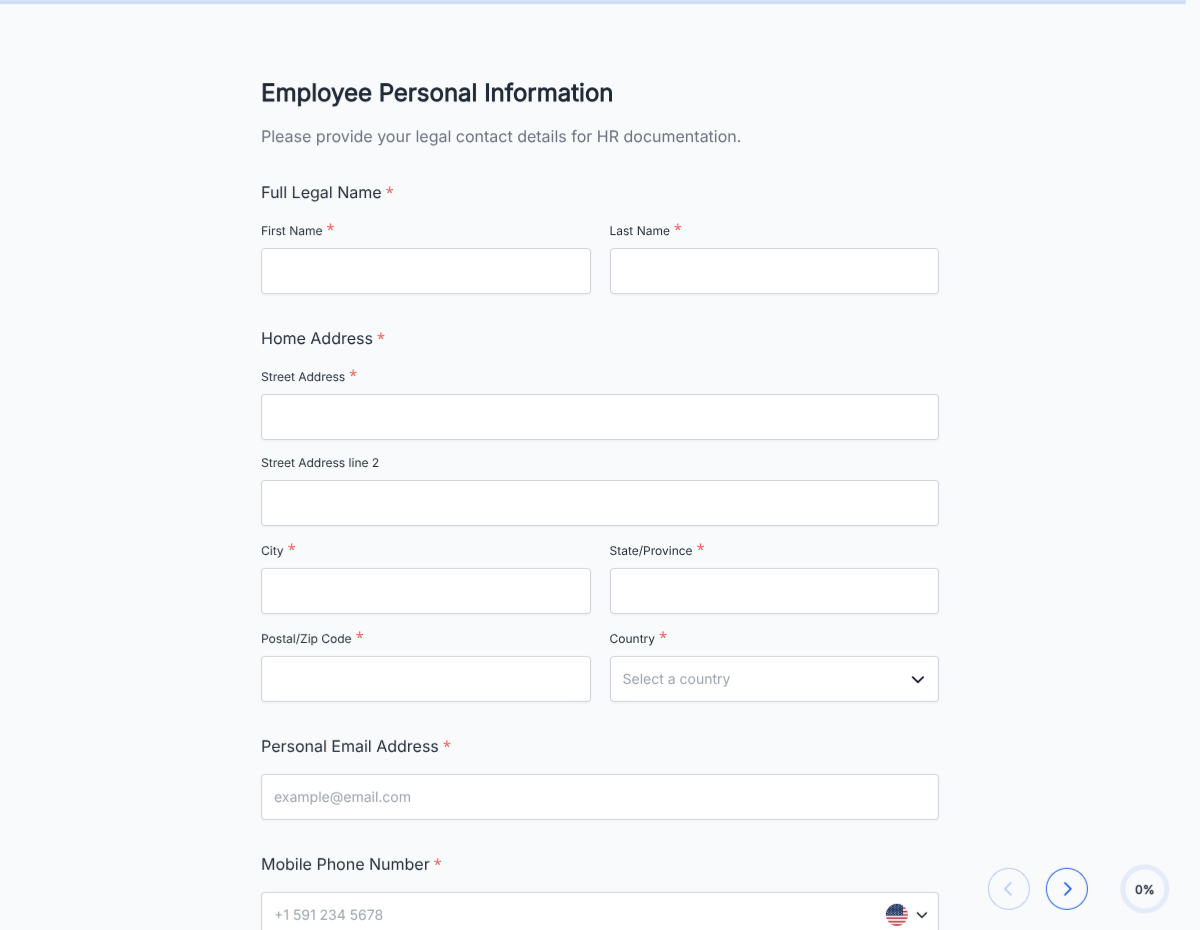
A new hire paperwork template covering I-9, W-4, direct deposit, emergency contact, and standard policy acknowledgements. Exported as a signed PDF packet for the HR file.
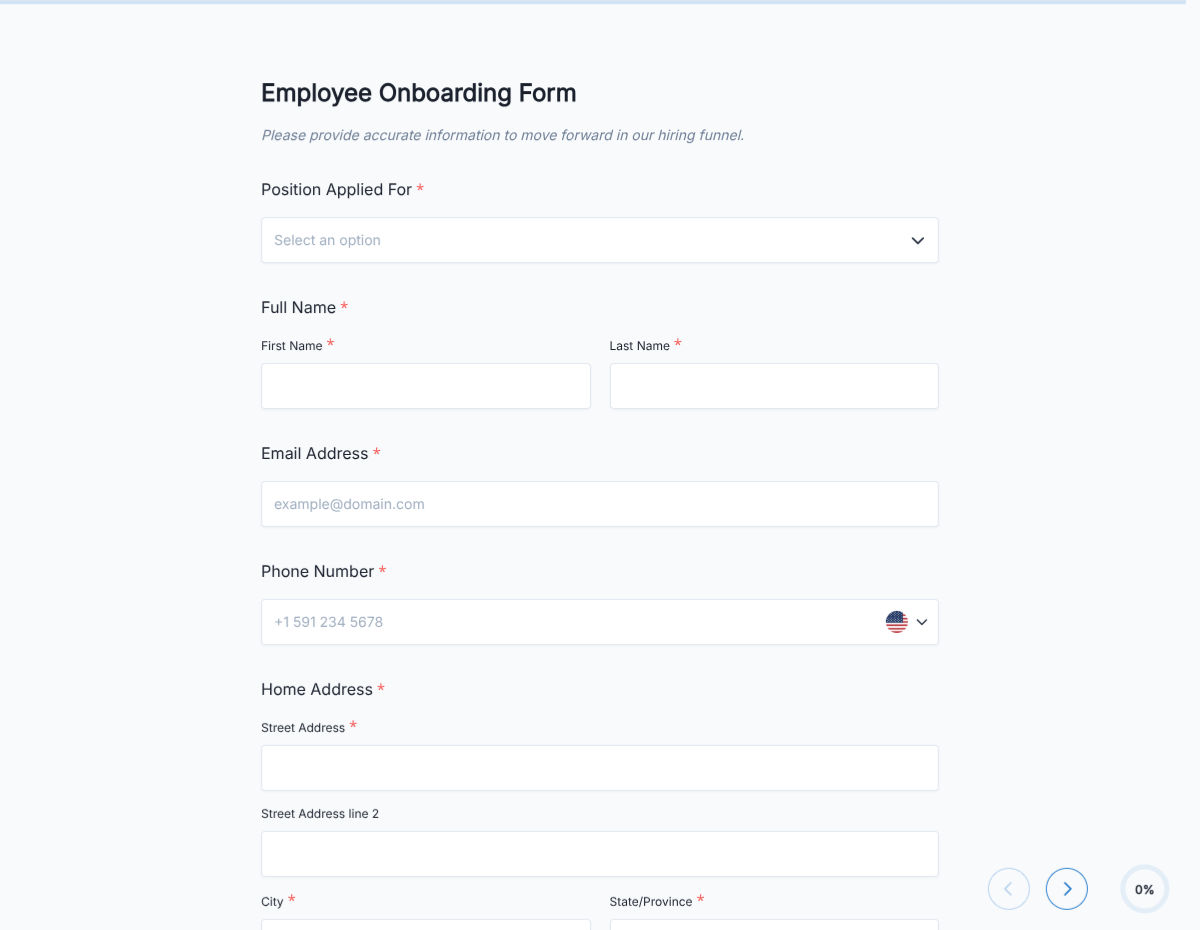
An employee onboarding template that consolidates paperwork, IT provisioning, benefits enrollment, and week-1 training milestones into a single signed PDF for the personnel file.
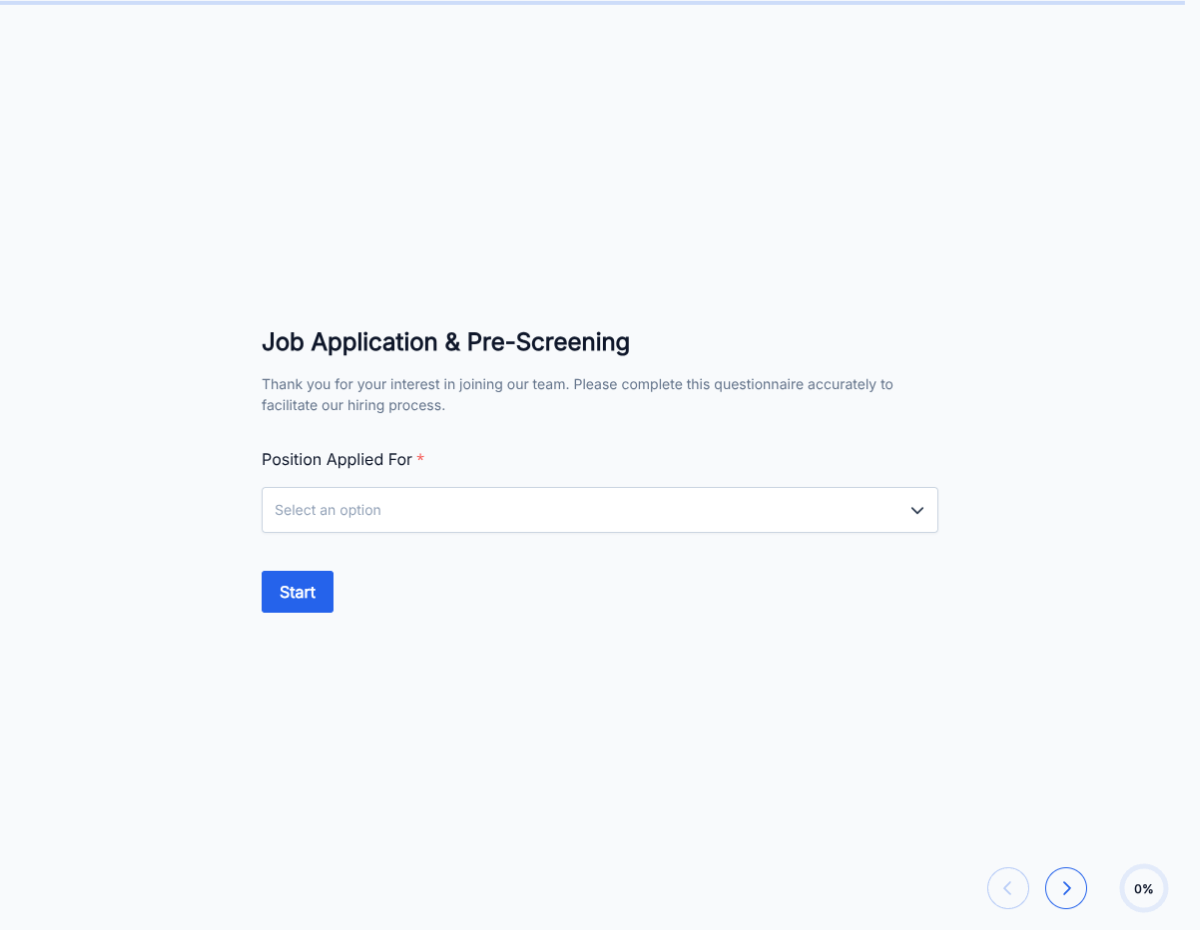
A pre-employment questionnaire covering role fit, work authorization, availability, salary expectations, and background-check consent. Screens candidates before you invest interview time.
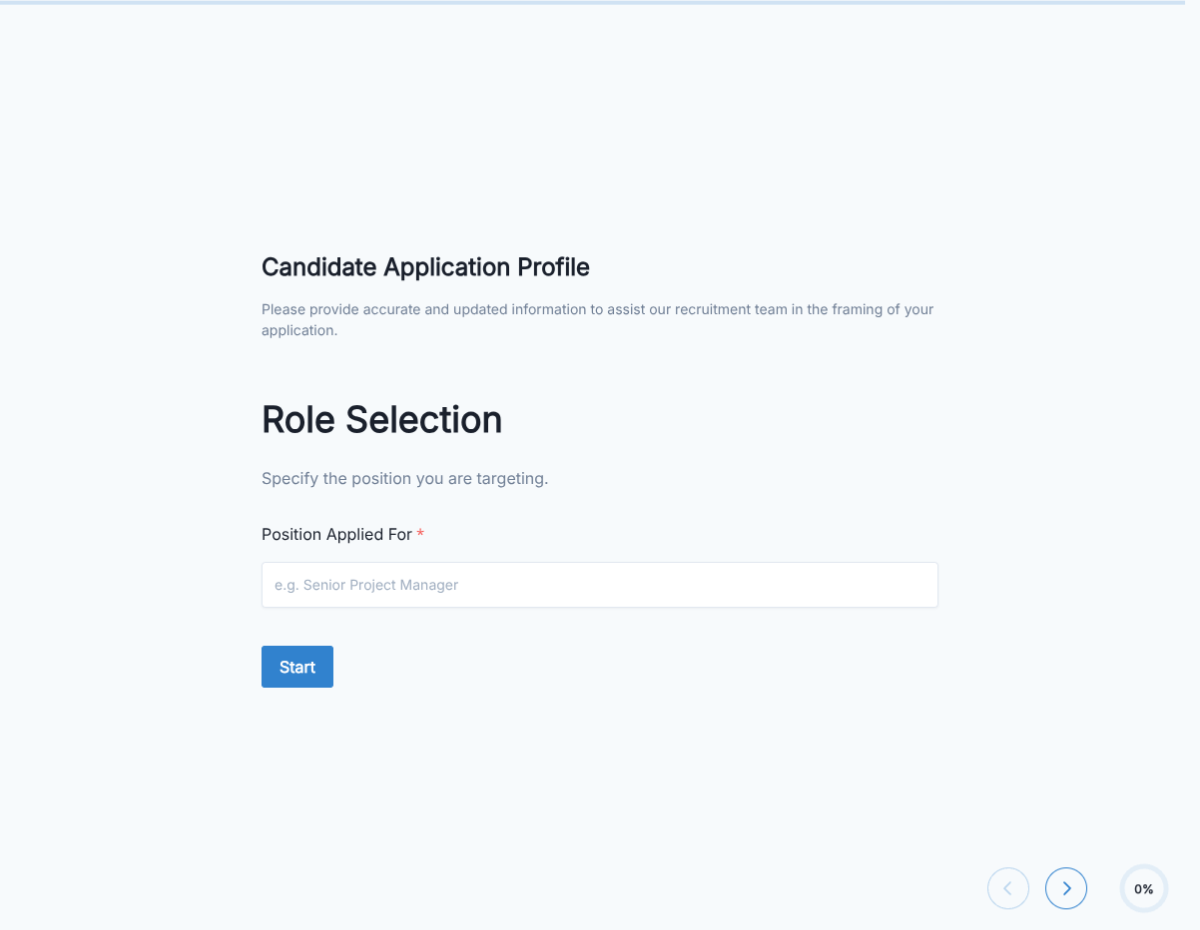
A candidate application form covering contact info, resume upload, role fit, availability, and background-check consent. Exported as a signed PDF for the hiring file.
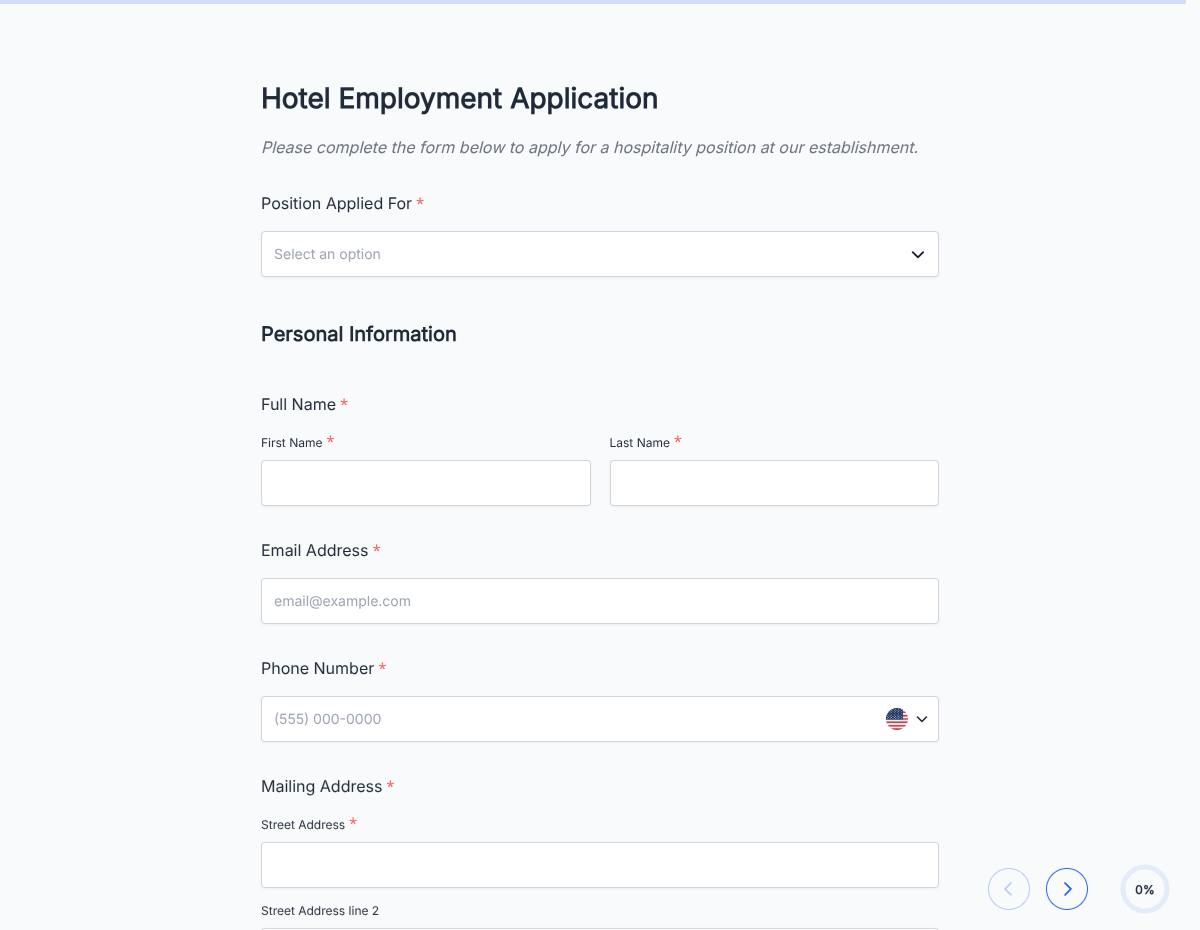
A hotel job application form covering front desk, housekeeping, F&B, and management-track roles. Captures availability, experience, and standard consents.
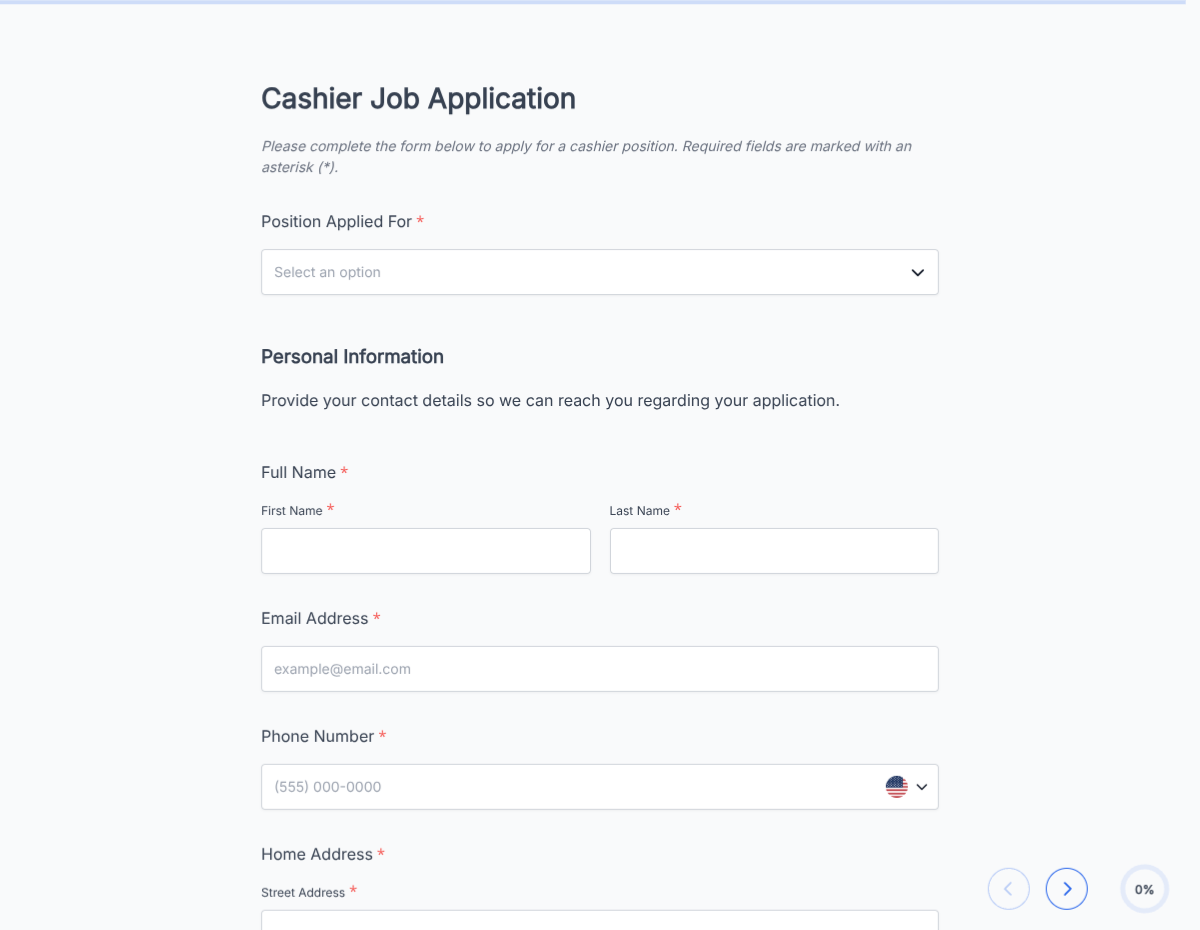
A cashier job application form covering POS experience, cash-handling comfort, customer-service background, and availability. Exported as a signed PDF for the hiring file.