All Blogs
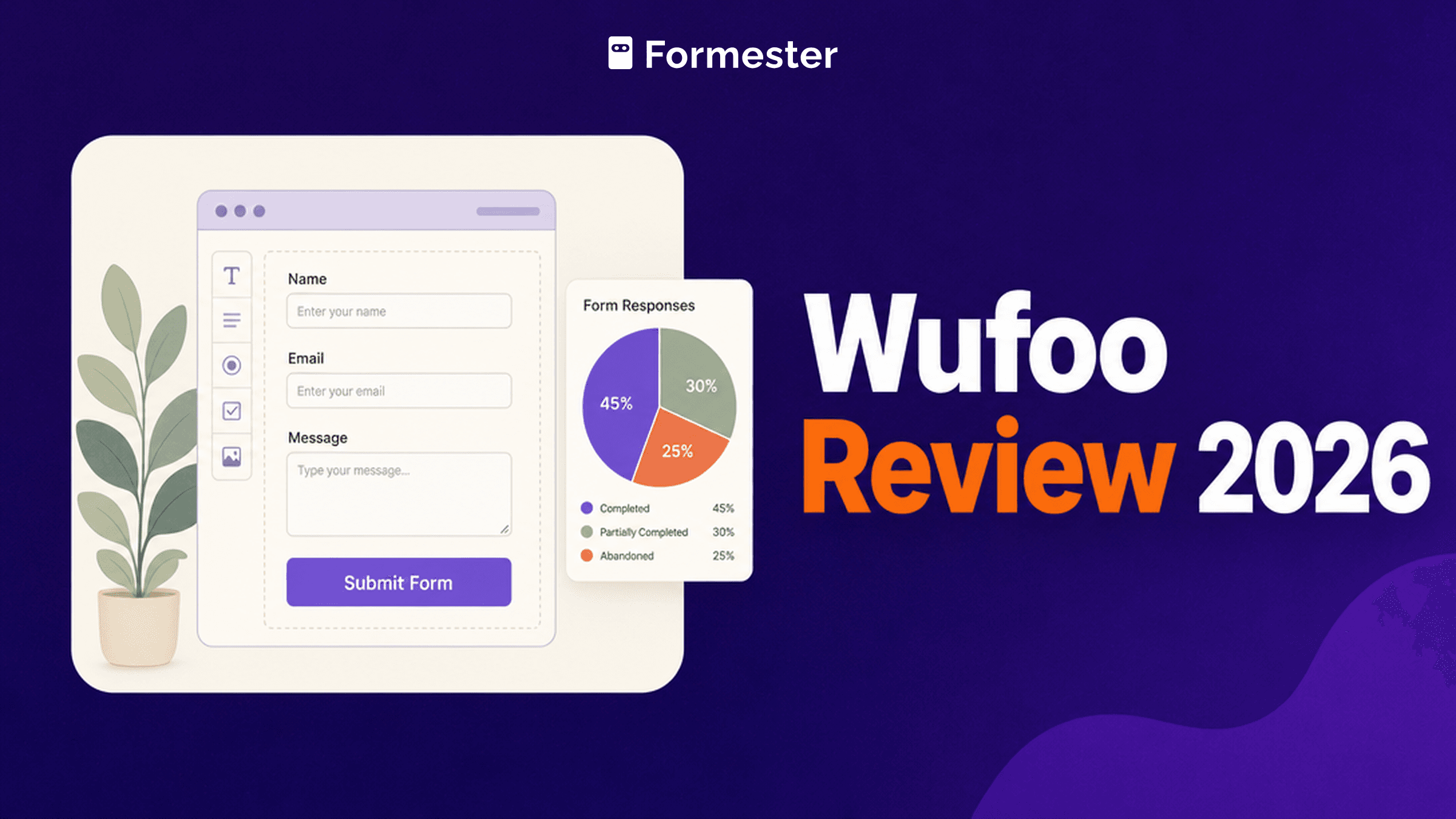
Wufoo Review 2026: Legacy Tool, Honest Look
Honest Wufoo review with pricing, feature breakdown, pros and cons, and when to pick a modern form builder instead.
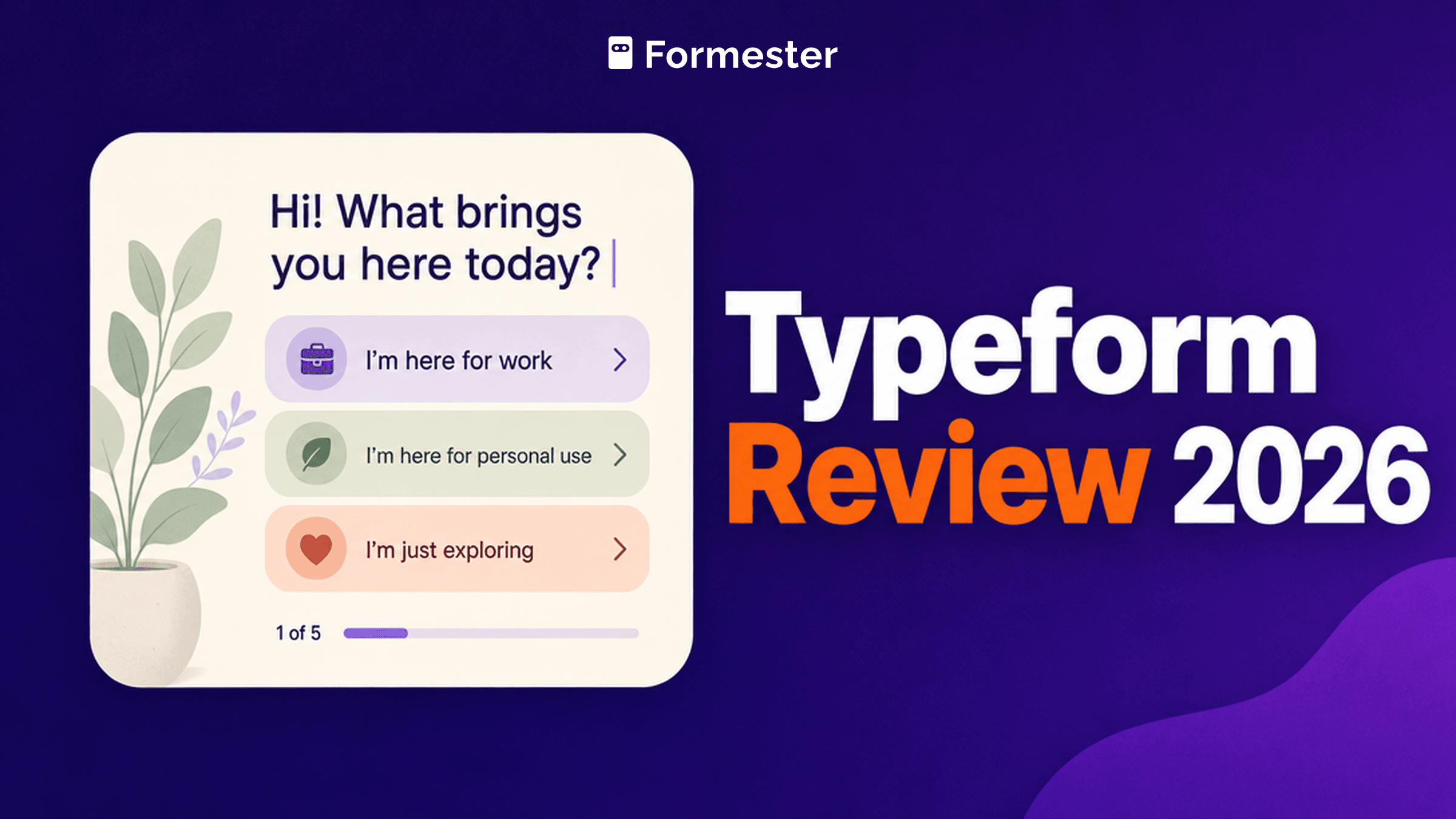
Typeform Review 2026: Design vs Real Costs
Honest Typeform review with 2026 pricing, editor UX, AI features, pros and cons, and when to pick a cheaper builder.
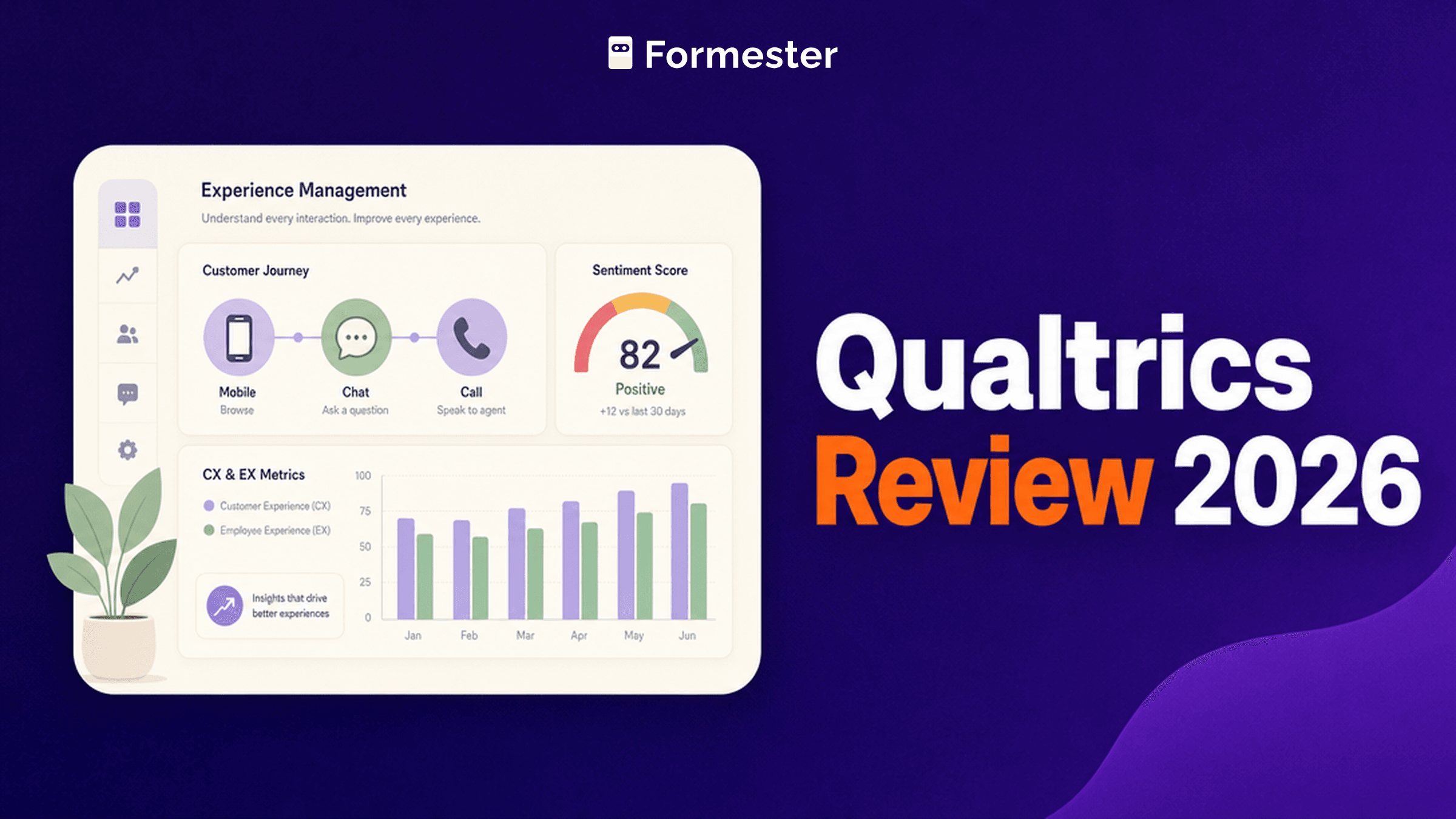
Qualtrics Review 2026: Is It Worth the Price?
Honest Qualtrics review with platform breakdown, pricing opacity notes, pros and cons, and when to pick a lighter builder.
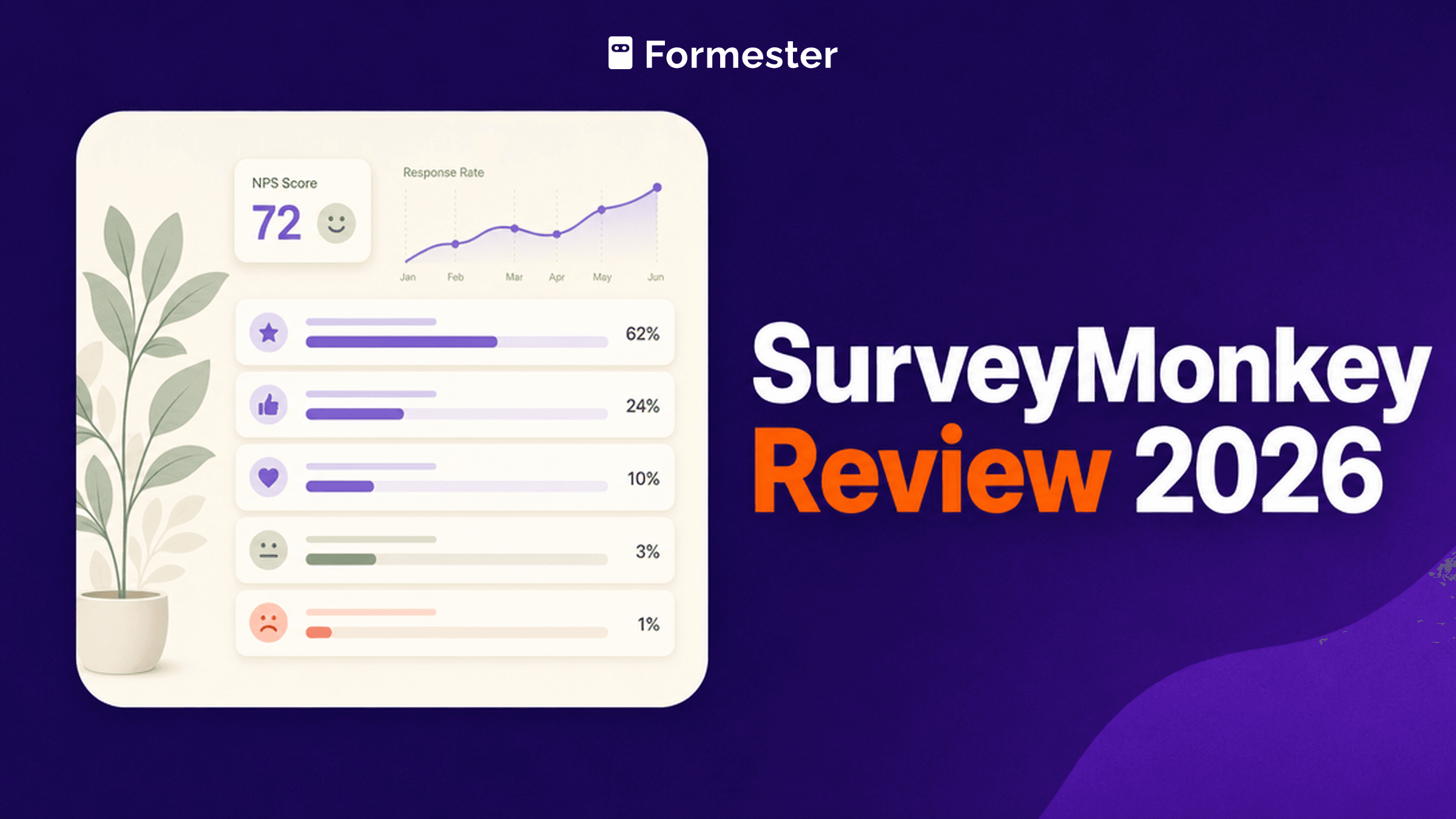
SurveyMonkey Review 2026: Honest Pricing Guide
Honest SurveyMonkey review with pricing, editor UX, AI features, pros and cons, and when to pick a lighter builder.
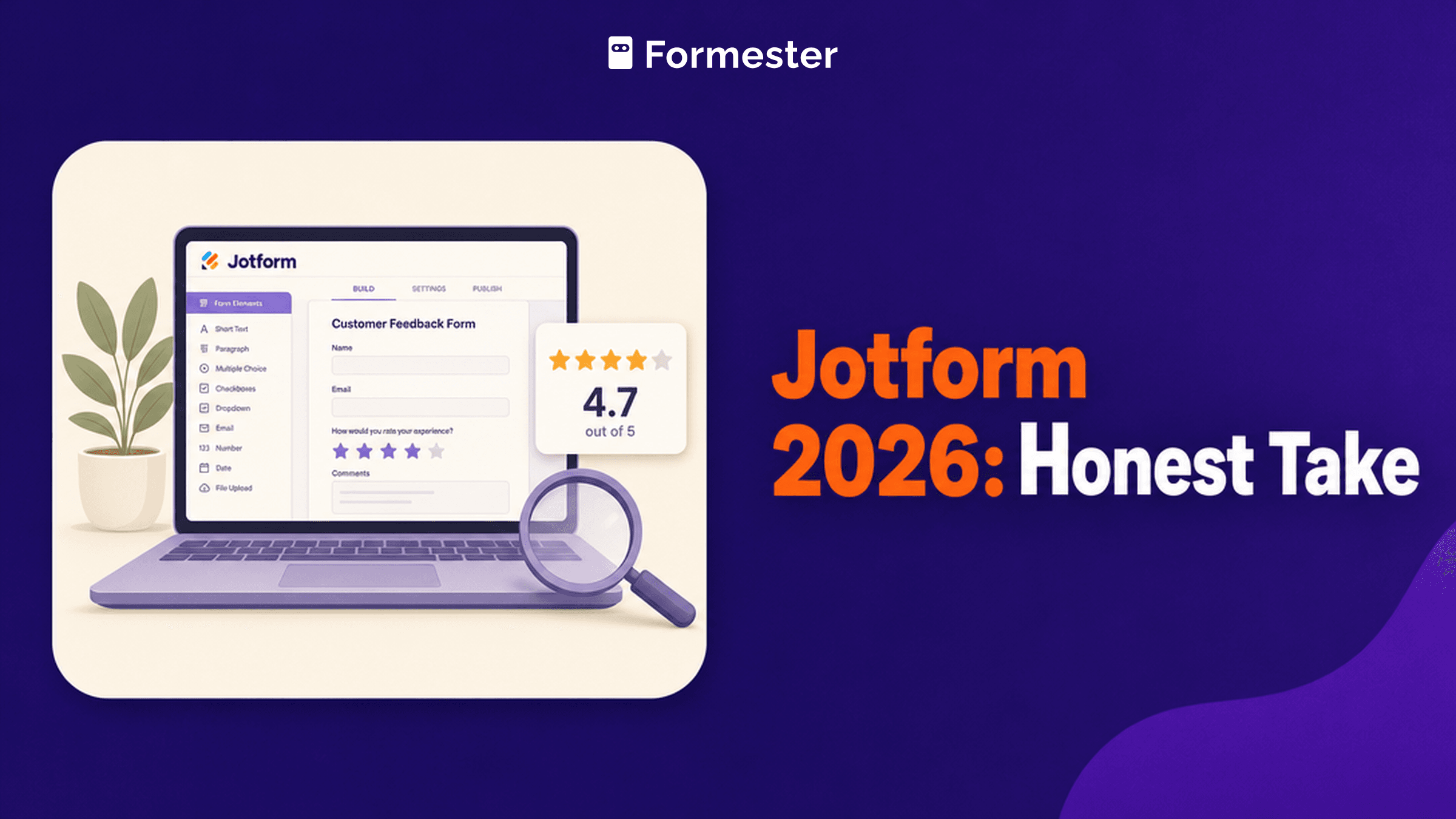
Jotform Review 2026: Pricing, Pros + Cons
Hands-on Jotform review in 2026. Full breakdown of pricing tiers ($34/$39/$99/mo + Enterprise), editor UX, 20,000+ template library, HIPAA add-on flow, real-world use cases, honest weaknesses, and when Formester is the better pick.
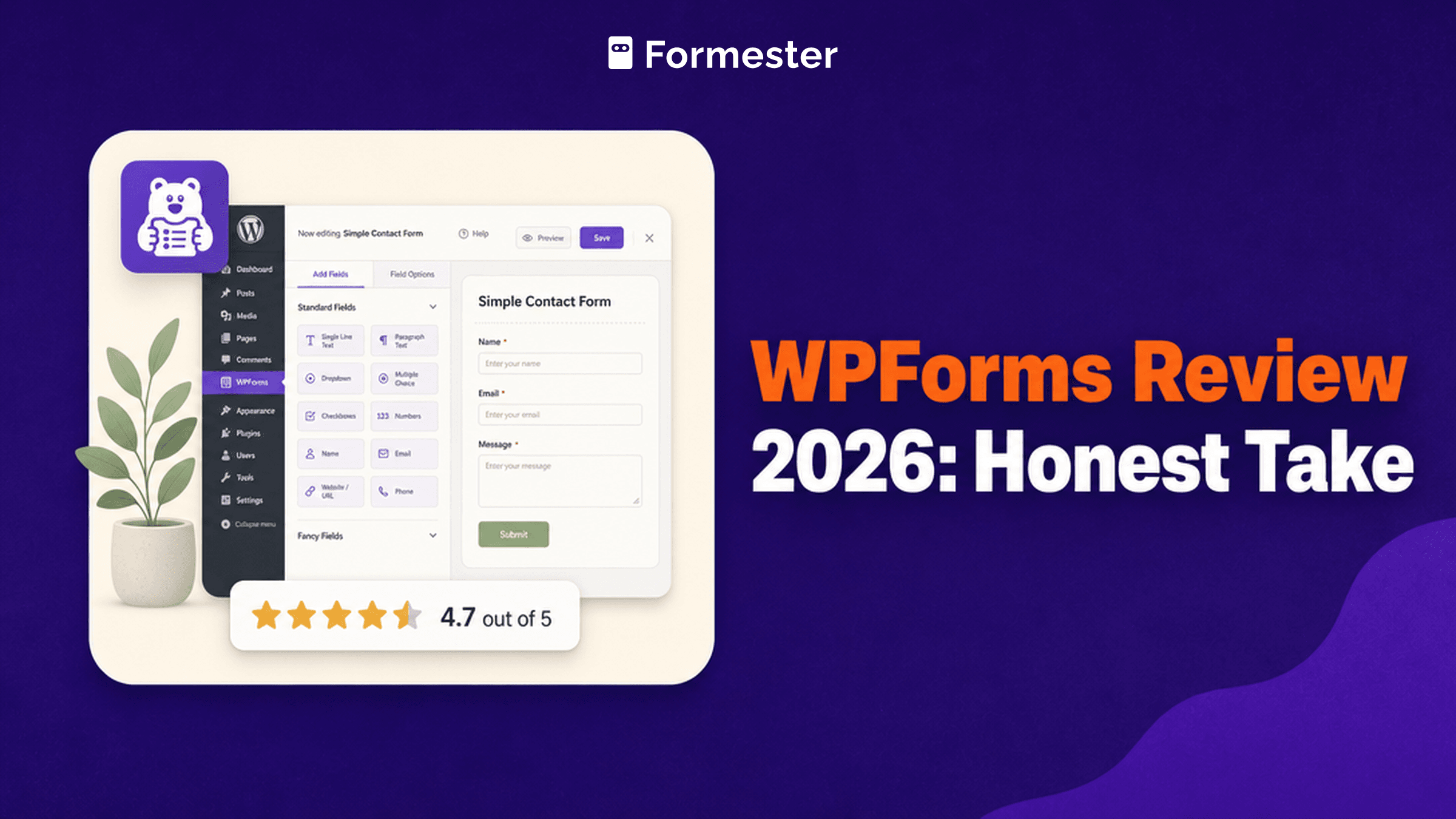
WPForms Review 2026: Pricing, Pros + Cons
Hands-on WPForms review in 2026. Full breakdown of 4-tier annual pricing ($49/$99/$199/$299/year), editor UX, 30+ first-party add-ons, WordPress-only reality, real-world use cases, honest weaknesses, and when Formester is the better pick.
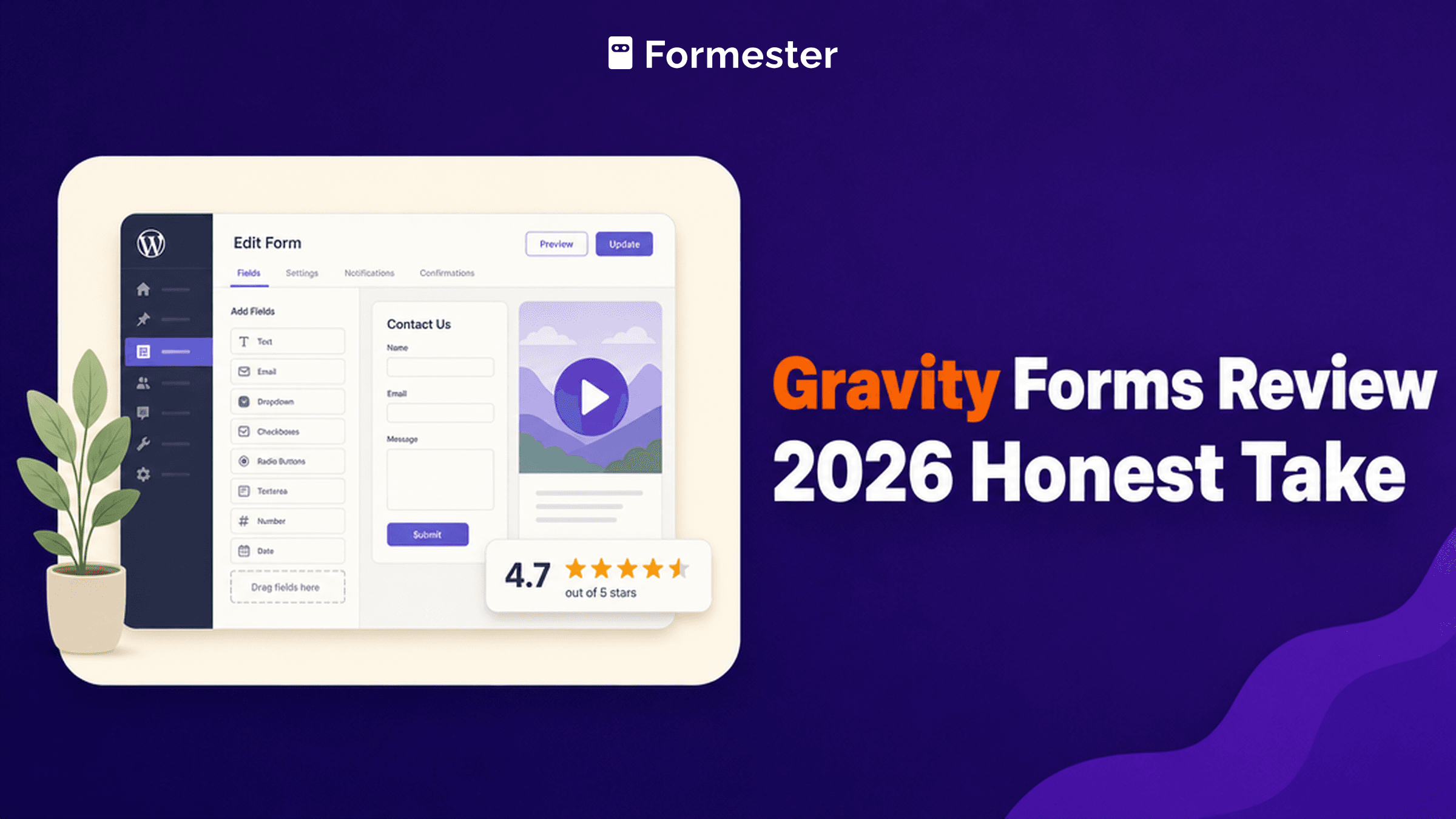
Gravity Forms Review 2026: Pricing, Pros + Cons
Honest hands-on review of Gravity Forms in 2026. Full breakdown of pricing tiers ($59 / $159 / $259 annual), editor UX, 30+ add-ons library, real-world use cases, honest weaknesses, and when Formester is the better pick.
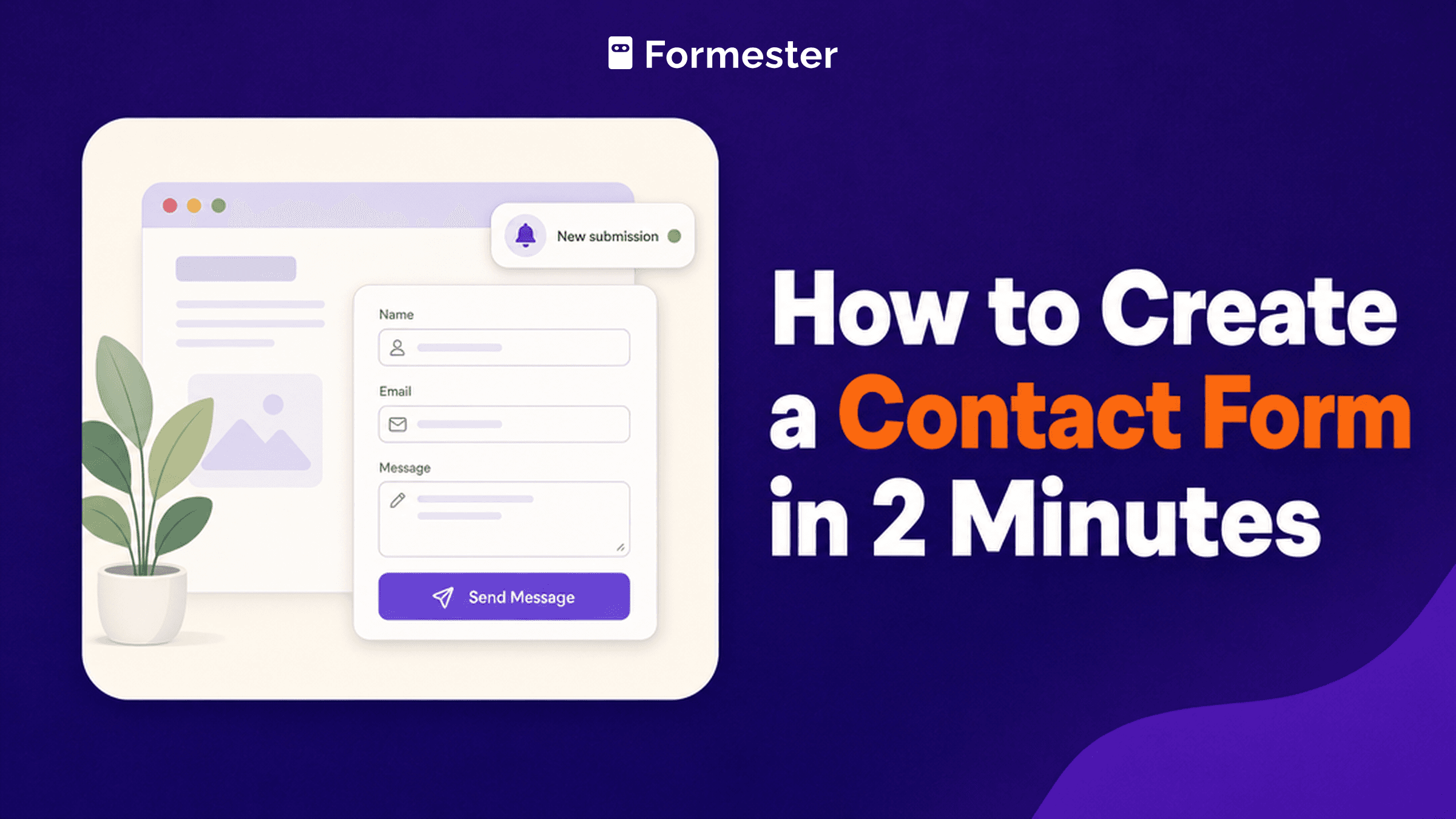
How to Create a Contact Form (5 Methods, 2026 Guide)
Five methods to build a working contact form on any site in 2026: no-code builder, WordPress plugin, Google Forms, HTML with third-party endpoint, or raw HTML with your own backend. Comparison table, best practices, and common mistakes.
Counter Offer Letter: 5 Templates + How to Write One That Closes the Deal
5 ready-to-use counter offer letter templates plus the framework for deciding when to send one and the common mistakes that turn a counter into an exit.