bevdkbdf.formester.com/f/c7UPxAizc

Childcare and Caregiving Employment Application

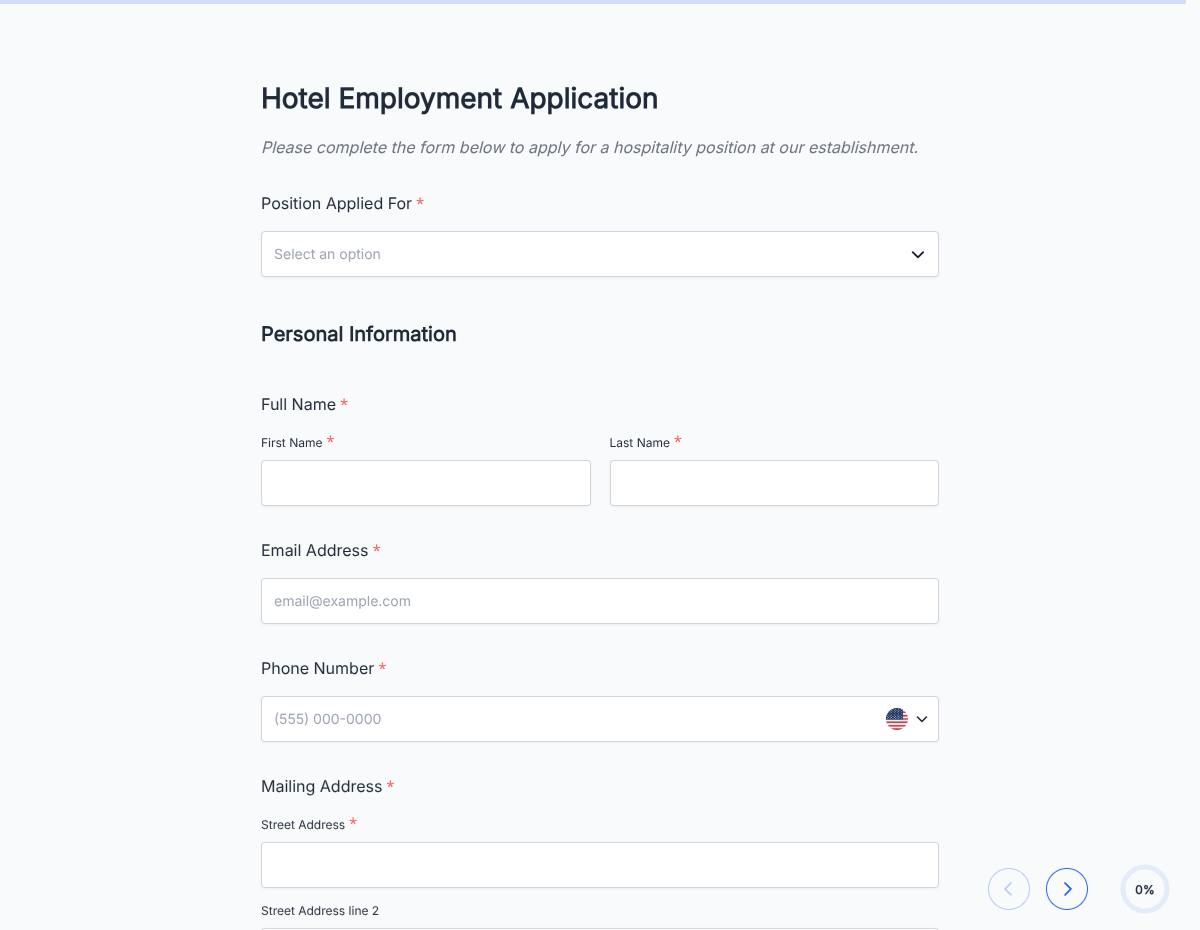
A caregiver application form for families and agencies. Captures CPR certification, background check consent, prior experience, references, and availability. Exported as a signed PDF.

Applications

About this template

This caregiver application form runs on Formester's drag-and-drop builder, sized for families hiring nannies and agencies placing caregivers with clients.

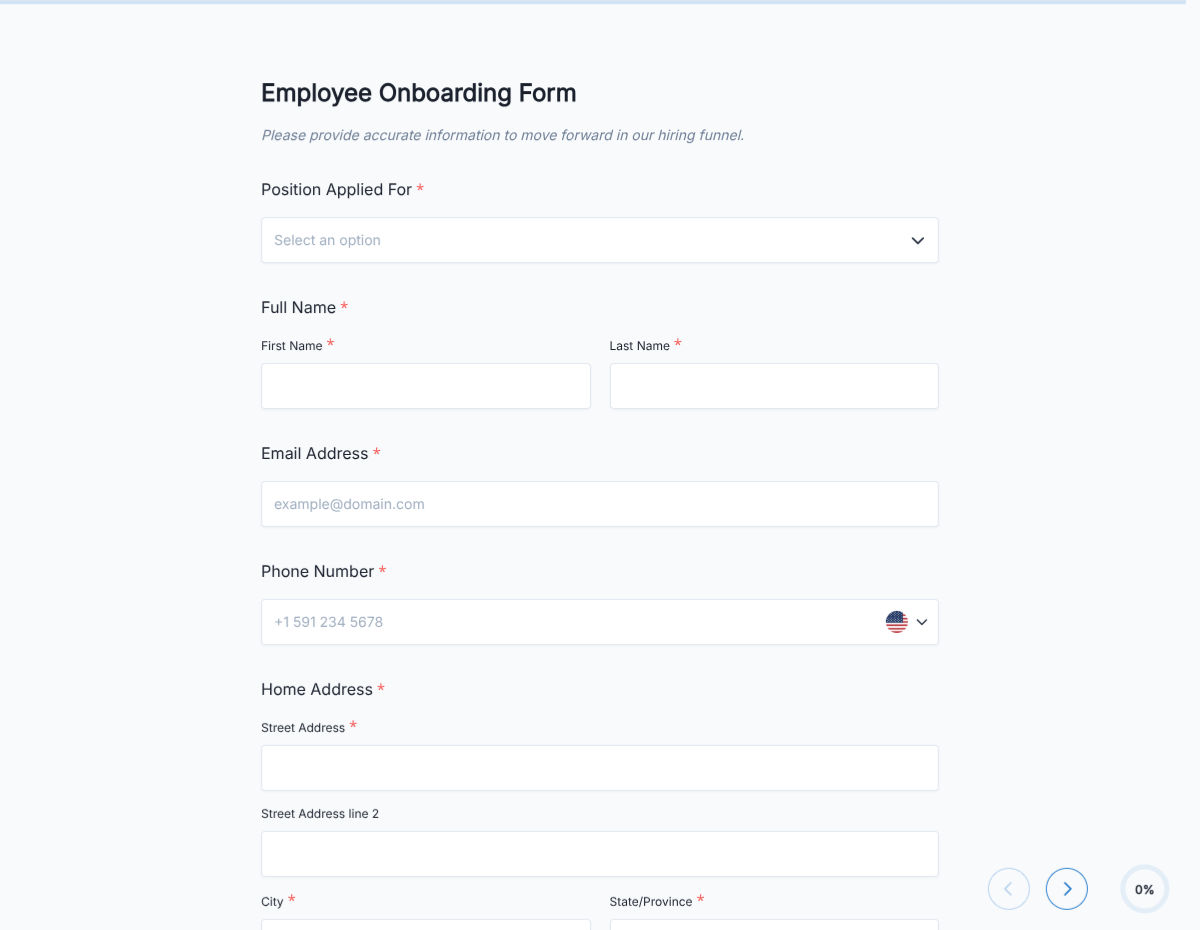
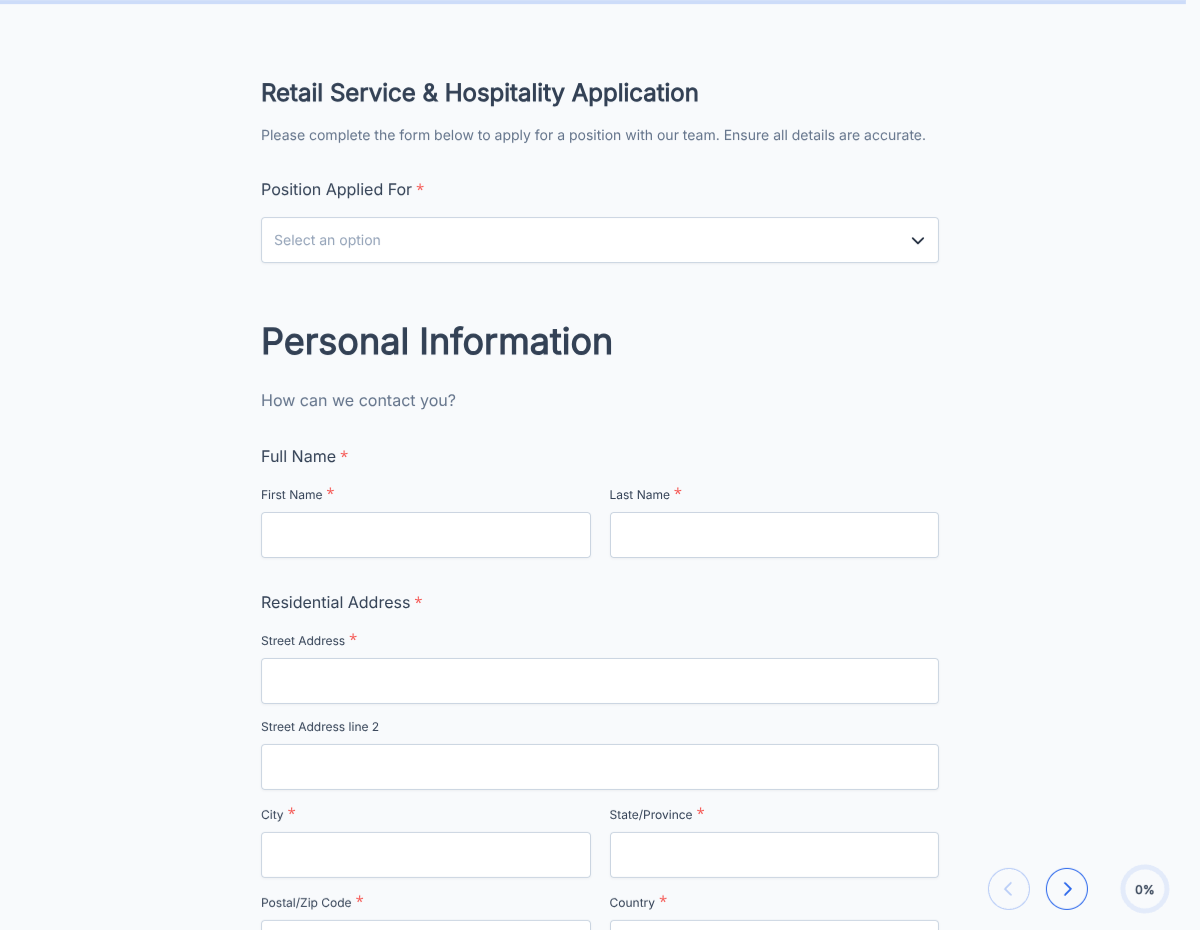
The template captures CPR / First Aid certification, background-check consent, prior positions, references, and specific caregiving experience (infant, toddler, school-age, elderly, special-needs), then routes each application to the family or the agency's placement coordinator.

Use conditional logic to surface age-group specific fields based on the family's needs, and to require specialty certifications (special-needs training, medication administration) when the role calls for them.

Every submission auto-acknowledges the caregiver and pushes to the family or agency dashboard via webhook, with the completed PDF stored securely for the hiring file.
How to customize this caregiver application form

Six steps to a family-ready hiring flow.

Open the template

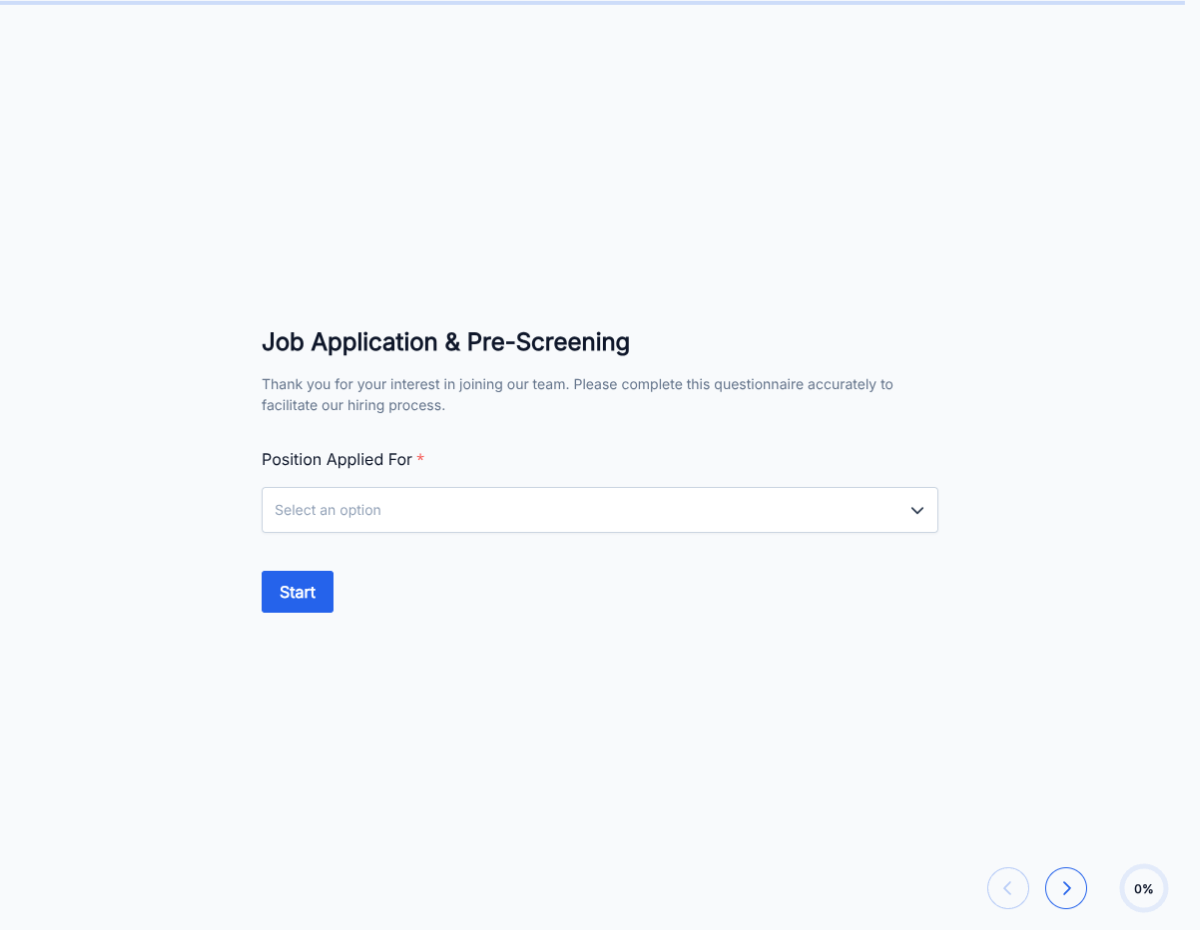
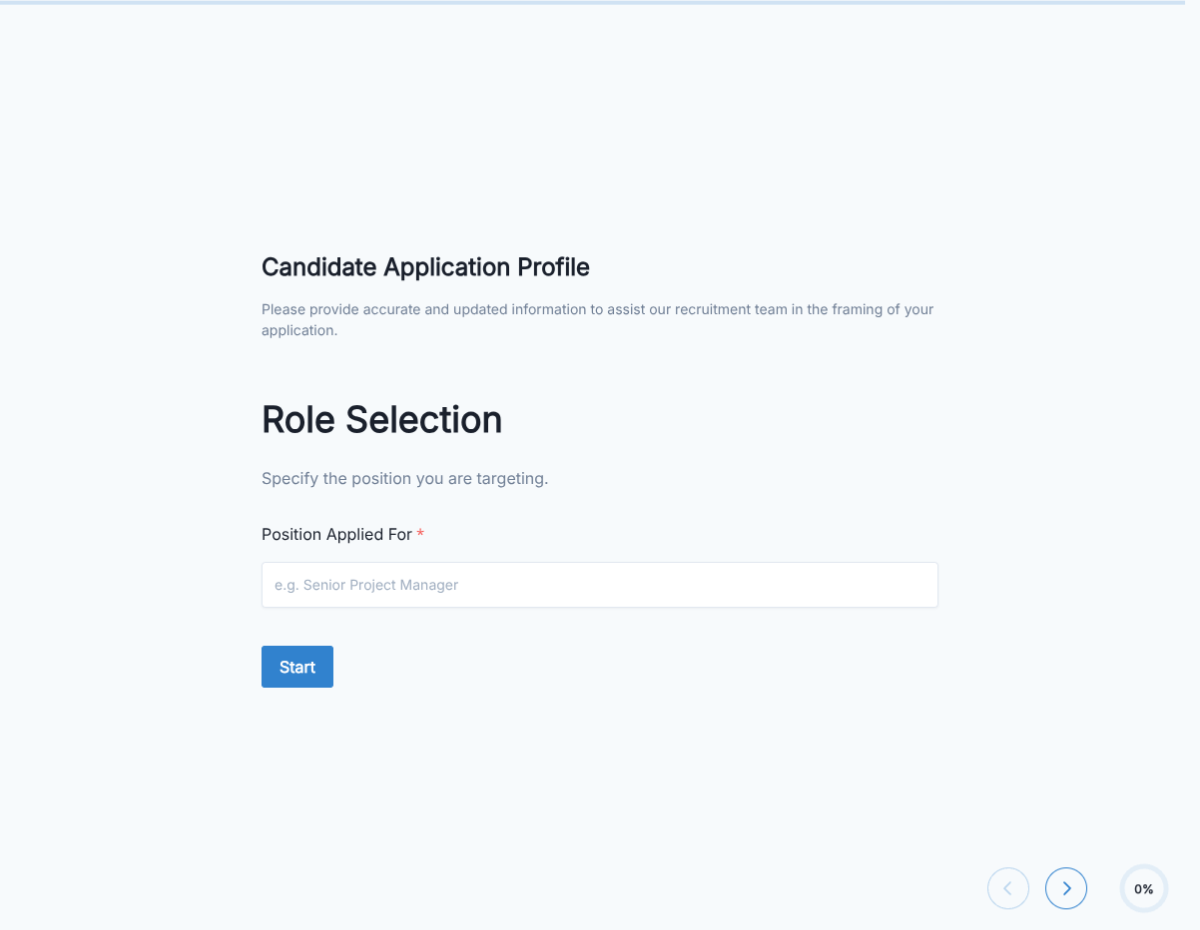
Click Use Template. The full form, conditional rules, and any e-signature flow load in the Formester drag-and-drop builder ready to edit.

Brand the header

Replace the placeholder company name, logo, and job title. Set primary colors so the form matches your careers page or hiring portal.

Configure age-group experience picker

Multi-select for infants, toddlers, school-age, teenagers, adults, elderly. Each triggers relevant experience fields.

Add certification uploads

CPR / First Aid required, optional for special-needs training, medication admin, ECE degree. File-upload for each.

Set schedule preferences

Weekdays, weekends, overnights, live-in, occasional backup. Family or agency filters by fit.

Wire delivery

Push each submission to your ATS or HRIS via a webhook, or use Zapier to fan out to Slack notifications and calendar invites. Turn on Autoresponder Email so the applicant gets acknowledged.

Publish and share

Embed on your careers page, share the direct URL on job boards, or drop a QR code on in-store hiring posters. Every submission lands in the dashboard with a clean PDF for the hiring file.

When to use this caregiver application form

Six caregiver hiring scenarios this template handles.

Infant / toddler care

Captures infant CPR, diaper-changing comfort, feeding-schedule experience.

After-school care

Focuses on homework-help experience, K-8 age group, transportation comfort.

In-home nanny

Live-in vs live-out. Meal-prep skills. Light housekeeping expectations.

Elderly care

Medication reminders, mobility assistance, dementia-care experience if applicable.

Special-needs care

Specific training (autism, ADHD, physical disability support). Prior experience required.

Backup or on-call

Occasional availability. Notice period. Willingness for short-notice bookings.

Fields included in this template

Standard caregiver application fields.

  • Full name Short text

    Legal name for the background check.

  • Contact Email + Phone

    For scheduling.

  • Work authorization Radio

    For W-2 employment. Nannies often paid on payroll.

  • CPR / First Aid certification Checkbox + upload

    Current cert required. Upload the card.

  • Background check consent E-signature

    Standard for anyone working with children or vulnerable adults.

  • Years of caregiving experience Number

    With age groups (infants, toddlers, school-age, elderly).

  • Prior positions Long text

    Recent caregiving roles with dates and references.

  • References Repeatable name + phone

    Three references, ideally from families or agencies.

  • Certifications and training Multi-select

    Infant CPR, medication administration, special-needs training, ECE degree.

  • Availability Multi-select

    Weekdays, weekends, overnights, live-in, backup.

  • Transportation Radio

    Own vehicle, valid driver's license, willingness to drive children.

  • Signature E-signature

    Attests information is accurate.

Questions we get a lot

Operator and signer questions about security, integrations, jurisdiction, and configuration.

Are submissions secure?
Yes. Every submission is encrypted in transit and at rest. Add a custom subdomain on paid plans so the form lives on your own URL through the entire flow.
Can I collect a resume or supporting files from the caregiver?
Yes. The template ships a file upload field with configurable size and file-type limits. PDF, DOC, DOCX, and PNG/JPG all supported.
Can I auto-acknowledge the caregiver after they submit?
Yes. Turn on Autoresponder Email so the applicant gets an acknowledgement the moment they submit. Attach the completed application as a PDF if your workflow needs it.
Can I route each submission to my ATS or CRM?
Yes. Push each submission via a webhook for real-time delivery, or use Zapier to fan out to your ATS, HRIS, and Slack. Google Sheets sync works if you just need a hiring log.
Can I disqualify applicants automatically?
Yes. Use conditional logic to route applicants based on any answer, or set fields as pass/fail to show a thanks page immediately when a hard requirement is not met.
Is a background check required for caregiver?
Yes, standard for anyone working with children or vulnerable adults. The template captures consent up front so the check can run in parallel with the interview process.
Can I collect CPR / First Aid certification?
Yes. The template has a certification upload field via file upload. Accepts PDF or photo of the cert card.