bevdkbdf.formester.com/f/EjYptcfI9

Labor Application Form - Service & Hospitality

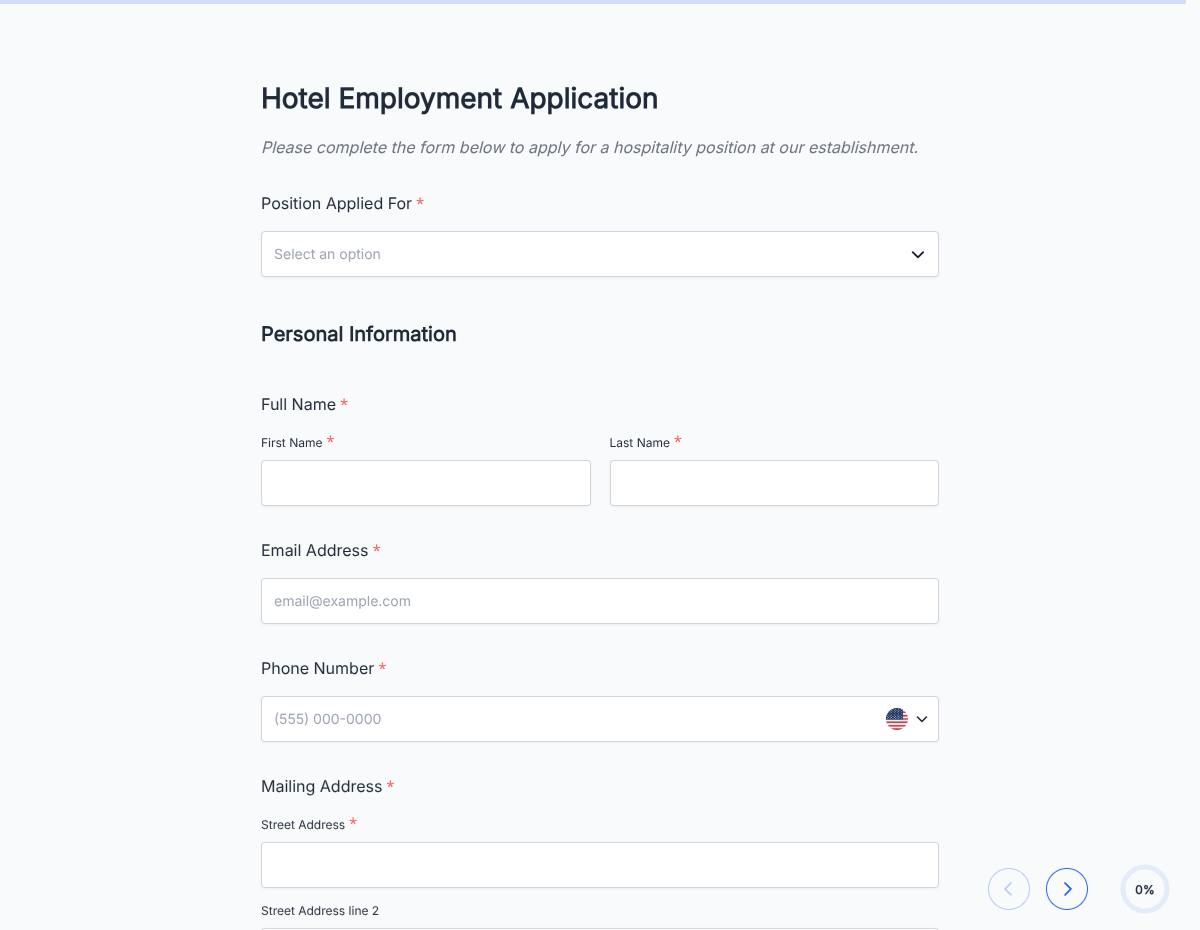
A labor application form for construction, warehouse, manufacturing, and general labor hiring. Captures physical requirements, safety training, prior experience, and availability.

Applications

About this template

This labor application form runs on Formester's drag-and-drop builder, sized for construction firms, warehouses, manufacturing plants, and general contractors hiring skilled and unskilled labor.

The template captures physical-requirements comfort (lifting 50+ lbs, standing 8 hours, outdoor work), safety training (OSHA 10 / 30), certifications (forklift, CDL, welding), and prior labor experience by trade.

Use conditional logic to surface trade-specific fields (electrical, plumbing, HVAC, welding, forklift), and to filter for the physical and safety requirements the specific job requires.

Every submission auto-acknowledges the applicant and routes to the site supervisor or hiring coordinator via webhook with the safety-training and certification info tagged for quick screening.
How to customize this labor application form

Six steps to a site-ready labor hiring flow.

Open the template

Click Use Template. The full form, conditional rules, and any e-signature flow load in the Formester drag-and-drop builder ready to edit.

Brand the header

Replace the placeholder company name, logo, and job title. Set primary colors so the form matches your careers page or hiring portal.

Configure trade picker

General labor / construction / warehouse / manufacturing / skilled trade (specify). Each triggers relevant certification field.

Add safety-training block

OSHA 10, OSHA 30, MSHA, forklift certification, CDL Class A/B, welding cert. Each uploadable via file field.

Set physical-requirements comfort

Lifting 50+ lbs, standing 8 hours, outdoor work, ladder work, confined-space work. Filter by job-specific requirements.

Wire delivery

Push each submission to your ATS or HRIS via a webhook, or use Zapier to fan out to Slack notifications and calendar invites. Turn on Autoresponder Email so the applicant gets acknowledged.

Publish and share

Embed on your careers page, share the direct URL on job boards, or drop a QR code on in-store hiring posters. Every submission lands in the dashboard with a clean PDF for the hiring file.

When to use this labor application form

Six labor hiring scenarios this template handles.

General construction laborer

OSHA 10, physical comfort, prior site experience.

Warehouse / forklift operator

Forklift cert, warehouse experience, WMS familiarity.

Skilled trade (electrician, plumber, HVAC)

Trade license, apprentice / journeyman level, prior contract experience.

Welder

Welding certification (MIG, TIG, stick), prior fabrication or field experience.

CDL driver (Class A/B)

CDL with endorsements, DOT medical card, prior route or long-haul experience.

Manufacturing line worker

Assembly experience, machine operation, standing 8-hour comfort, safety-glasses compliance.

Fields included in this template

Standard labor application fields.

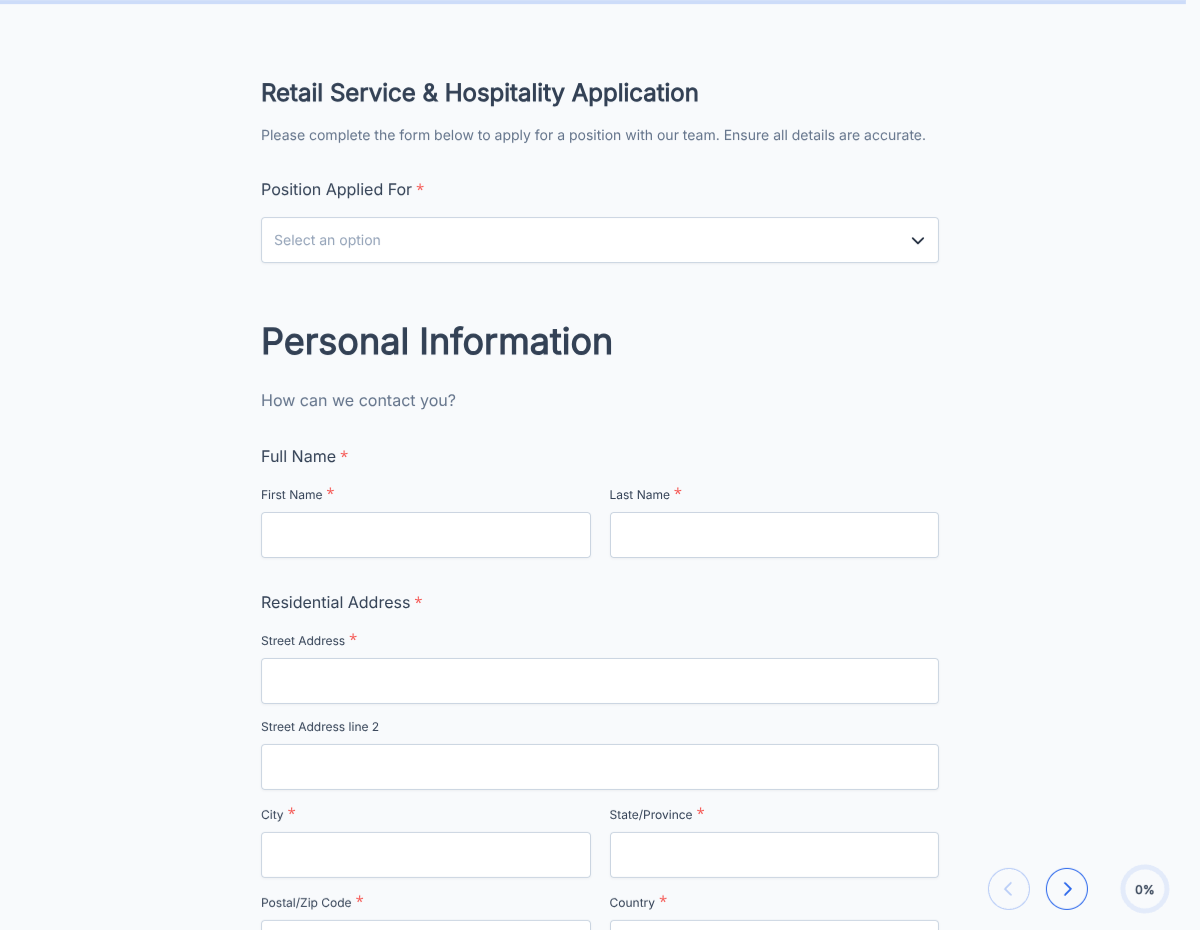
  • Full name Short text

    For the application record.

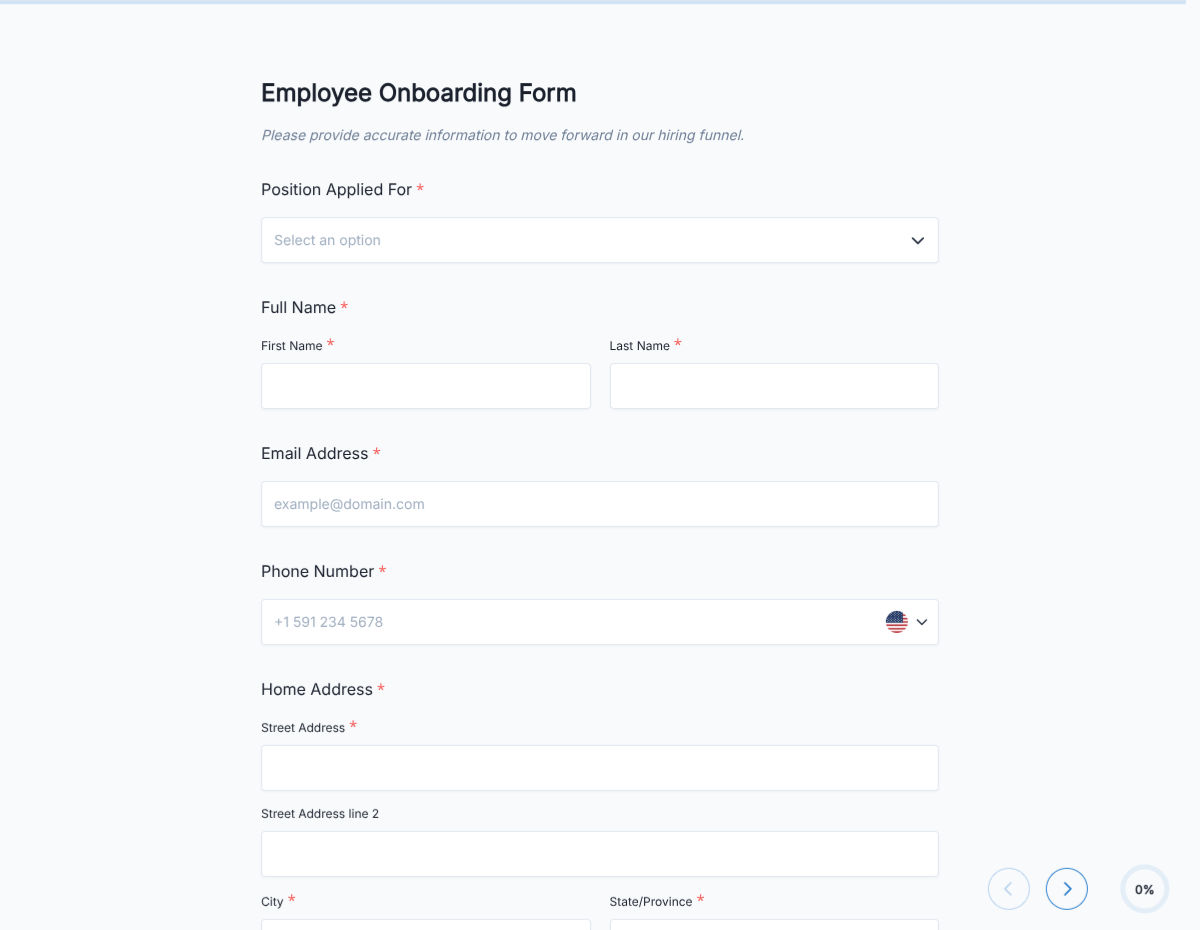
  • Contact Email + Phone

    For scheduling.

  • Age (18+ confirmation) Radio

    For roles with legal minimum age.

  • Work authorization Radio

    US citizen / authorized to work / requires sponsorship.

  • Availability Multi-select

    Days + shifts. Weekend, evening, holiday willingness.

  • Prior experience Multi-select

    Similar roles, tools (POS, kitchen equipment), years.

  • Food-handler certification Checkbox + upload, conditional

    For food-service roles.

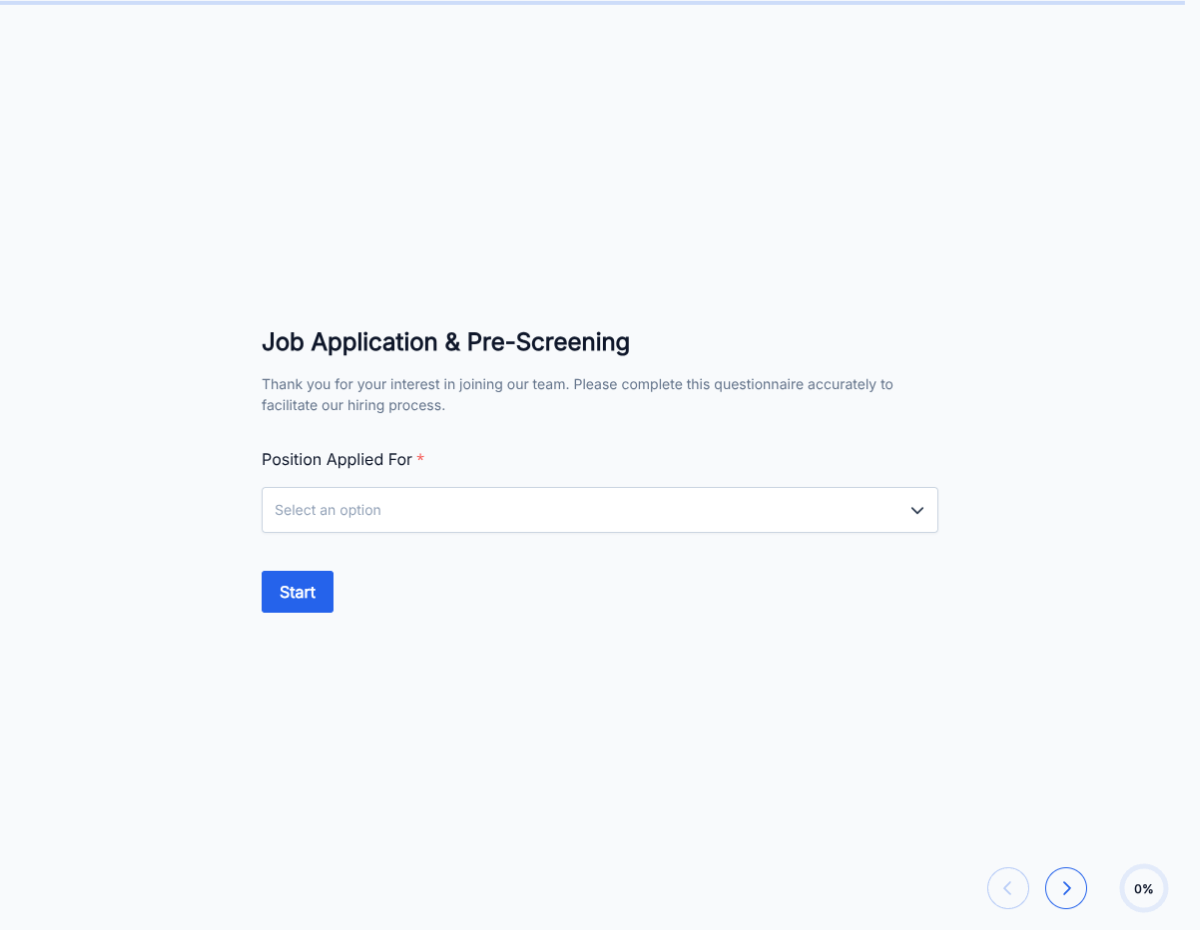
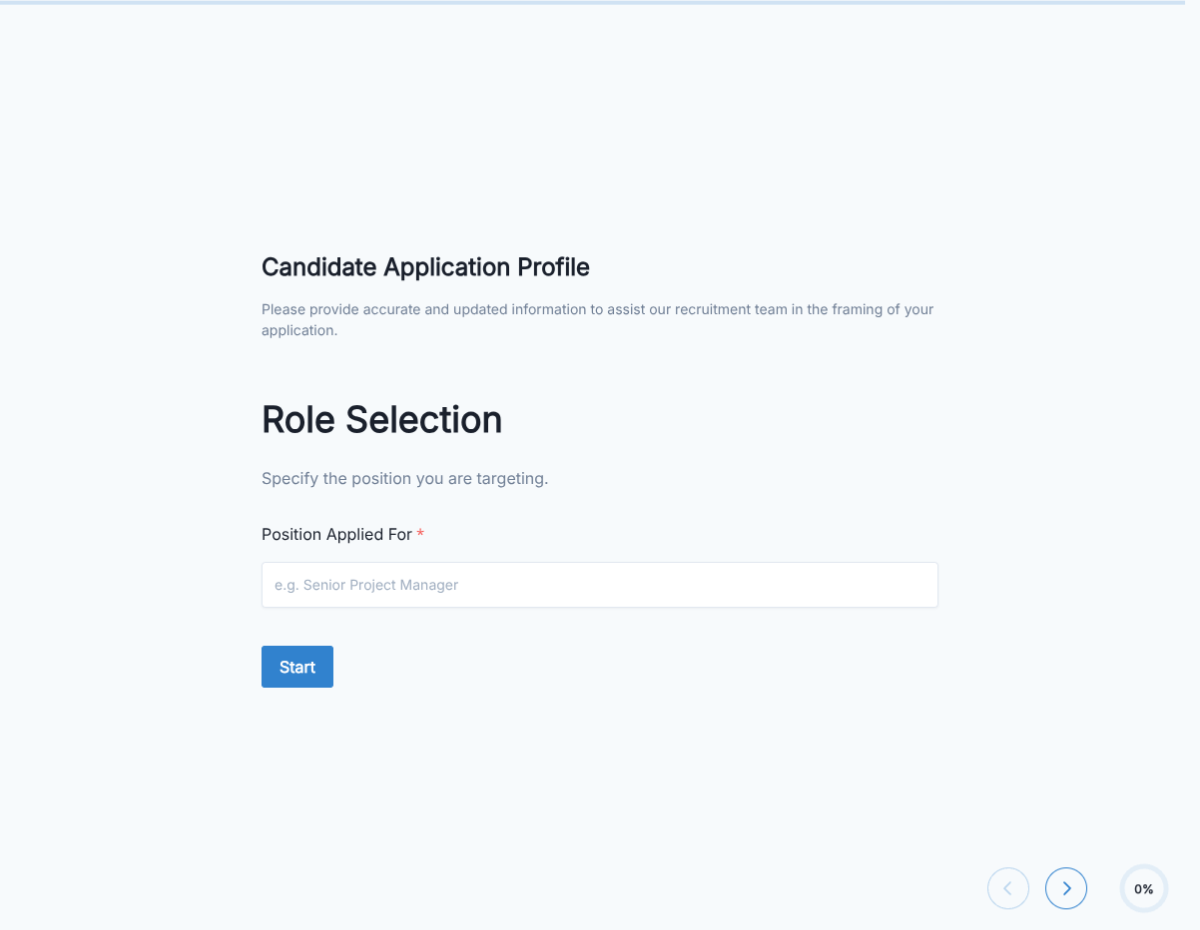
  • Position applying for Dropdown

    Server / host / cook / cashier / etc.

  • Preferred start date Date

    When they can start.

  • Transportation to work Radio

    Own vehicle / public transit / other.

  • Emergency contact Name + phone

    For workplace safety.

  • Signature E-signature

    Attests information is accurate + consent to background check.

Questions we get a lot

Operator and signer questions about security, integrations, jurisdiction, and configuration.

Are submissions secure?
Yes. Every submission is encrypted in transit and at rest. Add a custom subdomain on paid plans so the form lives on your own URL through the entire flow.
Can I collect a resume or supporting files from the applicant?
Yes. The template ships a file upload field with configurable size and file-type limits. PDF, DOC, DOCX, and PNG/JPG all supported.
Can I auto-acknowledge the applicant after they submit?
Yes. Turn on Autoresponder Email so the applicant gets an acknowledgement the moment they submit. Attach the completed application as a PDF if your workflow needs it.
Can I route each submission to my ATS or CRM?
Yes. Push each submission via a webhook for real-time delivery, or use Zapier to fan out to your ATS, HRIS, and Slack. Google Sheets sync works if you just need a hiring log.
Can I disqualify applicants automatically?
Yes. Use conditional logic to route applicants based on any answer, or set fields as pass/fail to show a thanks page immediately when a hard requirement is not met.
Do I need experience to apply for a labor role?
The template asks about prior experience but does not require it. Configure the form to make experience optional for entry-level roles, or required for specialist roles.
Can applicants pick their available shifts?
Yes. The availability field is a multi-select calendar showing weekday, weekend, morning, evening, and holiday options. Managers can filter applicants by shift fit.