bevdkbdf.formester.com/f/TfQRCsF1A

Standard Job Application Form

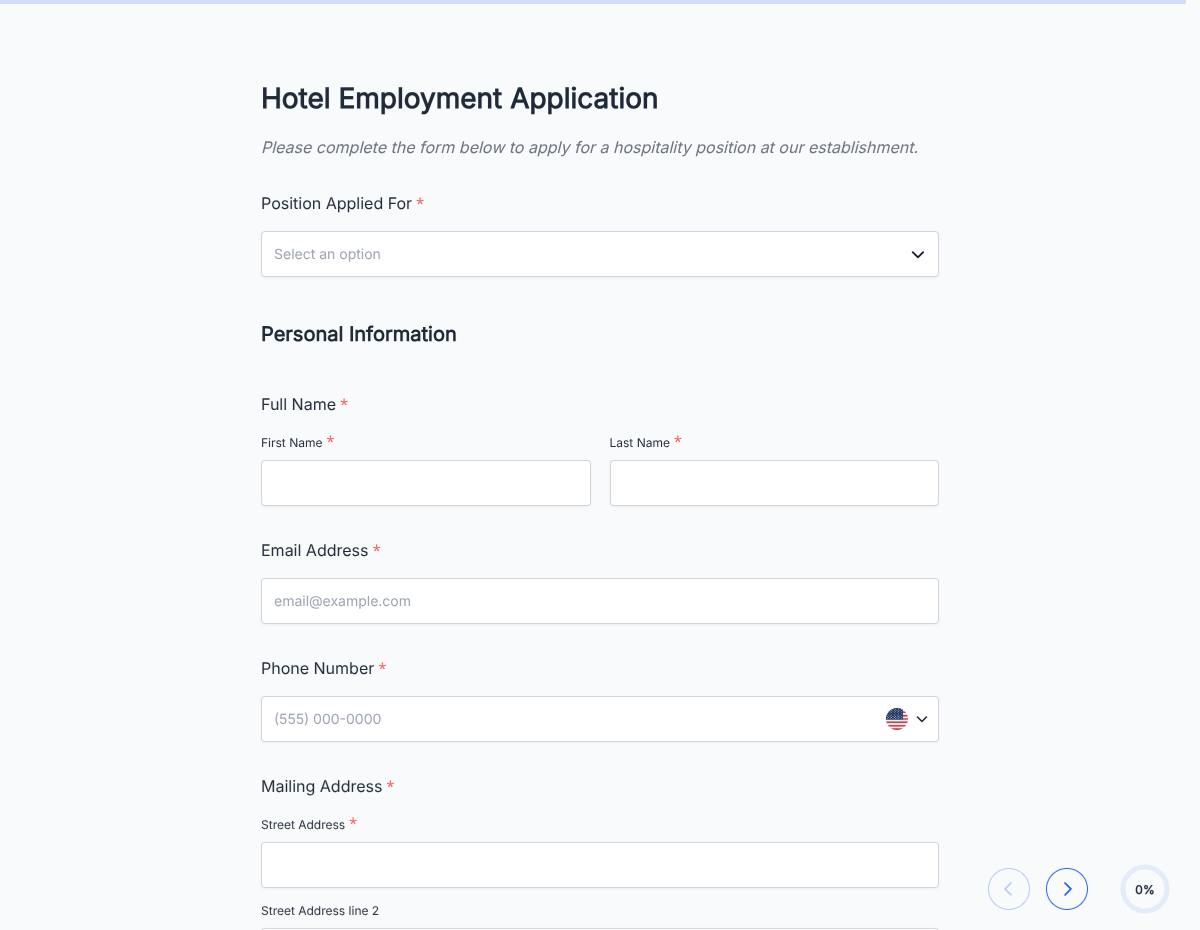
A recruitment application form for open roles and talent-pool interest. Captures resume, role fit, experience, and availability. Exported as a signed PDF for the hiring file.

Applications

About this template

This recruitment application form runs on Formester's drag-and-drop builder, sized for recruiters and TA teams running open-role hiring + talent-pool intake at the same time.

The template captures the candidate's target role (or general interest), resume, salary and availability expectations, work authorization, and role-specific competencies. Route each application to the right recruiter based on the target role.

Use conditional logic to surface role-specific screening for open roles and to route talent-pool candidates into a nurture pipeline instead of an active hiring track.

Every submission auto-acknowledges the candidate and pushes to your ATS via webhook, with clear tags for active-role vs talent-pool candidates so the recruiter sees pipeline priority at a glance.
How to customize this recruitment application form

Six steps to a TA-ready recruitment flow.

Open the template

Click Use Template. The full form, conditional rules, and any e-signature flow load in the Formester drag-and-drop builder ready to edit.

Brand the header

Replace the placeholder company name, logo, and job title. Set primary colors so the form matches your careers page or hiring portal.

Configure role picker with active + interest options

List all currently-open roles + a 'General interest' option. Each triggers different downstream flows.

Add role-specific screening blocks

For engineering: stack + seniority + coding project. For sales: quota history + territory + CRM. For support: ticket volume + tool experience.

Route submissions per recruiter

Webhook keyed off role field. Each recruiter's Slack channel or ATS view gets only their relevant candidates.

Wire delivery

Push each submission to your ATS or HRIS via a webhook, or use Zapier to fan out to Slack notifications and calendar invites. Turn on Autoresponder Email so the applicant gets acknowledged.

Publish and share

Embed on your careers page, share the direct URL on job boards, or drop a QR code on in-store hiring posters. Every submission lands in the dashboard with a clean PDF for the hiring file.

When to use this recruitment application form

Six recruitment scenarios this template handles.

Active-role application

Standard flow: resume + screening + interview scheduling.

Talent-pool interest

General-interest flow: shorter form, focus on background, enters nurture pipeline.

International candidate

Work authorization dropdown surfaces sponsorship-request fields when needed.

Referral candidate

'Referred by' field. Auto-notifies the referrer when application submitted; often shorter screening.

Bulk hiring for high-volume role

Retail, warehouse, hospitality. Simplified fields, availability calendar, auto-scheduling for phone screen.

University recruiting

Campus-specific tracks (SWE intern, PM intern, MBA rotation). Filtered by school and graduation year.

Fields included in this template

Standard recruitment application fields.

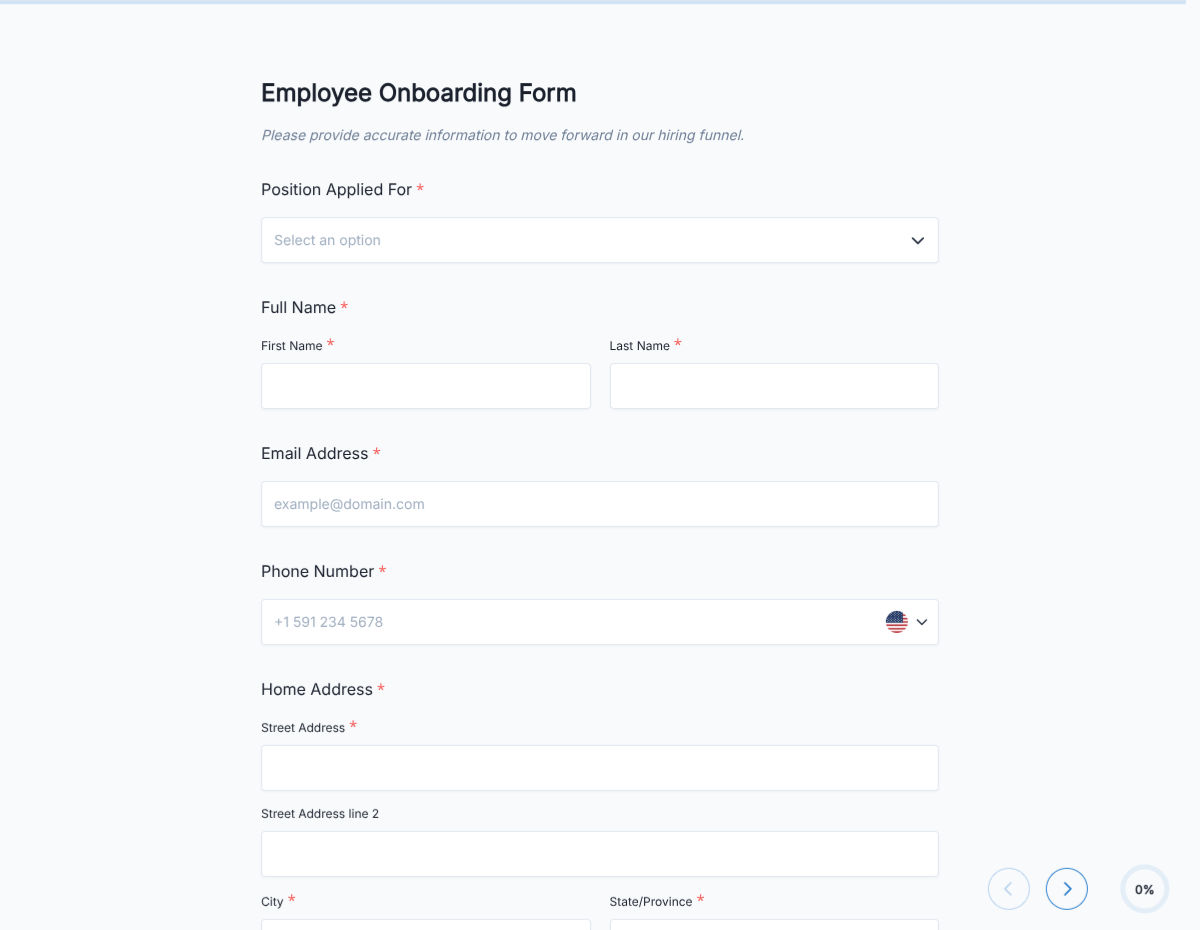
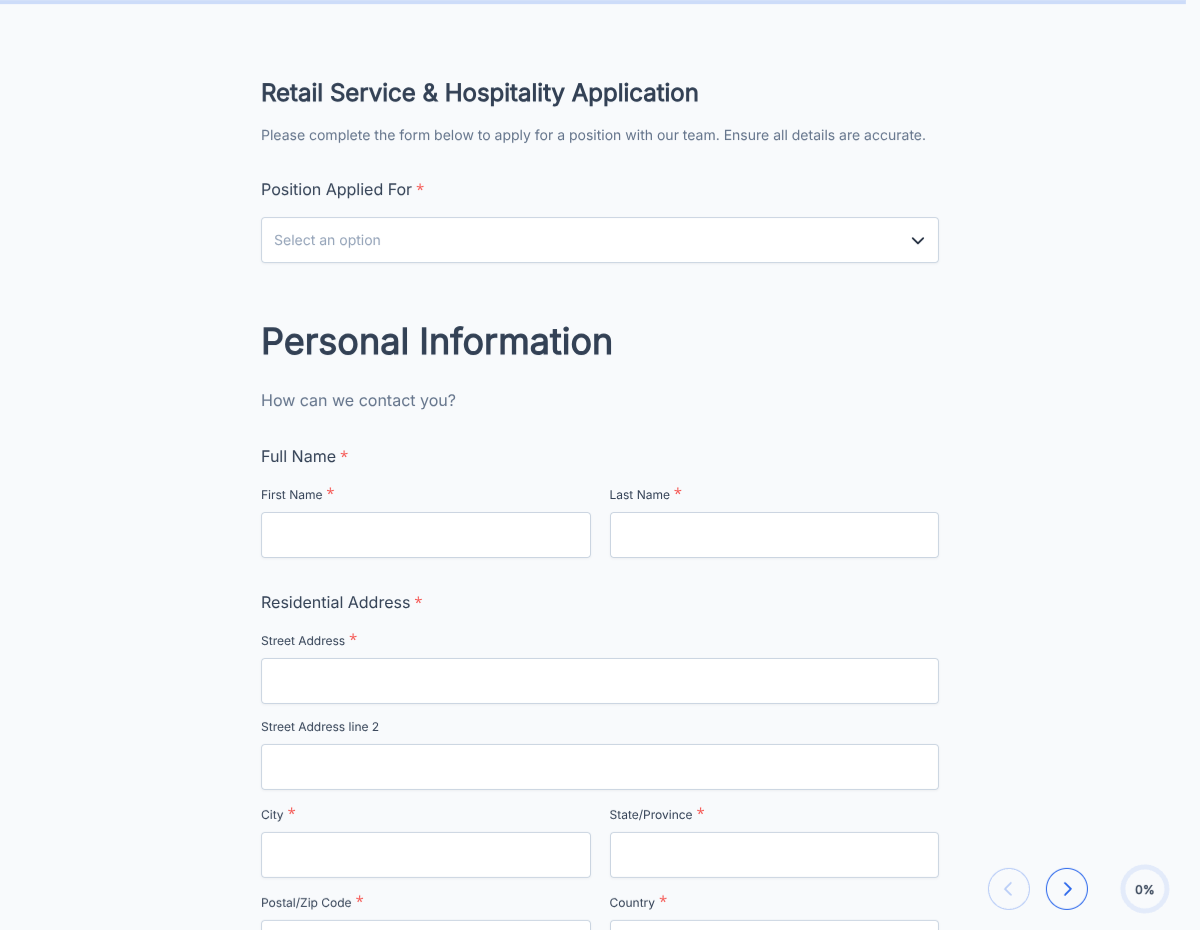
  • Full name Short text

    For the application record.

  • Contact Email + Phone

    For scheduling.

  • Current location Short text

    Filter for local vs relocation.

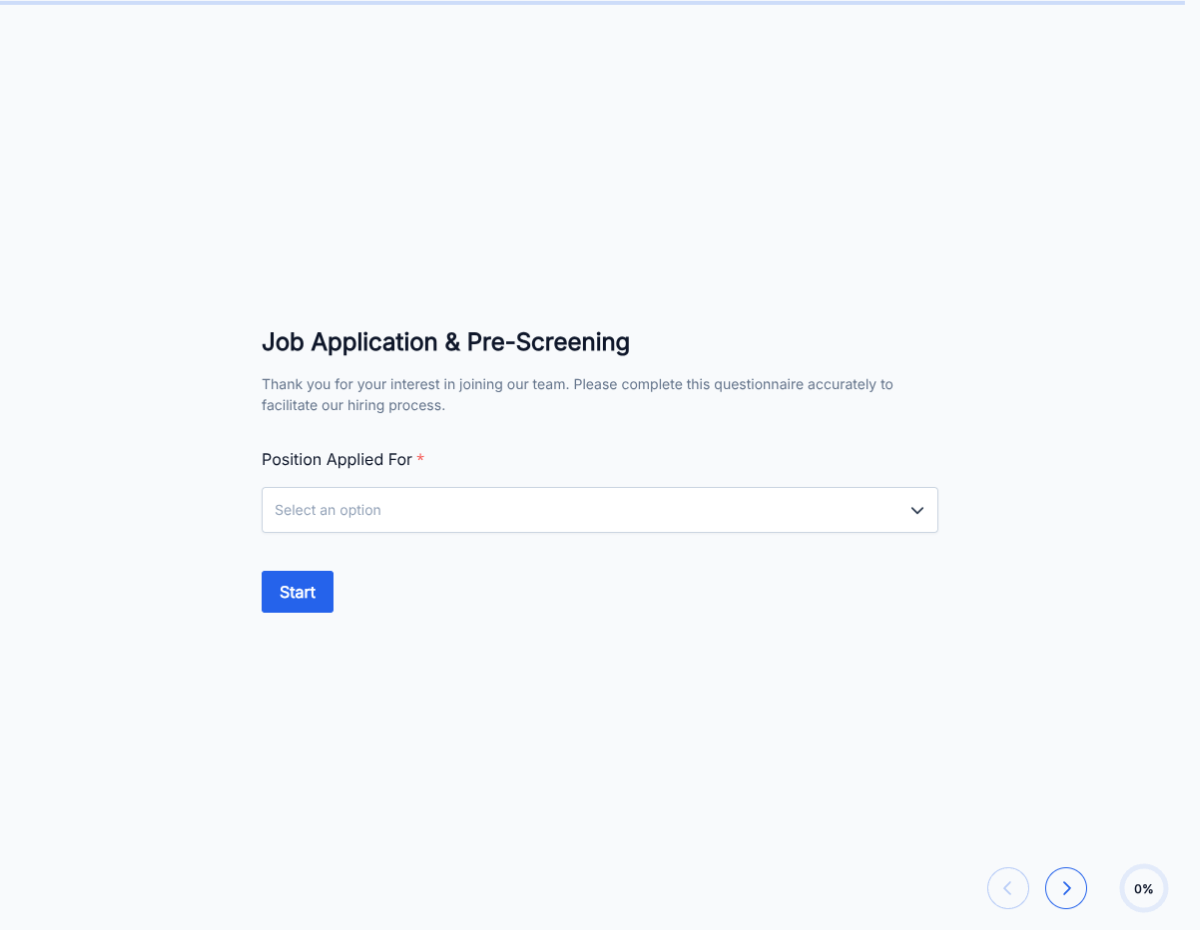
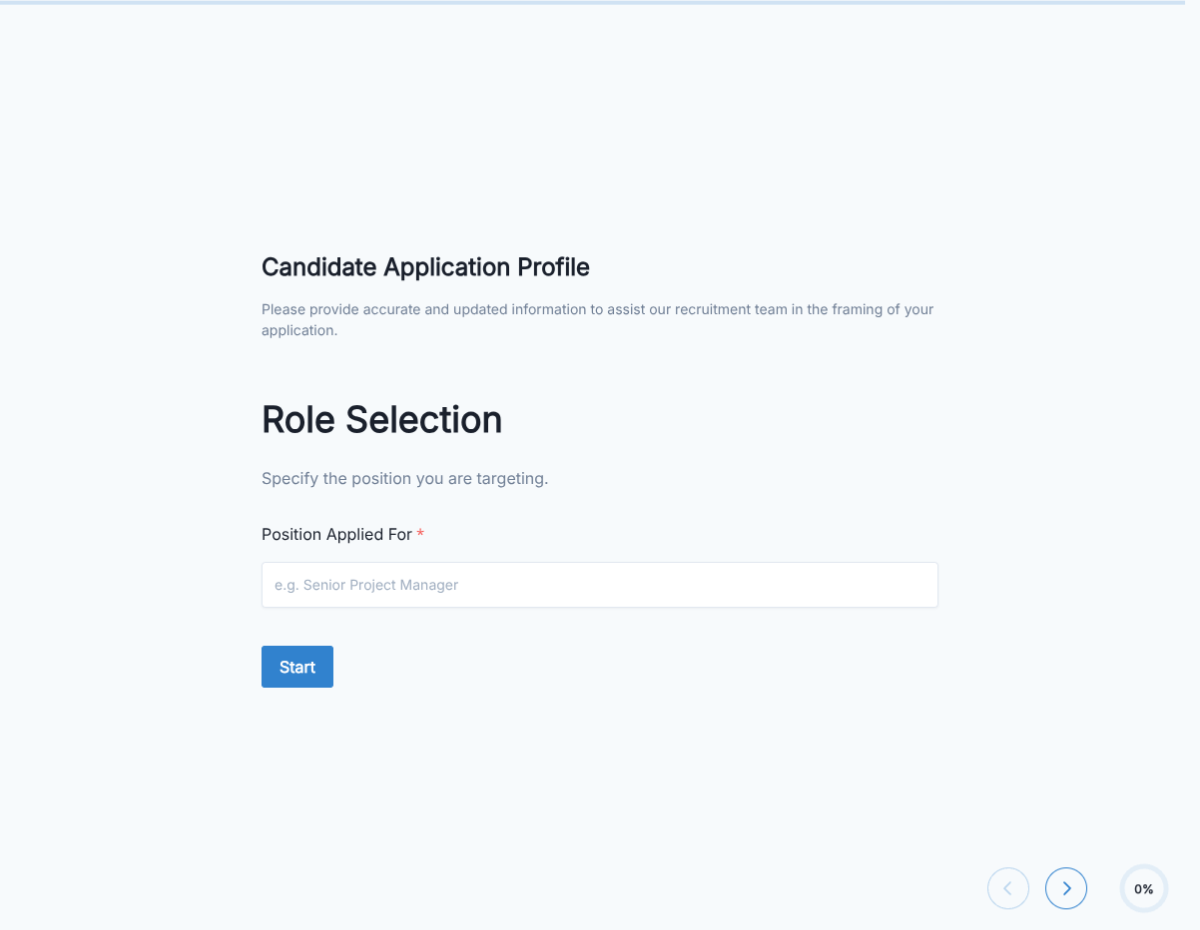
  • Role applying for Dropdown

    Includes open roles + general interest.

  • Resume upload File upload

    PDF / DOC / DOCX. Max 10 MB.

  • LinkedIn / portfolio URL

    Optional link.

  • Years of experience Number

    For quick filtering.

  • Salary expectations Short text

    Range or hourly rate.

  • Availability start date Date

    When they can start.

  • Work authorization Radio

    US citizen / green card / requires sponsorship.

  • Role-specific screening Conditional block

    Surface based on selected role.

  • Signature + consent E-signature

    Consent to contact, background check, EEO acknowledgement.

Questions we get a lot

Operator and signer questions about security, integrations, jurisdiction, and configuration.

Are submissions secure?
Yes. Every submission is encrypted in transit and at rest. Add a custom subdomain on paid plans so the form lives on your own URL through the entire flow.
Can I collect a resume or supporting files from the candidate?
Yes. The template ships a file upload field with configurable size and file-type limits. PDF, DOC, DOCX, and PNG/JPG all supported.
Can I auto-acknowledge the candidate after they submit?
Yes. Turn on Autoresponder Email so the applicant gets an acknowledgement the moment they submit. Attach the completed application as a PDF if your workflow needs it.
Can I route each submission to my ATS or CRM?
Yes. Push each submission via a webhook for real-time delivery, or use Zapier to fan out to your ATS, HRIS, and Slack. Google Sheets sync works if you just need a hiring log.
Can I disqualify applicants automatically?
Yes. Use conditional logic to route applicants based on any answer, or set fields as pass/fail to show a thanks page immediately when a hard requirement is not met.
Can I use this for both open roles and talent-pool intake?
Yes. The role-picker dropdown has a "General interest" option that routes candidates into a talent-pool nurture flow. Open-role selections trigger role-specific screening and interview scheduling.
How do I route submissions to different recruiters by role?
Use webhooks keyed off the role field. Engineering roles route to the eng recruiter, sales roles route to sales, general interest routes to the TA lead. Each recruiter sees only their pipeline.